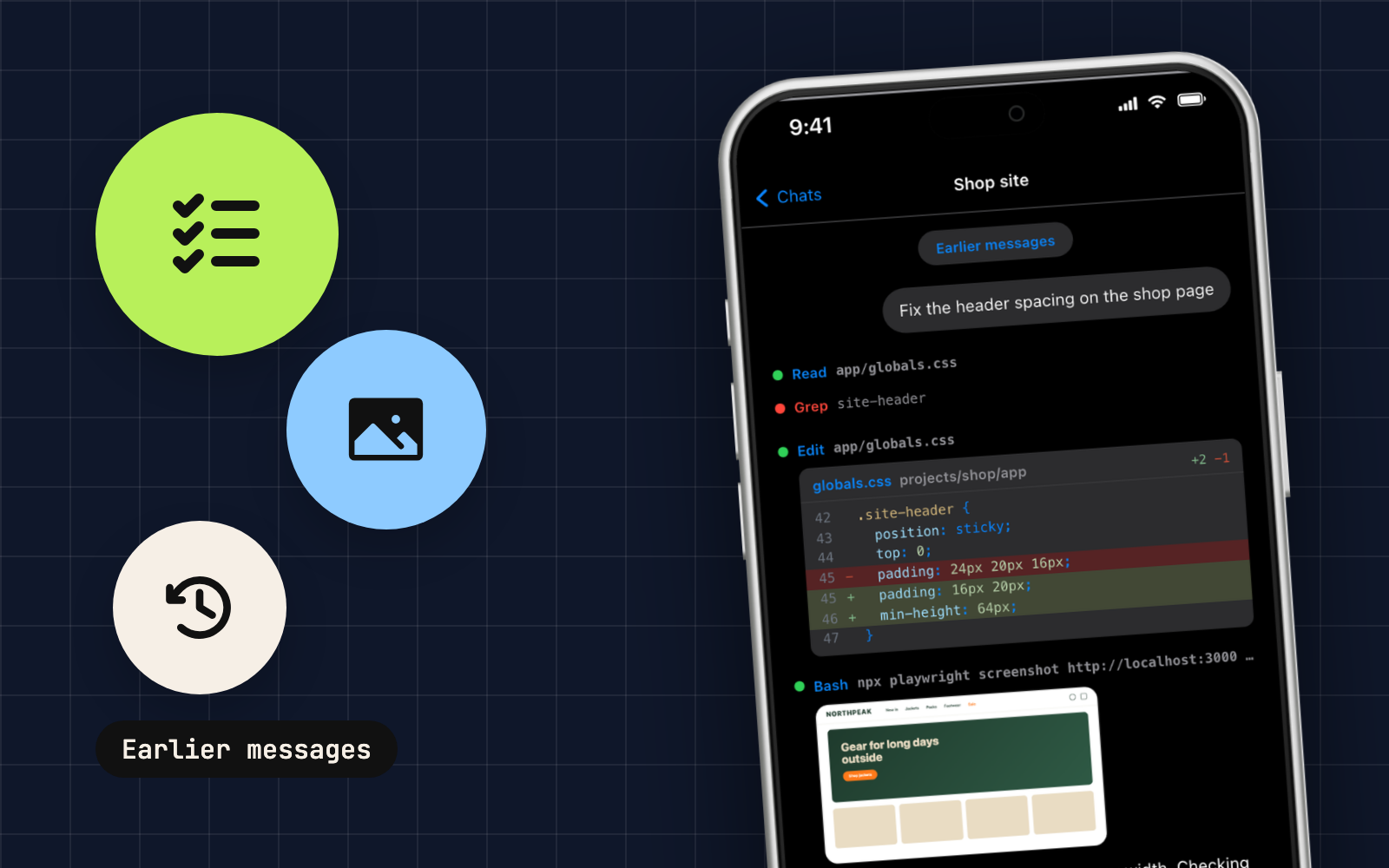
Claude Code transcripts, read on a phone
The VS Code panel shows more than replies: every tool the chat runs, edits as diffs, the pictures it opened, and the whole conversation after a reload. A phone app that shows the same draws on two sources. The mod inside the chat supplies the live part as it happens, and Claude Code's own transcript on disk supplies everything older. This episode explains the transcript format, the tool rows, the pictures and the paging that reads a chat back to its first words, on the relay from Episode 2; Episode 3 covers sending from the phone and Episode 5 reopening closed chats.
Get the app: everything here ships in Uselim, free on GitHub. Culpmit installs it from its Claude limits switch, and How to Use Uselim walks through the setup.
The goal
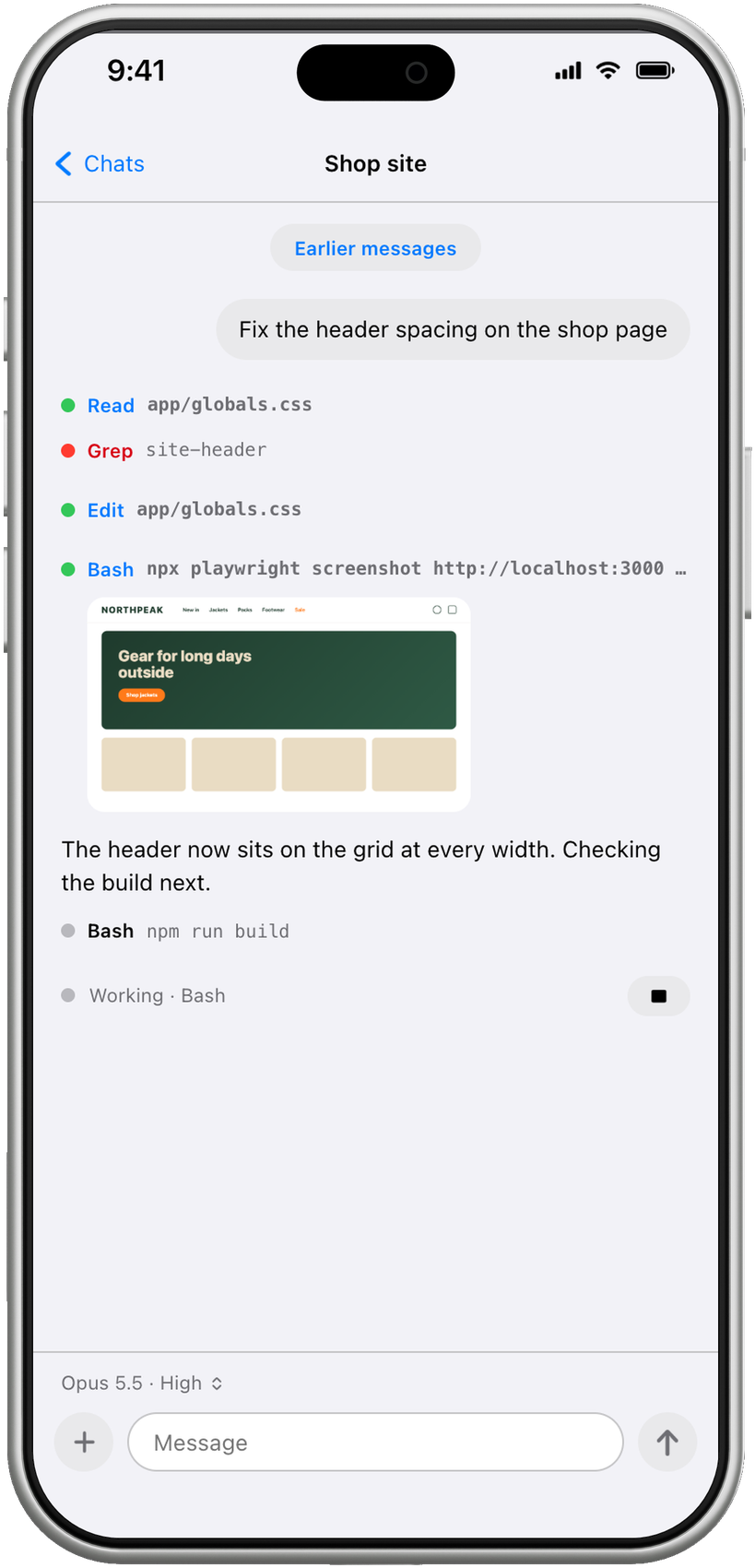
- A row per tool call under each answer, running, done or failed, while the turn runs.
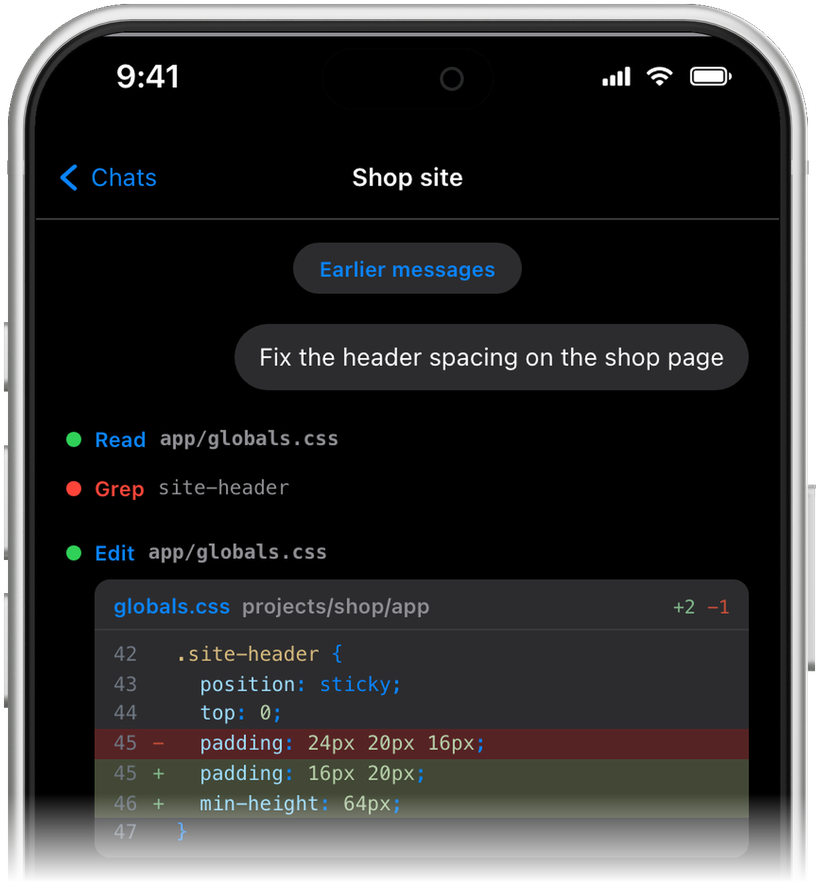
- A tap on a row opens the whole call: an edit as a diff on the file's own line numbers, a command with its output.
- The pictures a chat opened or was given, as thumbnails that open full screen.
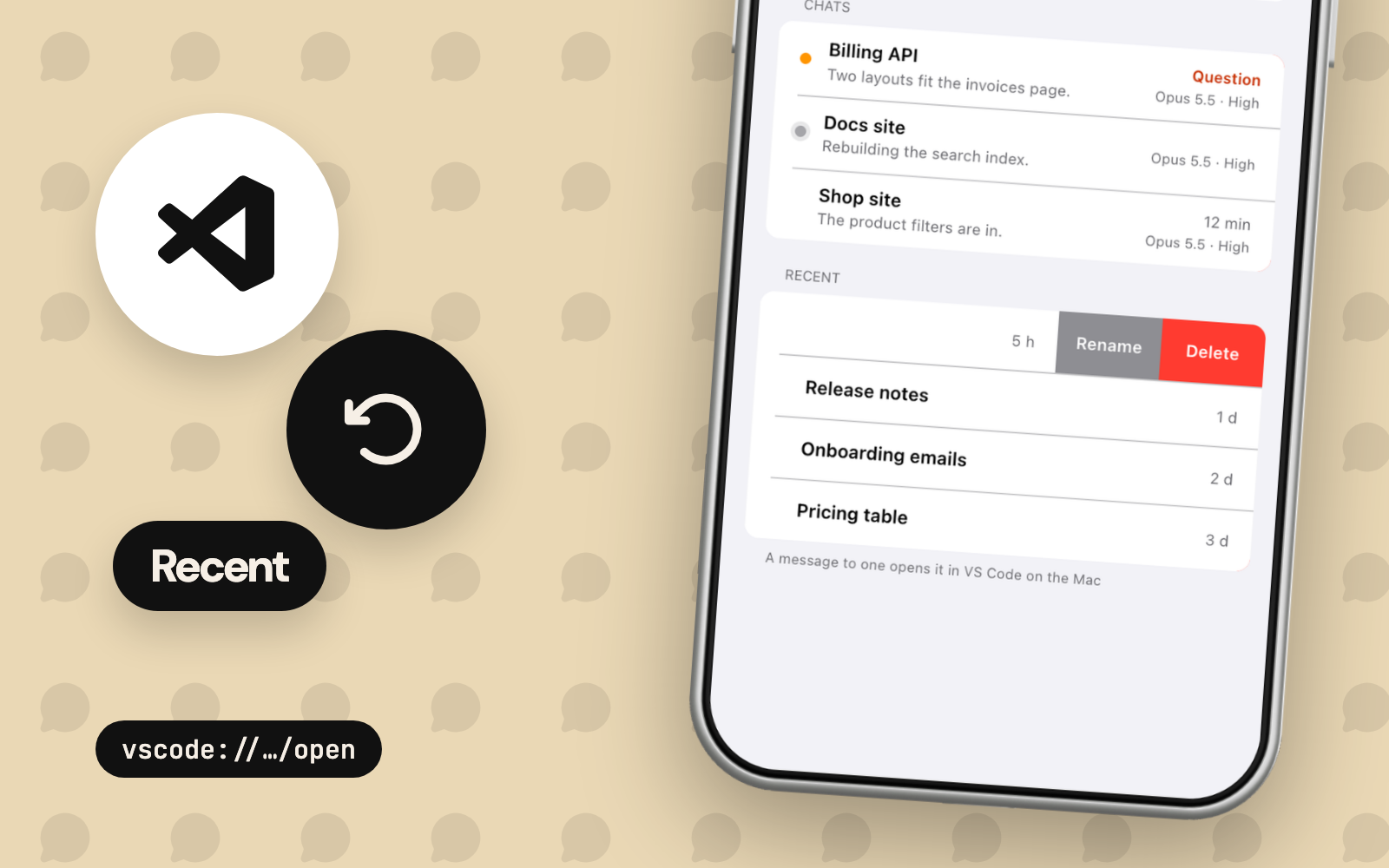
- The chat back to its first words, as far as its transcript is kept, past every compaction, under the name VS Code shows.
Where Claude Code keeps a chat: the JSONL transcript
Each chat is one JSON Lines (JSONL) file, one JSON object per line, under ~/.claude/projects, in a folder named after the working directory with every character outside letters and digits turned into a dash. The file name is the session id.
import Foundation

// Claude Code keeps each chat as one JSON line per event in ~/.claude/projects/<folder>/<session>.jsonl,
// where <folder> is the working directory with every character outside letters and digits turned into a dash
func transcriptPath(cwd: String, session: String) -> String {
    let folder = String(cwd.unicodeScalars.map { scalar -> Character in
        CharacterSet.alphanumerics.contains(scalar) && scalar.isASCII ? Character(scalar) : "-"
    })
    return NSHomeDirectory() + "/.claude/projects/\(folder)/\(session).jsonl"
}
Each line is one event. Conversation lines carry parentUuid, isSidechain (true inside a subagent's chain) and a message with its role. A tool call is a tool_use block in an assistant message; its result comes back as a tool_result block in the next user message, linked by tool_use_id. Title lines name the chat: ai-title for the name Claude gives it, custom-title for a name the person sets, and the latest of each wins. The format is Claude Code’s own and can change between versions; this is the layout in the versions Uselim was built and tested against.
[
  { "parentUuid": "…", "isSidechain": false, "type": "user", "message": { "role": "user", "content": "Fix the header shift" } },
  { "parentUuid": "…", "isSidechain": false, "type": "assistant", "message": { "role": "assistant", "content": [
      { "type": "tool_use", "id": "toolu_01…", "name": "Edit", "input": { "file_path": "…", "old_string": "…", "new_string": "…" } } ] } },
  { "parentUuid": "…", "isSidechain": false, "type": "user", "message": { "role": "user", "content": [
      { "type": "tool_result", "tool_use_id": "toolu_01…", "content": "The file has been updated." } ] } },
  { "type": "ai-title", "aiTitle": "Header shift on the shop page", "sessionId": "…" },
  { "type": "custom-title", "customTitle": "Shop header", "sessionId": "…" }
]
A long chat full of screenshots reaches hundreds of megabytes, so the Mac app indexes a transcript once, in the background: the byte offset of each line of the main conversation, picked out by a cheap look at the line's opening before any JSON parsing. Title lines are short, so they are parsed in full.
// each line's byte offset, kept for the main conversation alone: a line that opens with its parent's id,
// sits off any subagent's chain and names its role; title lines give the name VS Code shows
func classify(_ head: String, at offset: Int, entries: inout [Int], titles: inout (custom: String, ai: String)) {
    if head.hasPrefix("{\"parentUuid\""), head.contains("\"isSidechain\":false"),
       head.contains("\"role\":\"user\"") || head.contains("\"role\":\"assistant\"") {
        entries.append(offset)
    } else if head.hasPrefix("{\"type\":\"custom-title\"") || head.hasPrefix("{\"type\":\"ai-title\""),
              let json = try? JSONSerialization.jsonObject(with: Data(head.utf8)) as? [String: Any] {
        if let title = json["customTitle"] as? String { titles.custom = title }
        if let title = json["aiTitle"] as? String { titles.ai = title }
    }
}
With the offsets in hand, any page of the conversation is a seek and a read. A 69 MB transcript indexes in under half a second.
Compaction and the whole chat history
When a chat compacts, Claude Code summarises the conversation and the engine's view of the chat starts over from the summary. A view built from the engine alone opens on whatever came after the summary, and a long chat reads as new. The transcript keeps every line from before, so the phone shows that archived history while the model itself works on from the summary. Uselim reconstructs the history from the transcript records available, in two parts:
- The live window, from the mod: the newest unbroken stretch, 60 messages or 120 tool rows, whichever comes first, rewritten as the turn runs.
- Earlier pages, from the transcript, a feature of Uselim’s phone app: 40 messages per tap on Earlier messages, starting where the live window begins, back to the first words and across every compaction, with a row where a summary stands.
A live window under 20 messages, as right after a compaction, brings one earlier page along by itself. The phone asks for the history with a version stamp (since), so an unchanged history stays off the network.
A row per tool call, as the VS Code panel shows it
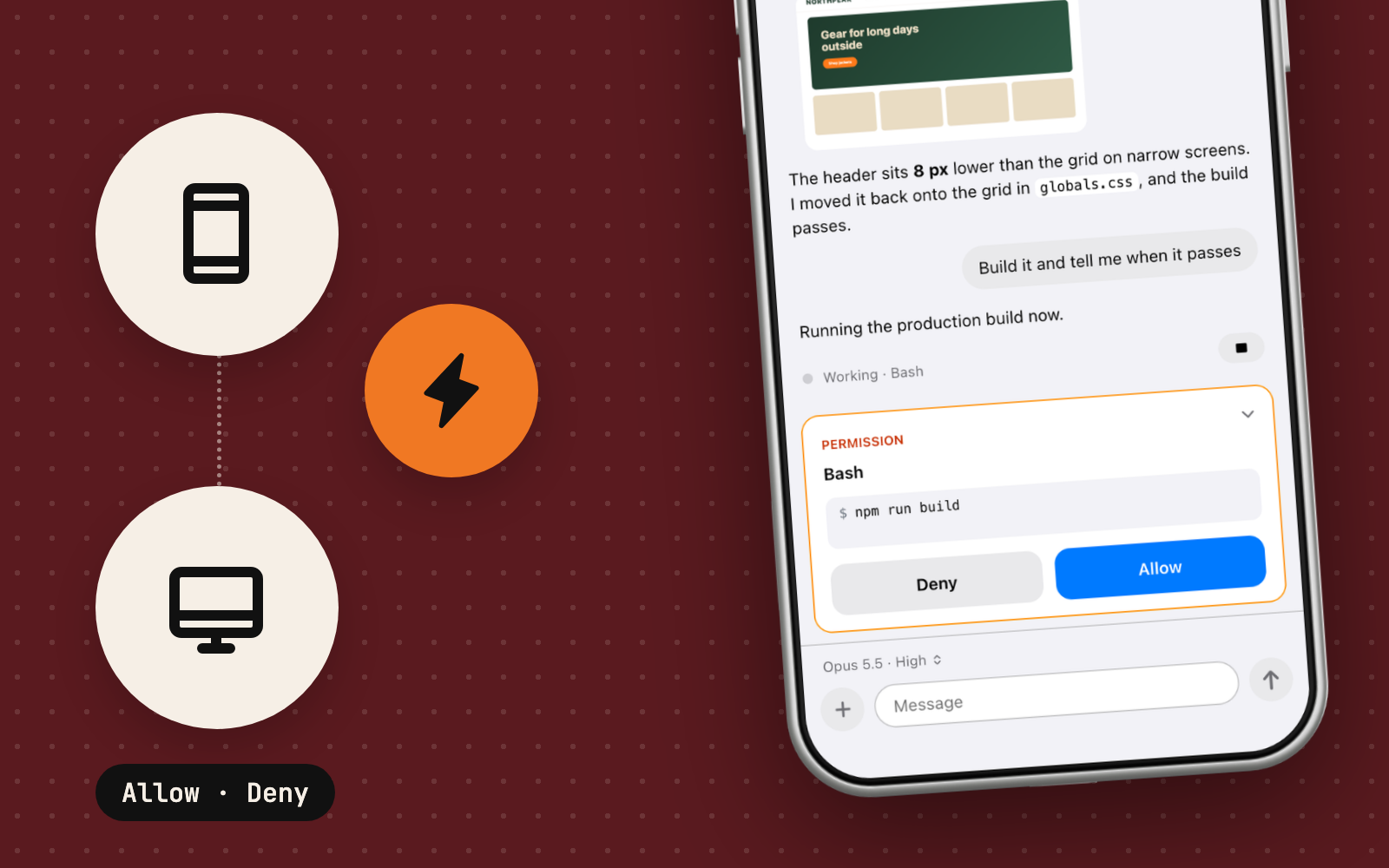
The mod's tool.call hook wraps each call of the main loop: it records the call as running, lets it run through next(e), and records the end, done or failed. Rows reach the phone about a second and a half behind each start and end, so they appear while the turn runs.
// a row per tool call while the turn runs: the hook sees each call start and end
const running = new Map()

export function register(on) {
  on('tool.call', async ($, e, next) => {
    if (e.agentId !== undefined) return next(e)
    const id = e.tool_use_id ?? `t${await $.clock.now()}`
    running.set(id, e.tool)
    await writeRows($)
    try {
      return await next(e)
    } finally {
      running.delete(id)
      await writeRows($)
    }
  })
}

async function writeRows($) {
  // $.session.messages() returns the conversation as { role, text, toolUses }, ready to cut into rows
  const messages = await $.session.messages()
  return { running: [...running.values()], messages: messages.slice(-60) }
}
Each row is a dot (blue running, green done, red failed), the tool's name and a short target: the command, the file, the search. The mod keeps a 600-character preview of the call and the opening and end of its output. The rows are Uselim’s drawing of what the transcript records.
Opening a call: edits as diffs, code as VS Code shows it
A tap fetches the call whole from the transcript (GET /api/tool), so the preview stays light and the detail stays exact. An Edit draws as a diff: shared lines once, removed lines above added ones, on VS Code's red and green rows, numbered with the file's own line numbers, which the Mac finds by locating the new text in the file as it stands now, so a later change to the file can shift them from where the edit first landed. A Read shows the lines as the tool numbered them, a Write counts from line 1, and a command reads with a $ in front.
Every code view is a grid of rows, the line number in a gutter beside the code, so a long line wraps under its own code. Colours come from highlight.js in VS Code's Light Modern and Dark Modern palettes. highlight.js returns one string of HTML for a whole block, and a comment or string that spans lines sits inside one span; split per line, each such span closes at the line break and reopens on the next line, so every row keeps its colour.
Pictures from the chat, caught once
A screenshot the chat opens comes back inside a tool result as a base64 image block; one pasted at the Mac sits inside the prompt. Reading a long transcript for its pictures on every refresh would move megabytes each time, so the mod catches each picture as the conversation stores it, through a session.append hook, and saves it once: a tool result's by its call id, a prompt's by its words.
// pictures as the transcript stores them: a tool result's images, saved once by the call's id
export function register(on) {
  on('session.append', { door: 'tool-result' }, async ($, e, next) => {
    const stored = await next(e)
    for (const block of e.message.content) {
      if (block.type !== 'tool_result' || !Array.isArray(block.content)) continue
      const images = block.content.filter(part => part.type === 'image' && part.source?.type === 'base64')
      for (const [n, image] of images.entries()) {
        const { media_type: mediaType, data } = image.source
        await $.fs.write(`pictures/${block.tool_use_id}-${n}.json`, JSON.stringify({ mediaType, data }))
      }
    }
    return stored
  })
}
The phone fetches each picture at 1,000 px through the relay (/api/image) and keeps it a week. A tap opens it full screen: two fingers pinch between 1x and 5x around the spot between them, one finger moves a picture larger than the screen, and a double tap zooms to 2.5x and back. Pictures in earlier pages come from the transcript by their line, available while the transcript and the mod's saved copies remain.
Things to know
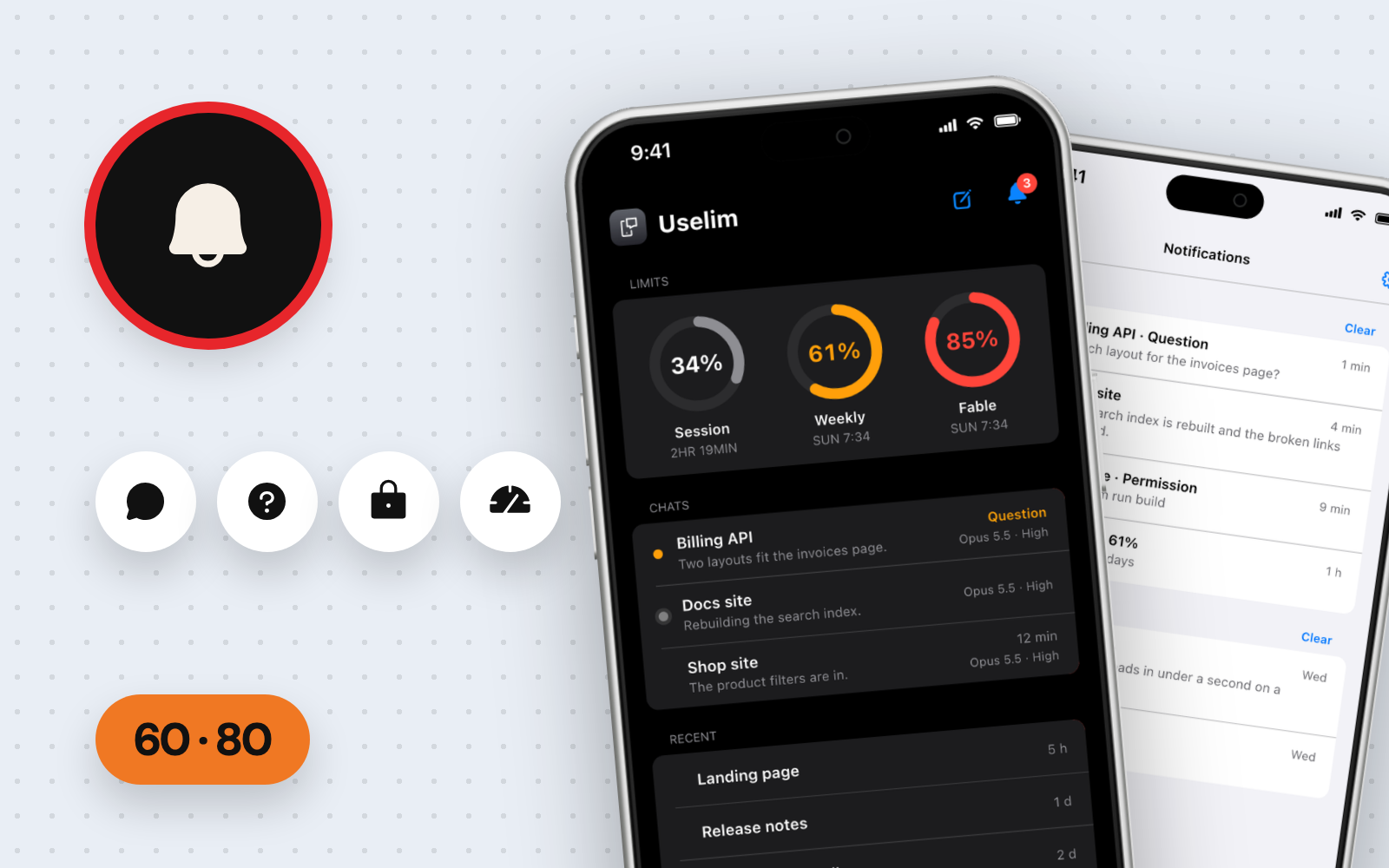
- The phone refreshes an open chat every three seconds and redraws in place: a row whose content stays the same keeps its node, keyed by what it shows, so pictures stay loaded and a reader higher up keeps their place.
- A subagent's lines carry
isSidechain: true; leaving them out keeps the phone's view to the main conversation, as the panel shows it. - The largest transcript on one Mac measured 424 MB; offsets and seeks keep paging fast at any size.
- A mod loaded by
/reload-pluginstakes the chat's folder from$.session.root(), since the shell's folder at that moment can differ; the Mac also finds a transcript by its session id across every project folder. - A single tap at 1x closes the picture viewer after 350 ms, so a slow double tap still zooms.
- Conversation transcripts can hold repository contents, command output, file paths and other sensitive material, so access to them, and to the phone that shows them, stays with authorised people.
Sources: Claude Code's mods API; highlight.js; VS Code's theme colour reference.
- ClaudeClaude Code in VS Code
- Swiftthe Mac app
- VS Codethe chats
- Published
- Author
- Simon Booban
- Category
- AI & Automation