
Skip to content

UX audits & redesigns

A review of your app or site that finds where people give up, and redesigned steps that win back sign-ups and sales.

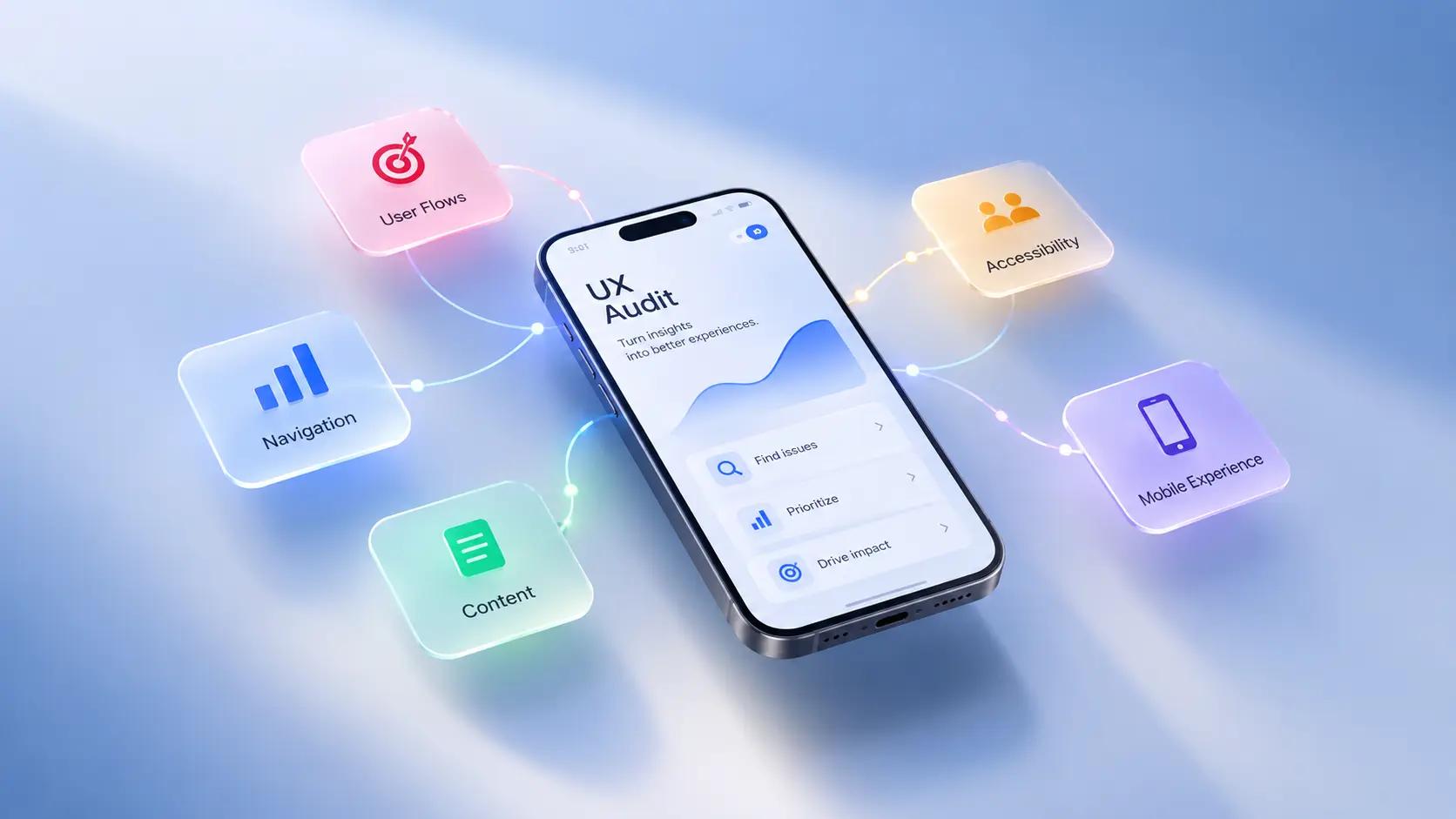
Phone showing a UX audit screen, surrounded by cards for user flows, navigation, content, accessibility and mobile experience

Samples

Hands sketching wireframes on paper beside a laptop and sticky notes
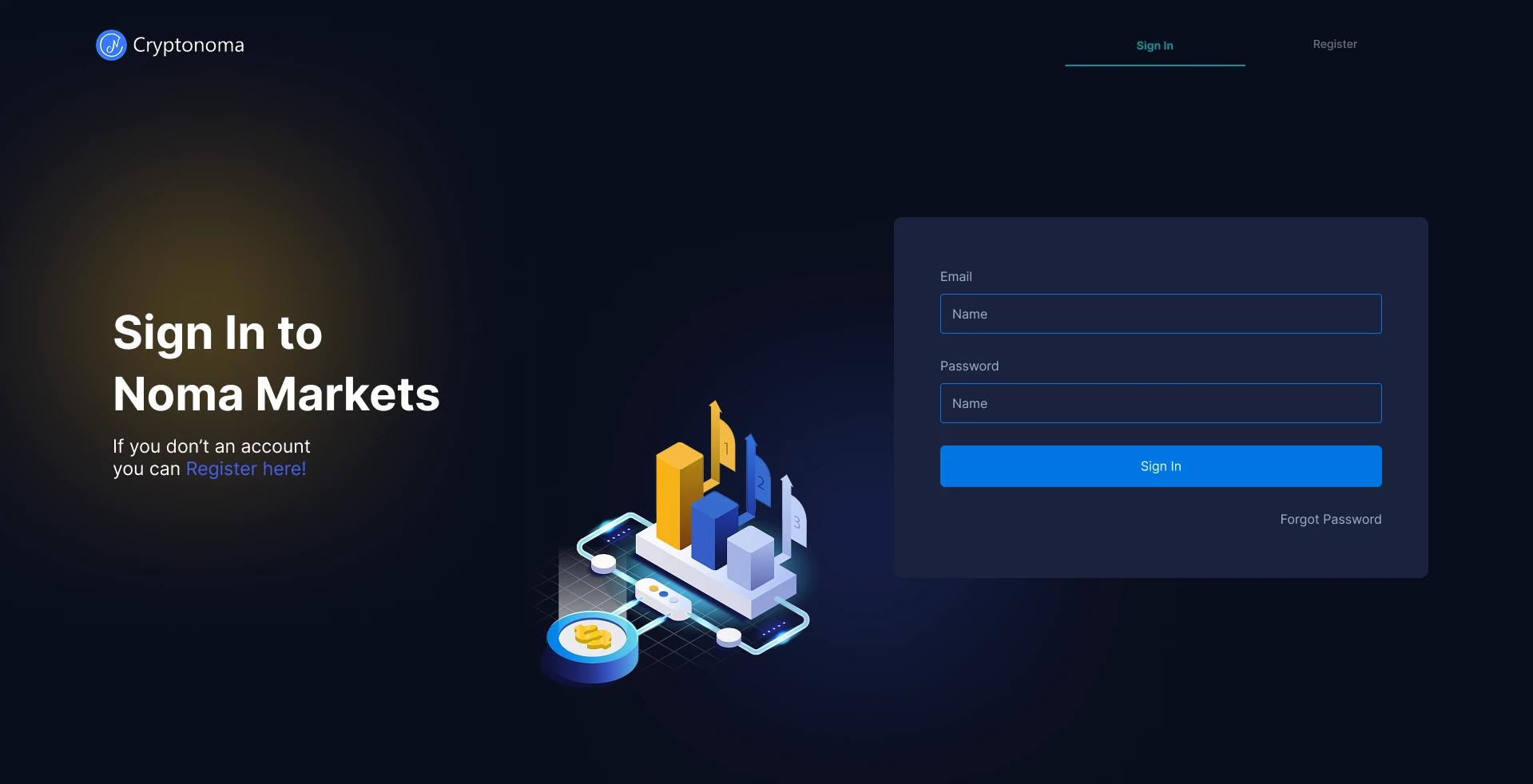
Dark sign-in screen for a marketplace web app
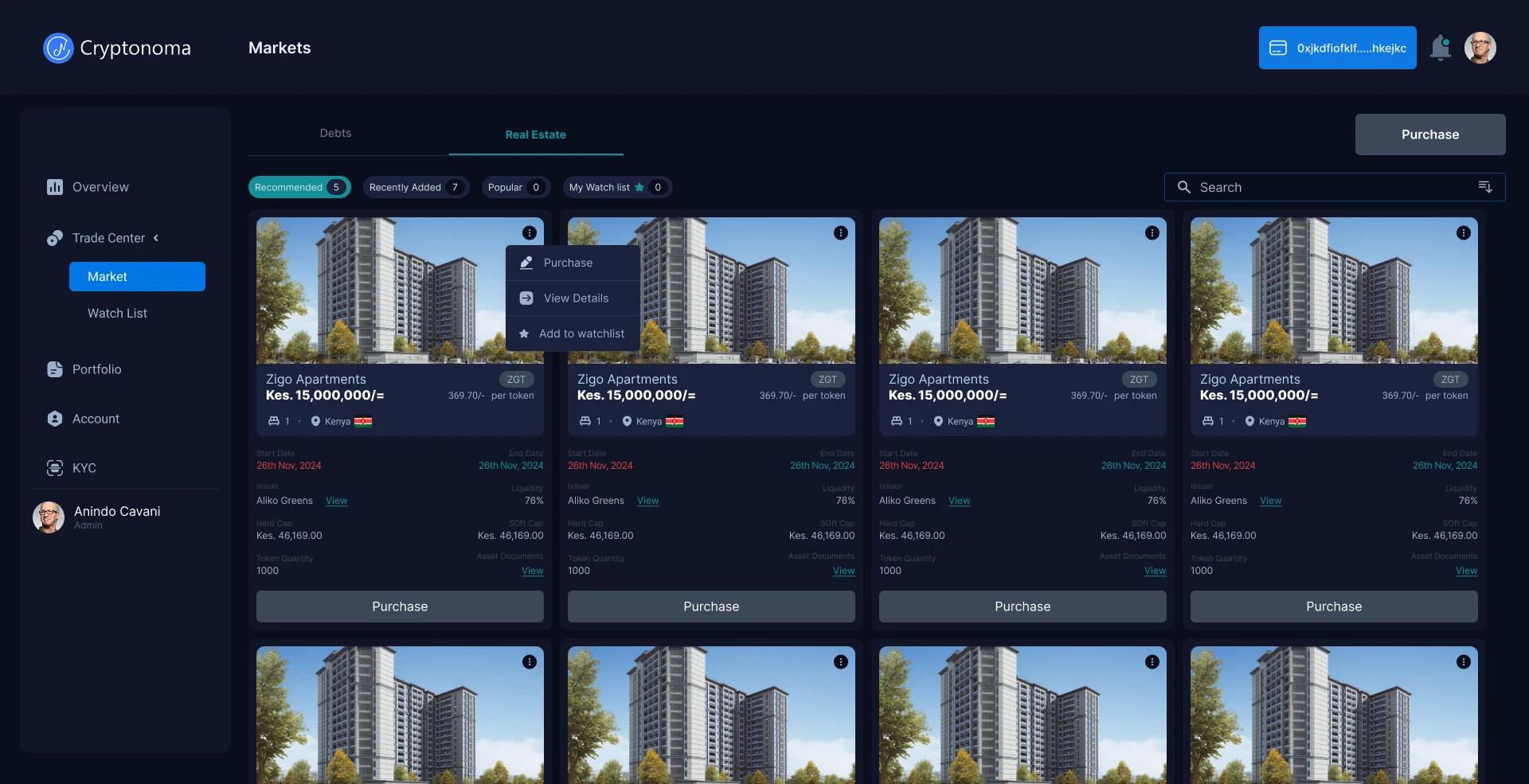
Dark marketplace screen with property listings in a grid
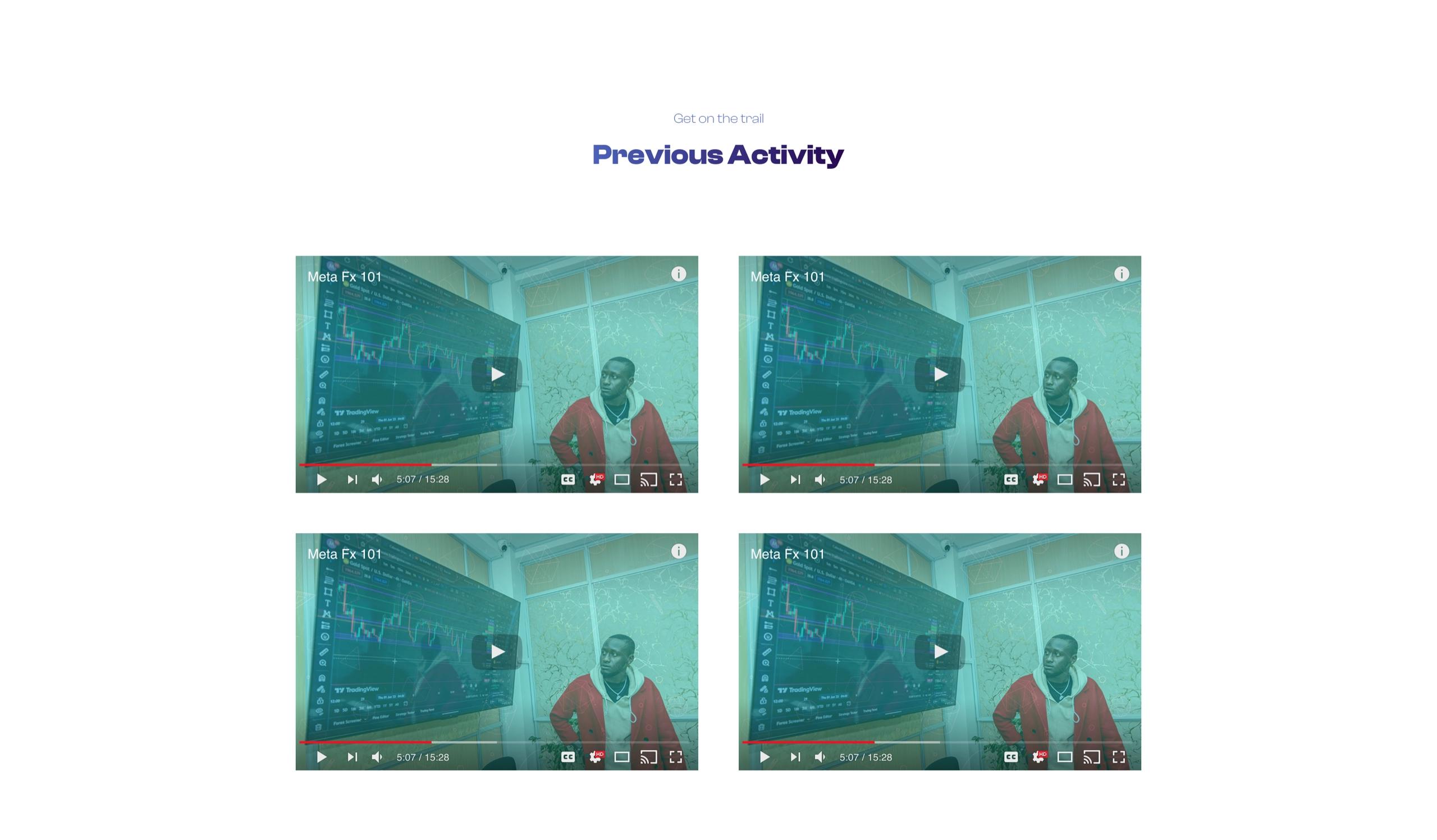
Course site section with a grid of recorded class videos

Evidence before redesign

We review each main task against proven usability rules, watch real people try them, and read your analytics to see where visitors leave. Each issue is ranked by its effect on sign-ups, sales or support calls, quick fixes are marked, and the most important steps are redesigned and A/B tested against the old ones.

Find where people give up

Every app and site has steps where people leave: a long form, a price that is hard to find, a button that reads as plain text. A website UX review or an app audit finds those steps with evidence, then fixes the ones that cost the most.

SourceWhat it shows
Expert reviewWhere each main task breaks the ten usability heuristics
AnalyticsWhere visitors leave, on which page and which device
Tests with real peopleWhy people hesitate, in their own words
Accessibility checkText, colours and controls that some people struggle to use

The expert review follows the ten usability heuristics set out by the Nielsen Norman Group, the long-standing reference for interface design.
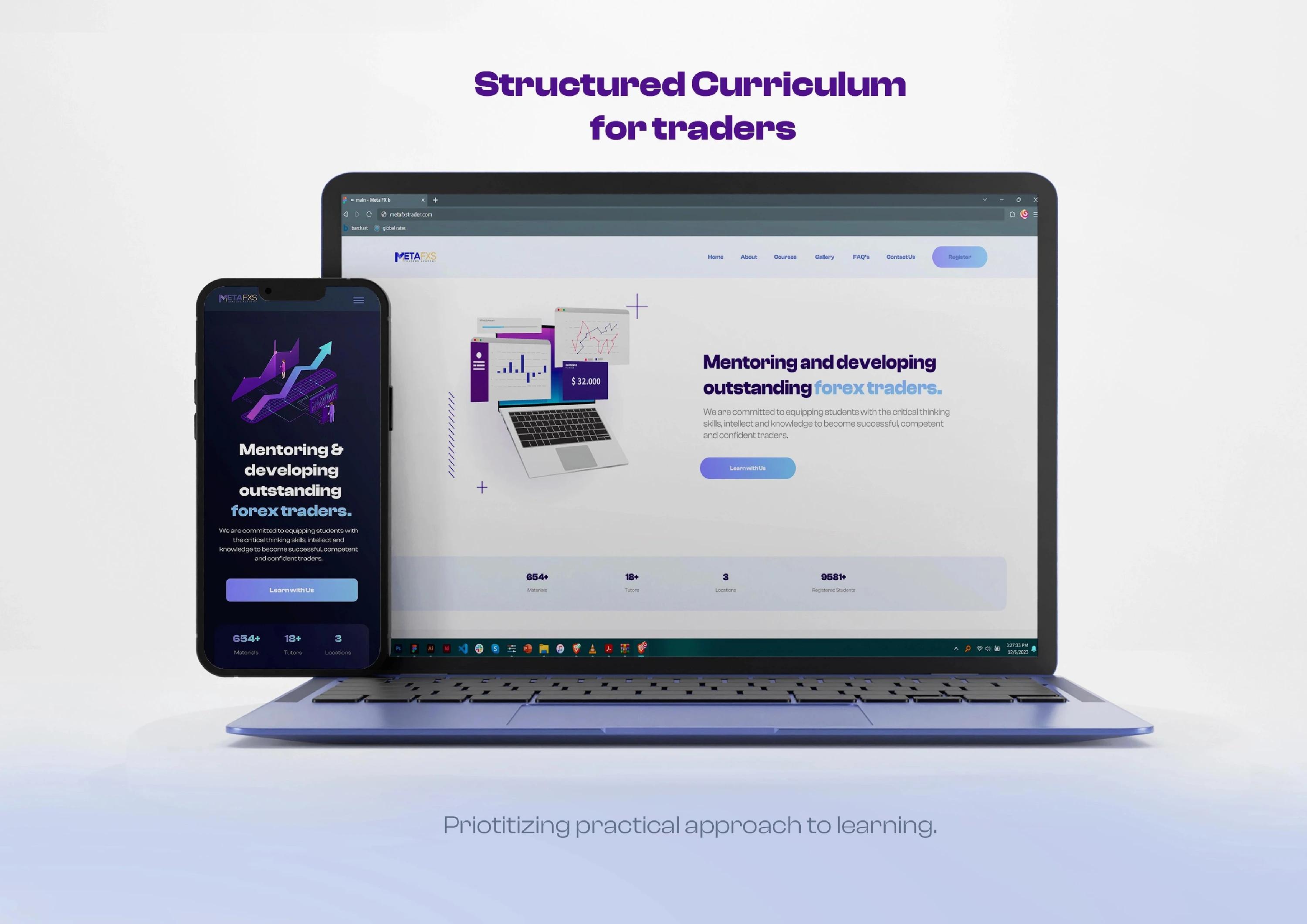
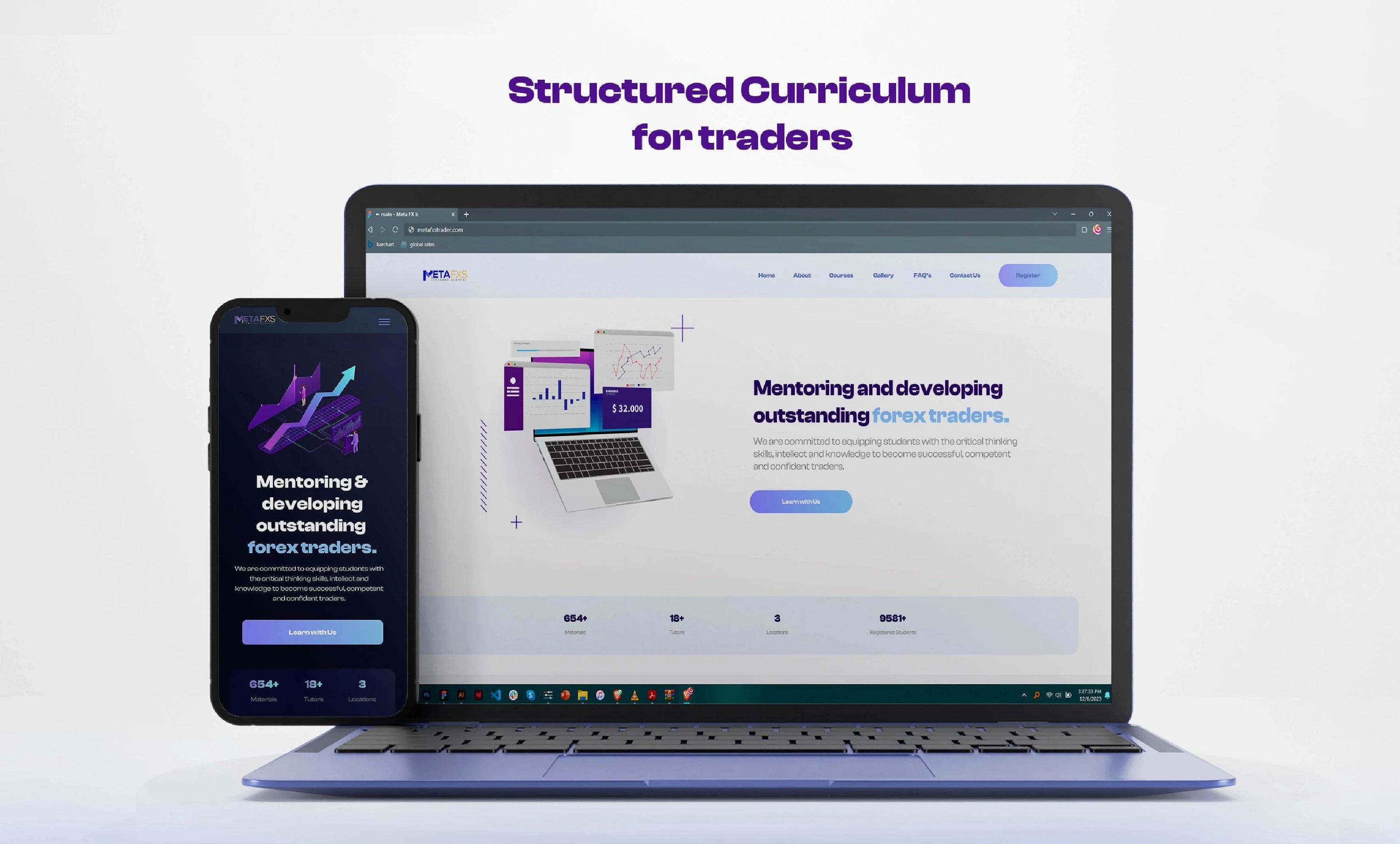
MetaFX curriculum site on a laptop and phone
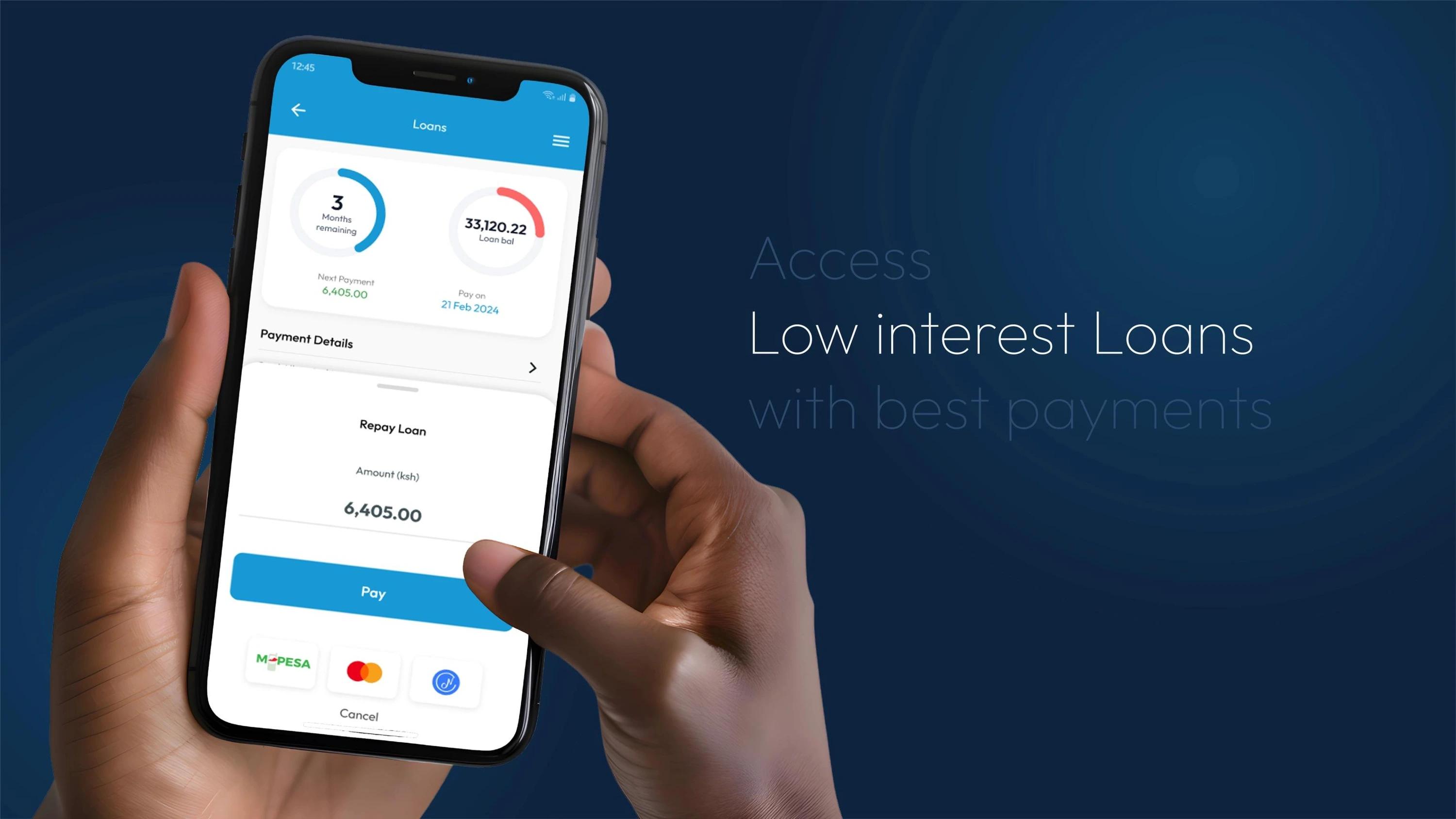
Hand holding a phone showing the Noma loans app
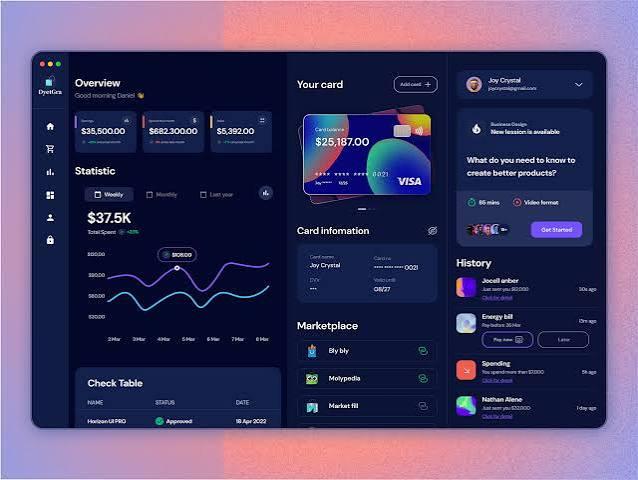
Dark dashboard design with charts and cards
Each main task reviewed screen by screen.

Usability testing runs in small rounds, with each person trying the main tasks while thinking aloud, recorded with their permission, so the team can watch the exact moment people hesitate.

Issues ranked by what they cost

Each issue comes back with a screenshot, its effect on sign-ups, sales or support calls, and a suggested fix. Quick fixes are marked for the team to ship straight away; the steps that cost the most go to a website or app redesign.

Redesigned, then measured

Conversion rate optimisation closes the loop: the costly steps are redesigned, built into a clickable prototype and tested with an A/B test against the old version, so each change stays because the numbers say so.
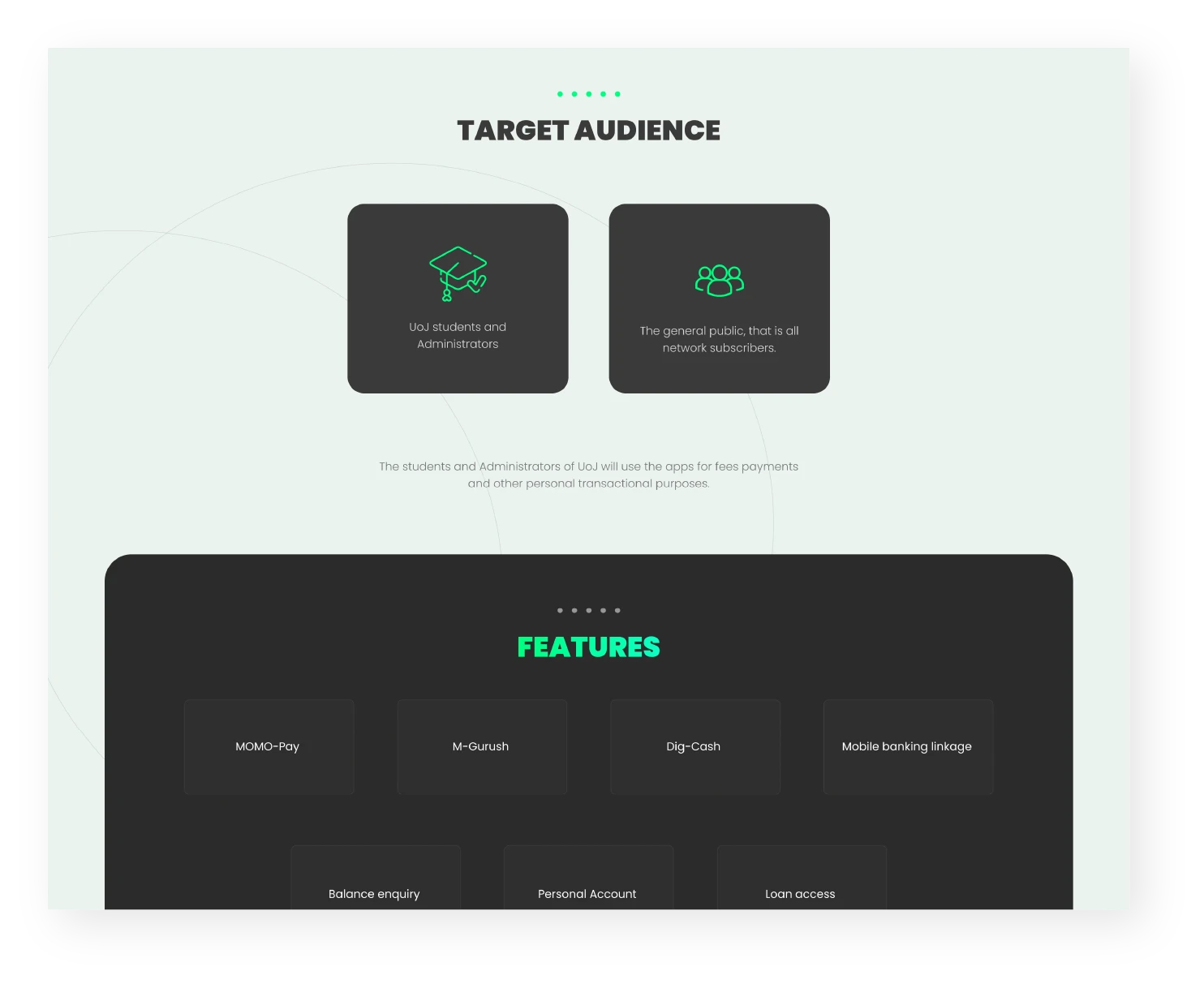
Case study page setting out the target audience and the app’s features
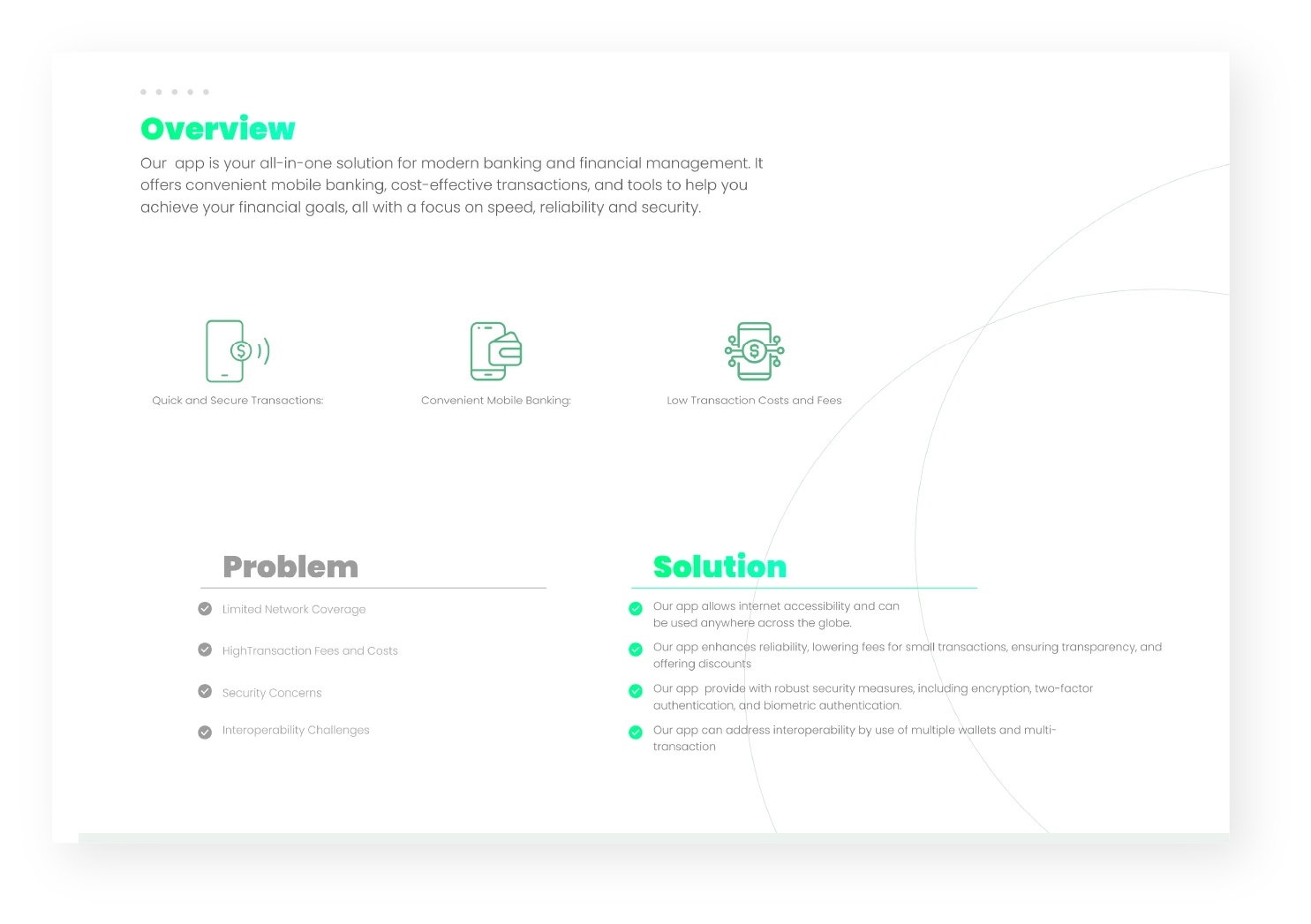
Case study page with the problem and the solution side by side
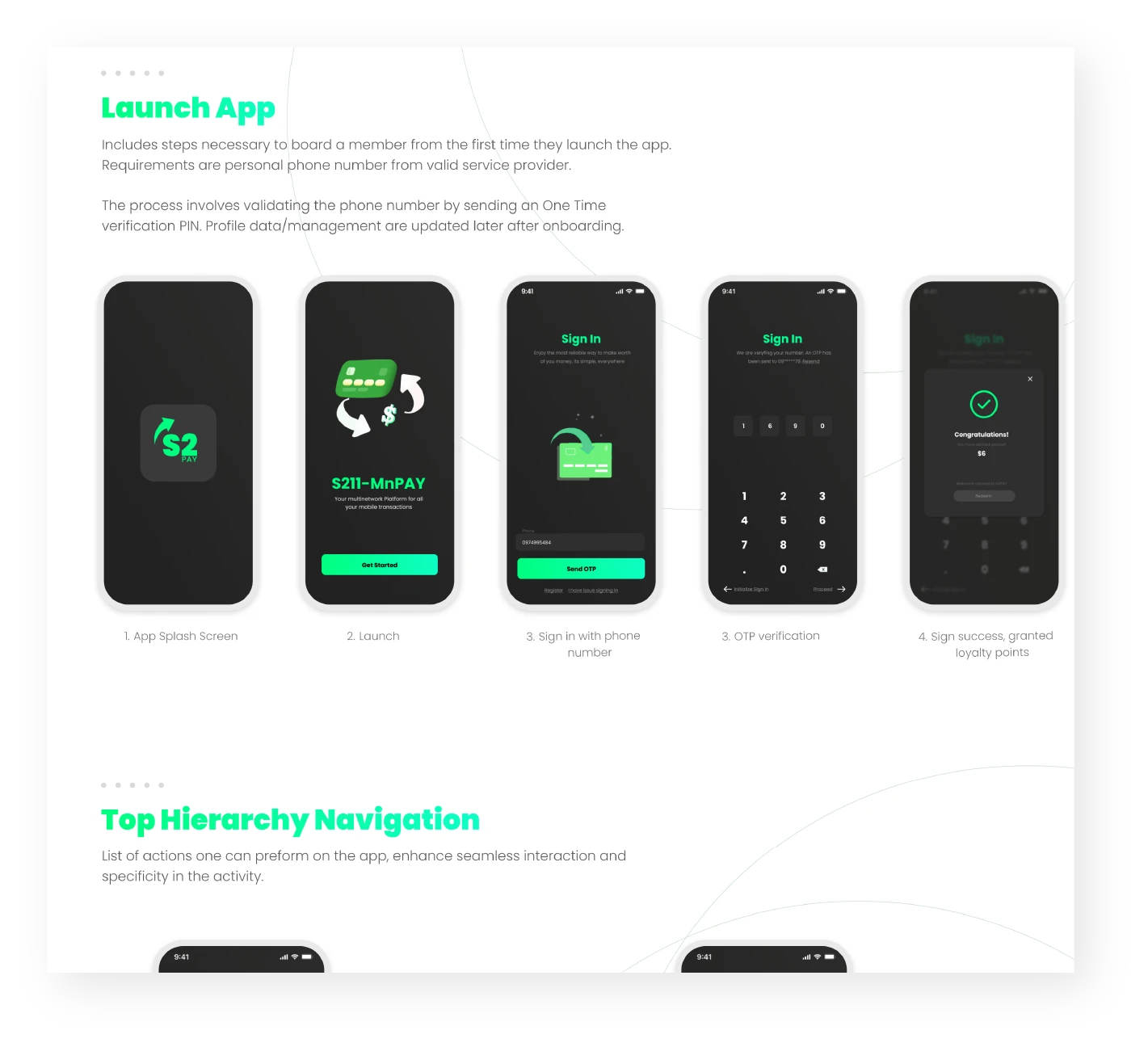
Case study page showing launch screens and the navigation hierarchy
Research, problem framing and navigation, documented page by page.

Redesigned steps continue through Website & web app design and Mobile app design.

Included

  • Expert review of each main task
  • Accessibility check: text, colour and controls
  • Analytics review: where people leave
  • Tests with real people
  • Report with screenshots, issues ranked by effect
  • Redesign of the most important steps
  • Clickable prototype of the new steps
  • A/B testing: new steps measured against the old
UX audits & redesigns

Packages

UX audit

Snapshot

A quick outside look at one page.

Included (7)
  • Free first consultation
  • 1 page or flow checked
  • Checked against Nielsen's 10 heuristics
  • Speed and page size check
  • Mobile-friendly check
  • Broken link check
  • Top 10 fixes in a short PDF

UX audit

Review

An outside look at up to 3 flows.

Included (10)
  • Everything in Snapshot, plus
  • Expert review of up to 3 flows
  • Accessibility check to WCAG 2.1 AA
  • Issues ranked by effect, each tagged by effort
  • Report with screenshots and fixes
  • A walkthrough call, recorded for your team
  • Entire site analysis
  • Content and structure review
  • Notes and summary after the call
  • Report as PDF and slides
Most popular

UX audit

Test

A product losing users at one step.

Included (13)
  • Everything in Review, plus
  • Up to 6 flows
  • Analytics review
  • Usability tests with 5 users
  • Benchmark against 3 competitors
  • 3 before-and-after mockups of the top fixes
  • Click and session data review
  • Page-level insights
  • Analytics set up where needed
  • Search and content recommendations
  • Findings workshop on a shared board
  • Fixes sent to Jira, Asana or Azure DevOps
  • Training for your team
FeatureSnapshotReviewTest
Flows reviewed1Up to 3Up to 6
Checked against Nielsen's 10 heuristics
Accessibility check, WCAG 2.1 AA
Expert review
Issues ranked by effectTop 10 fixes
Effort tag on every fix
Report with screenshots and fixesShort PDF
Walkthrough callRecordedRecorded
Analytics review
Usability tests5 users
Before-and-after mockups3
Free first consultation
Fixed price, quoted in writing
Speed and page size check
Mobile-friendly check
Broken link check
Entire site analysis
Content and structure review
Notes and summary after each call
Report formatPDFPDF and slidesPDF and slides
Competitor benchmark3 competitors
Click and session data review
Page-level insights
Analytics set up where needed
Search and content recommendations
Findings workshop on a shared board
Fixes sent to Jira, Asana or Azure DevOps
Training for your team

Add-ons

Extras you can add to any package.

Services

UI/UX Design

View all

Ready when you are

Tell us what you need and a written quote comes back within a working day.

Phone or WhatsApp
What do you need

By sending, you agree to our Privacy Policy and Terms.

or connect with us via :
WhatsAppEmail