Ready to work on day one
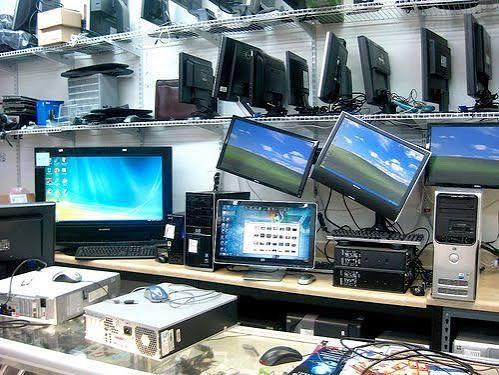
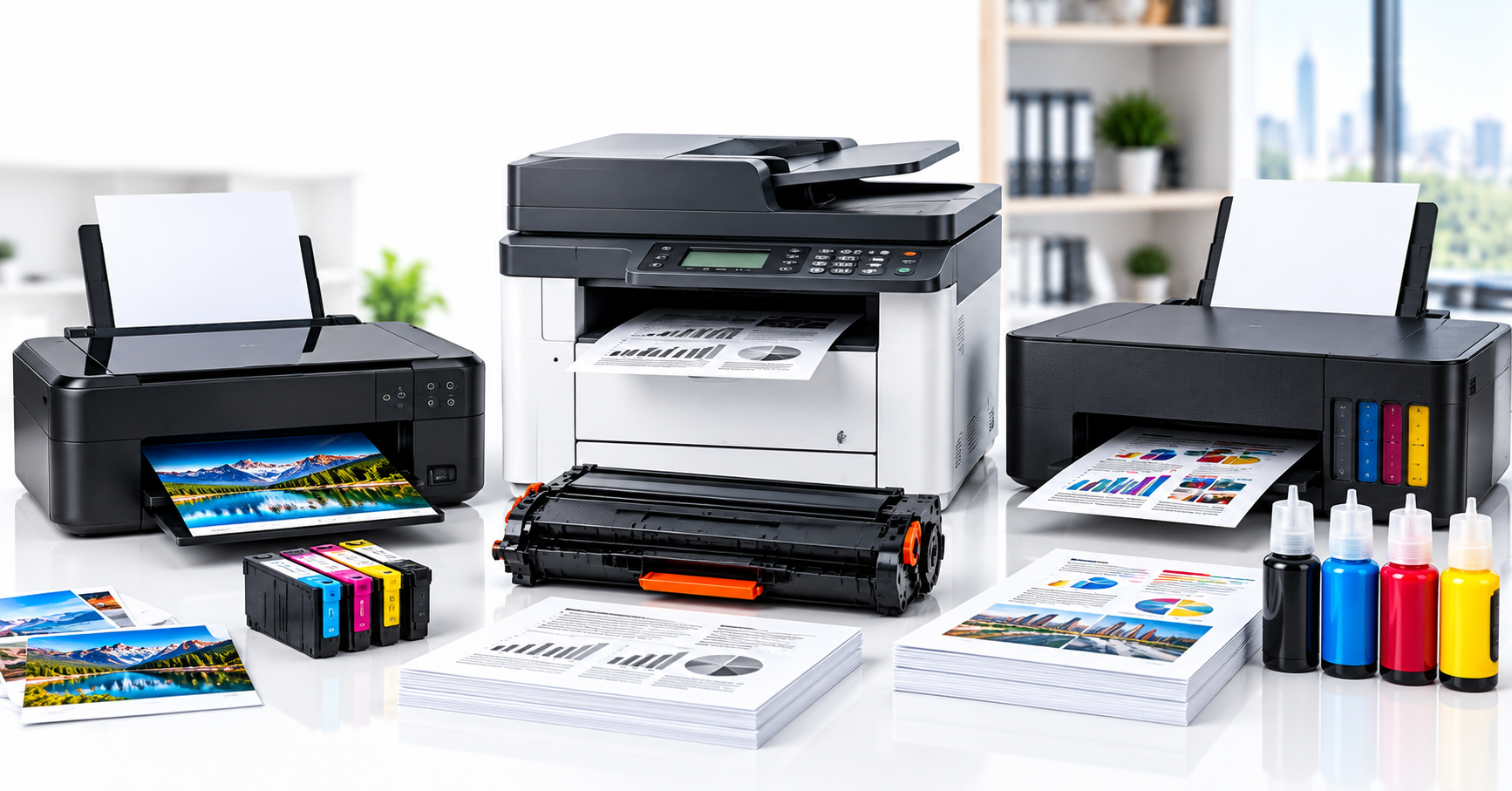
We install what you buy, from us or anywhere: computers, printers and screens placed and connected, updated and secured, accounts and email signed in, and files moved from the old machine.
Working the morning it arrives
New equipment only earns its cost once it is working: connected, updated, signed in and loaded with the files people need. Office IT setup handles all of it, from computer installation and printer setup to each workstation setup, for equipment bought from us or anywhere else, so staff start work the morning it arrives.
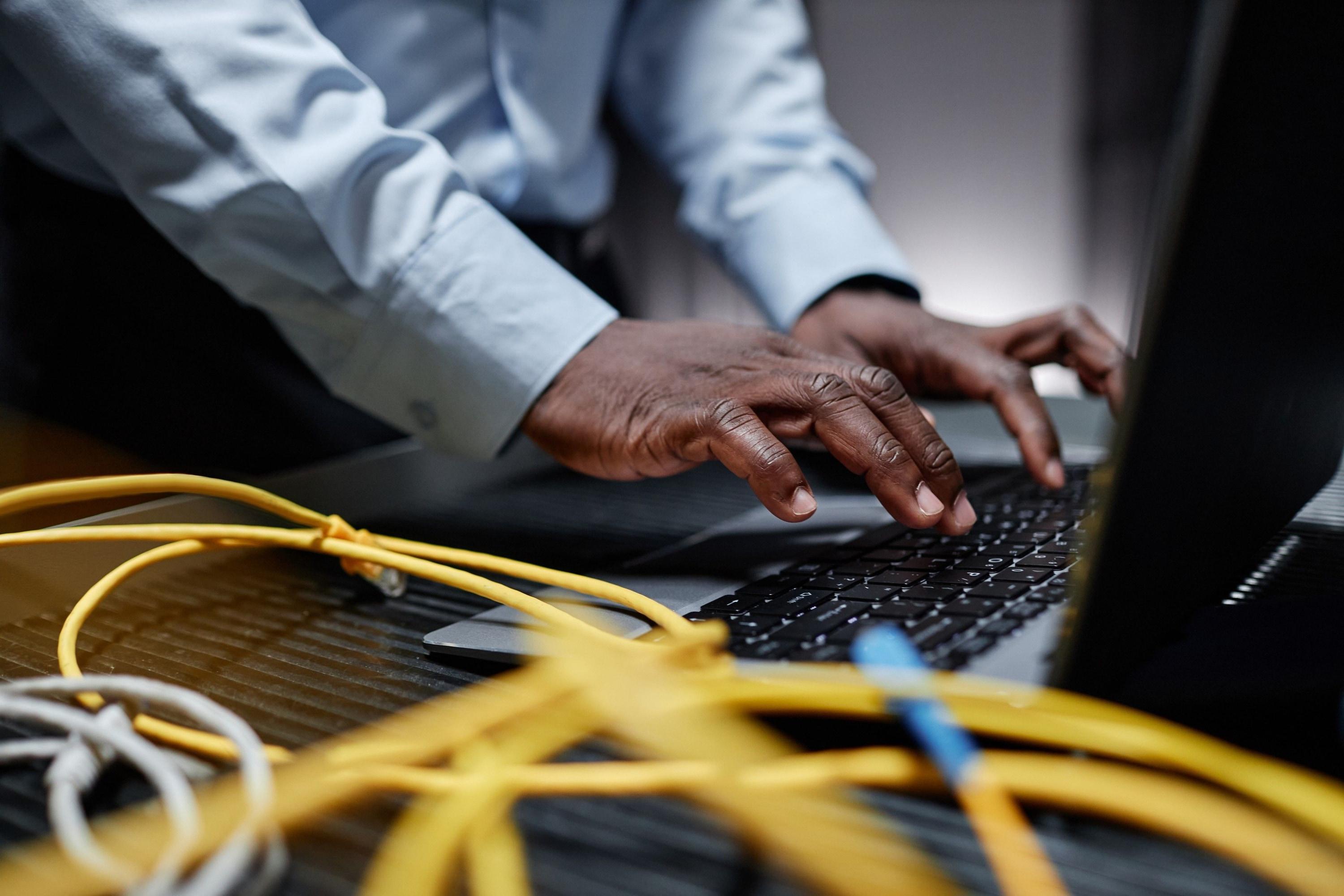
What a setup covers
| Step | What gets done |
|---|---|
| Unbox and place | Each device placed, cabled and labelled at its desk |
| Update and secure | System updates, antivirus and disk encryption switched on |
| Accounts | User accounts, email and the apps each role uses, signed in |
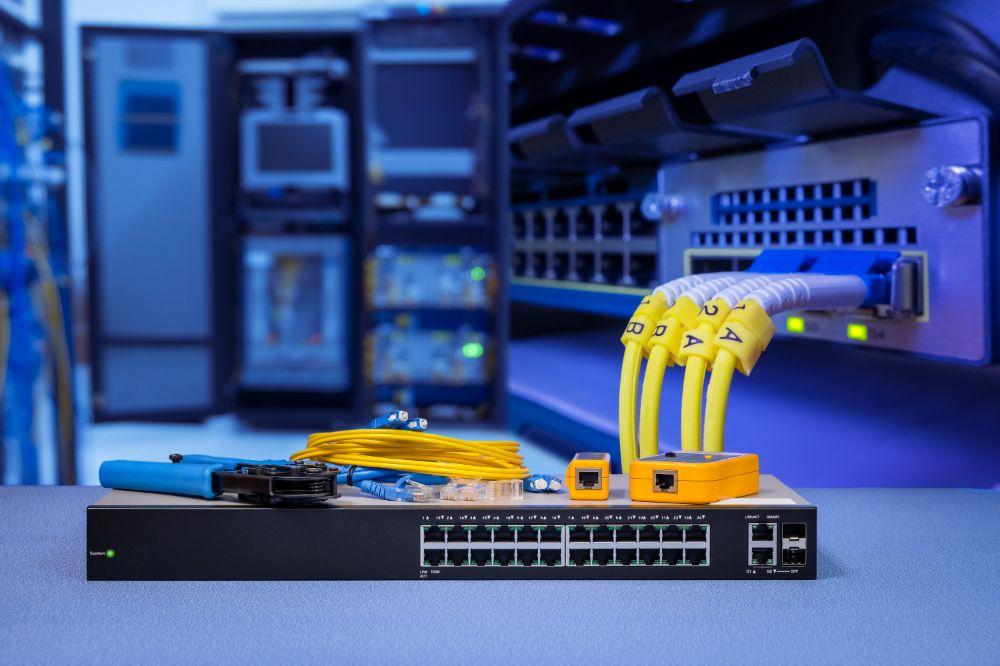
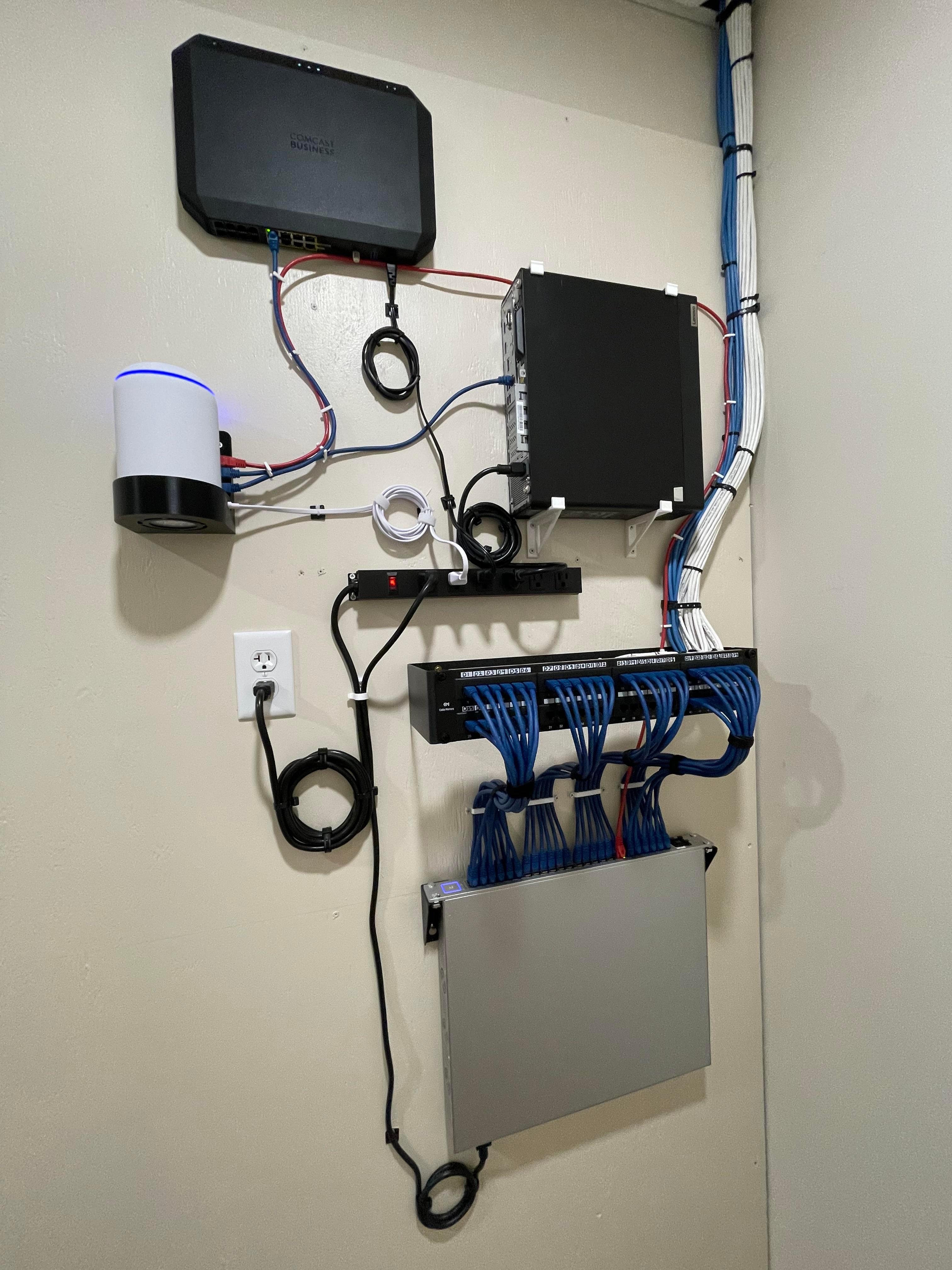
| Printers and Wi-Fi | Every computer connected to the office printers and network |
| Data | Files, email and browser favourites moved from the old machine |
| Records | Asset tags and a sheet matching each device to its user and serial number |
| Old equipment | Wiped securely before it is reused or leaves the building |
Ongoing help after setup continues through IT support & maintenance.
Included
- Computers, printers and screens installed
- Phones and tablets set up with email and apps
- Projectors and meeting room screens connected
- Software and apps installed
- Updates and security basics
- User accounts and email signed in
- Files moved from the old machine
- Printers shared across devices
- Old devices wiped