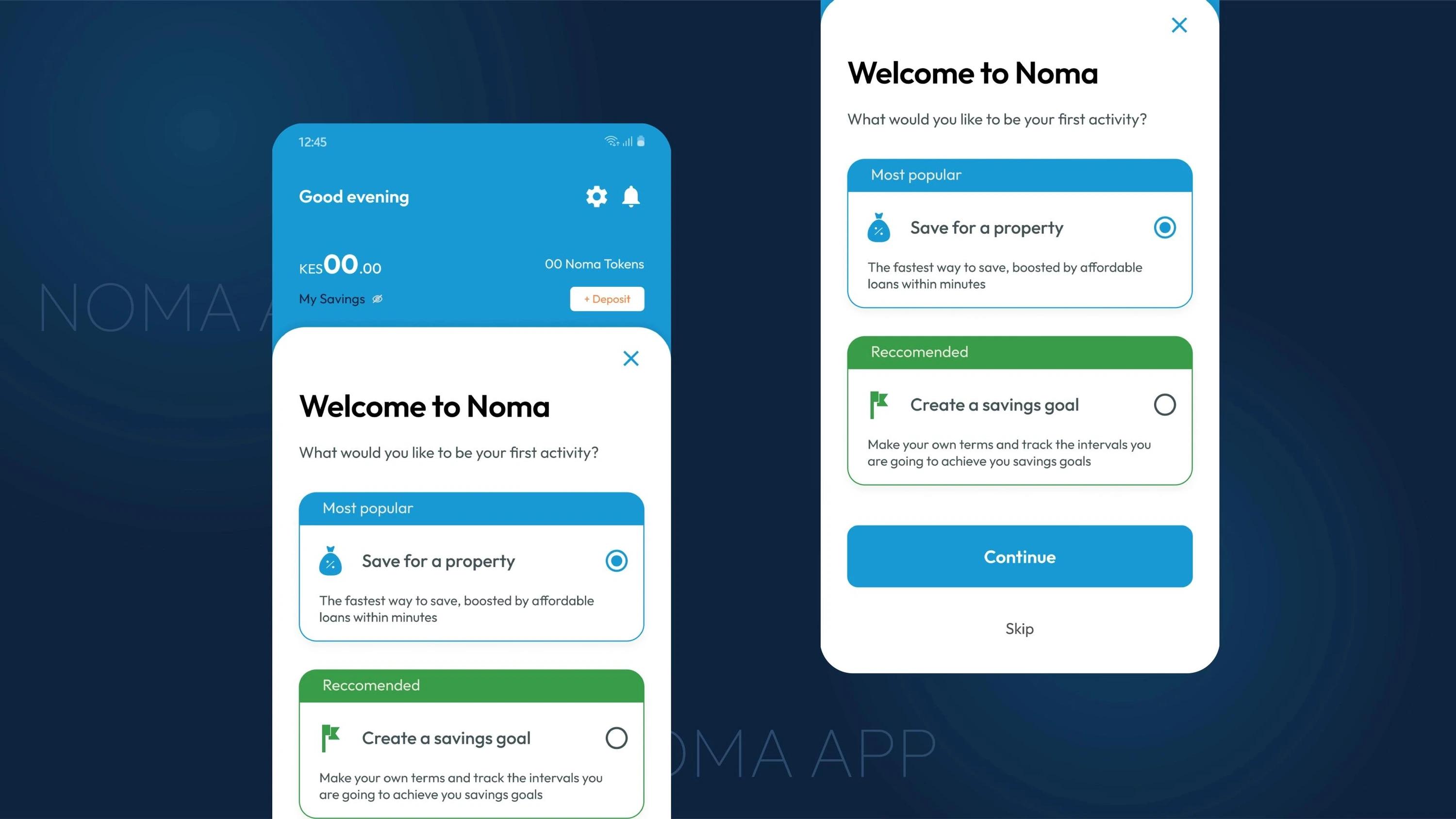
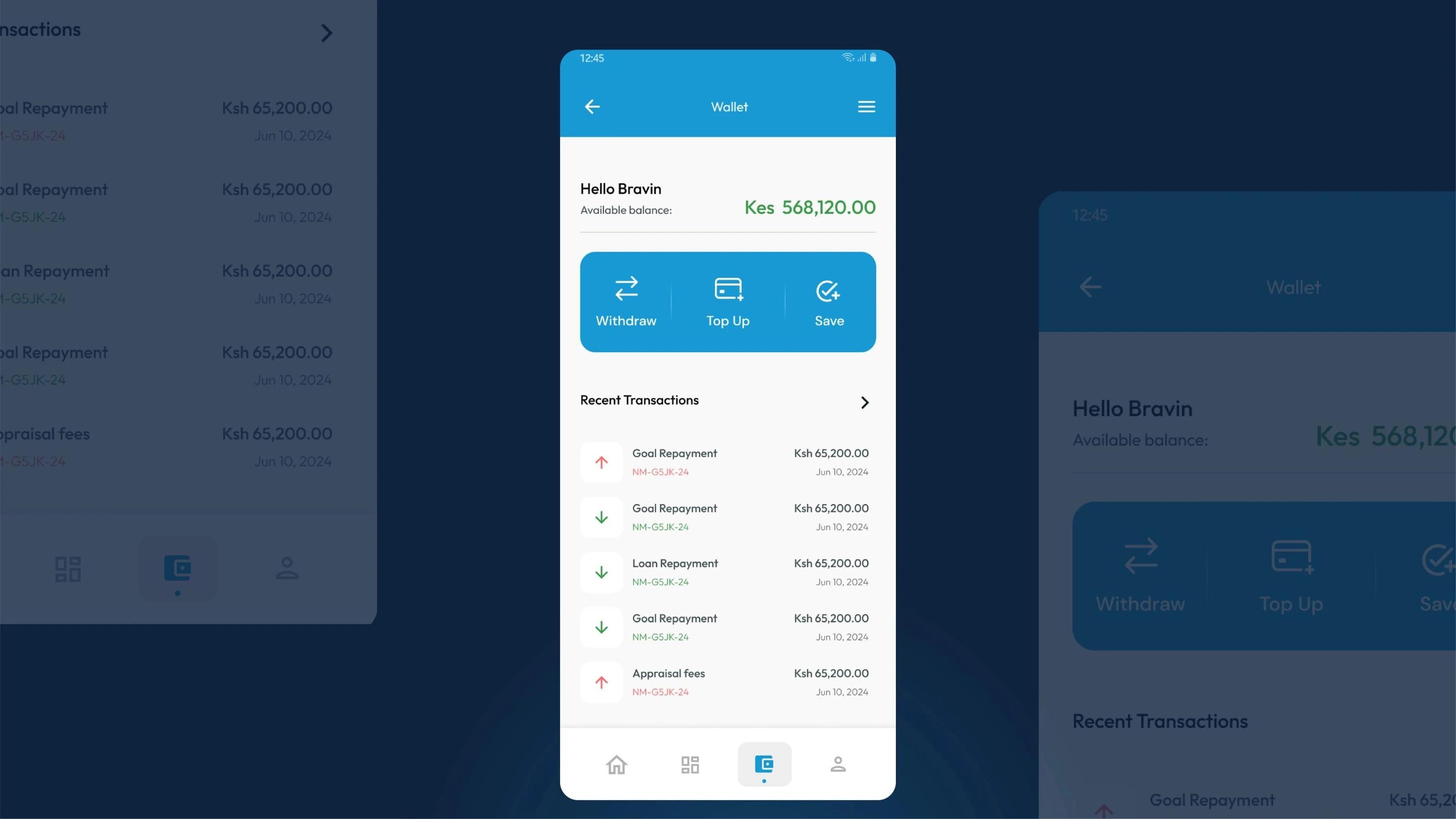
From first idea to tested prototype
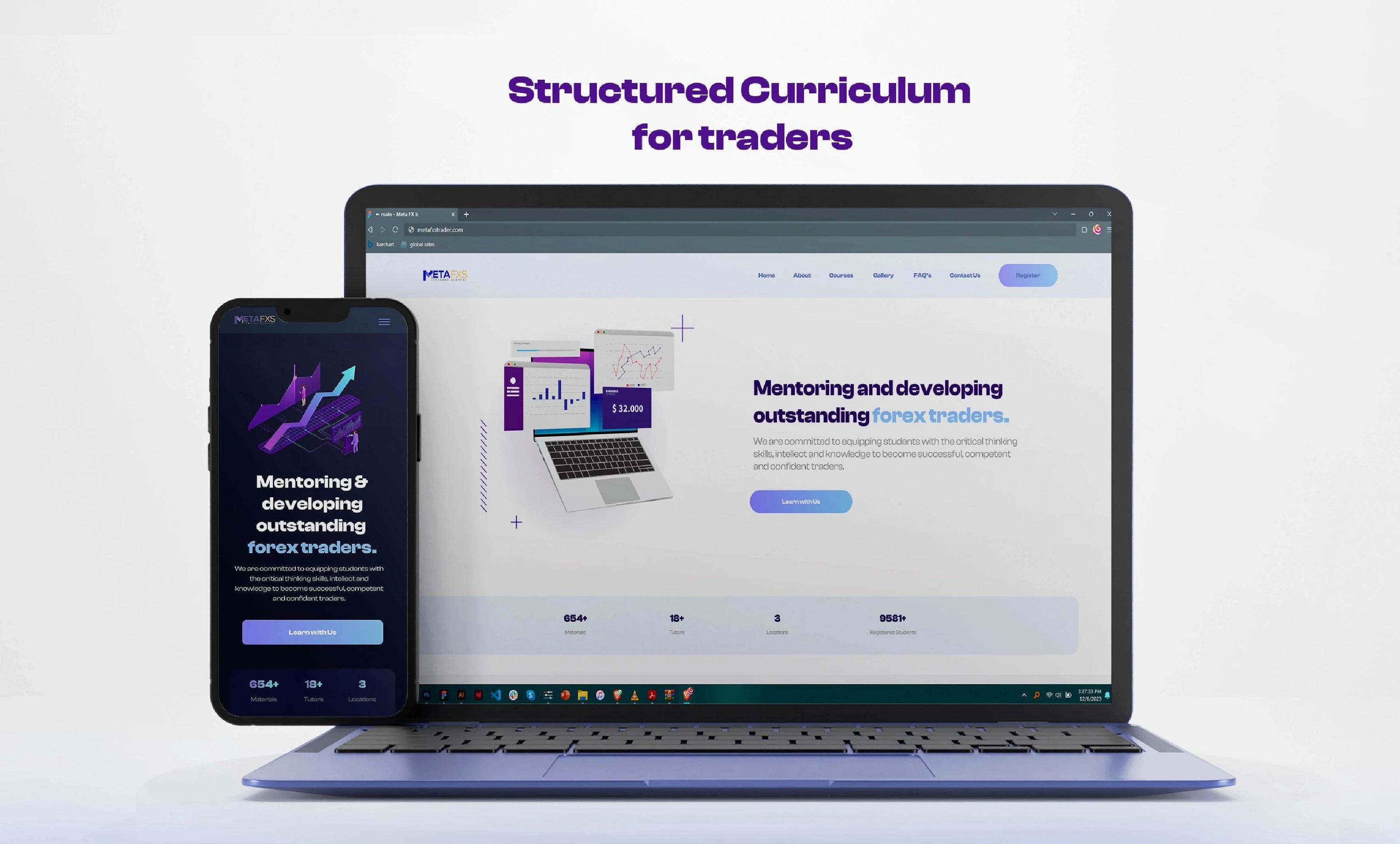
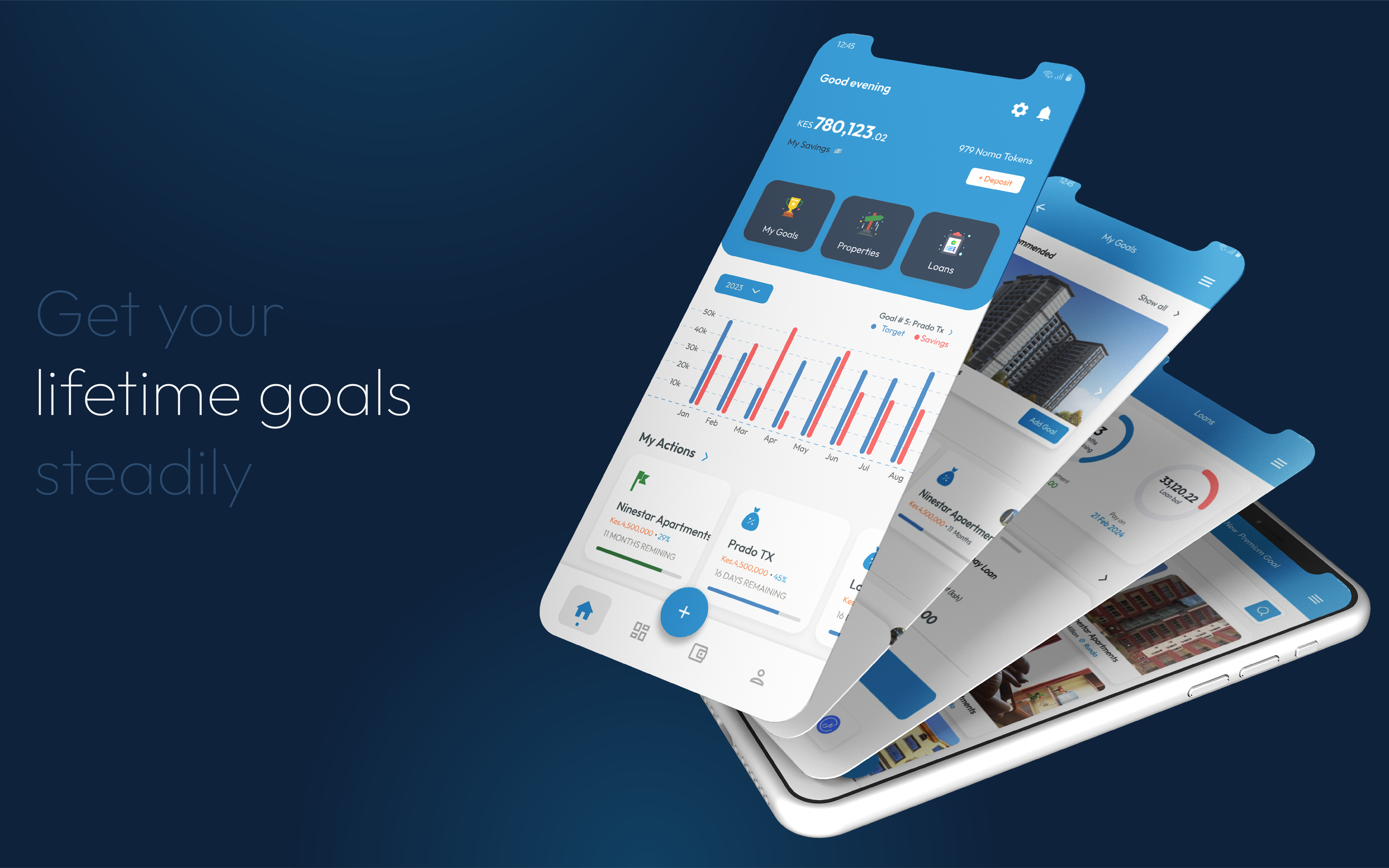
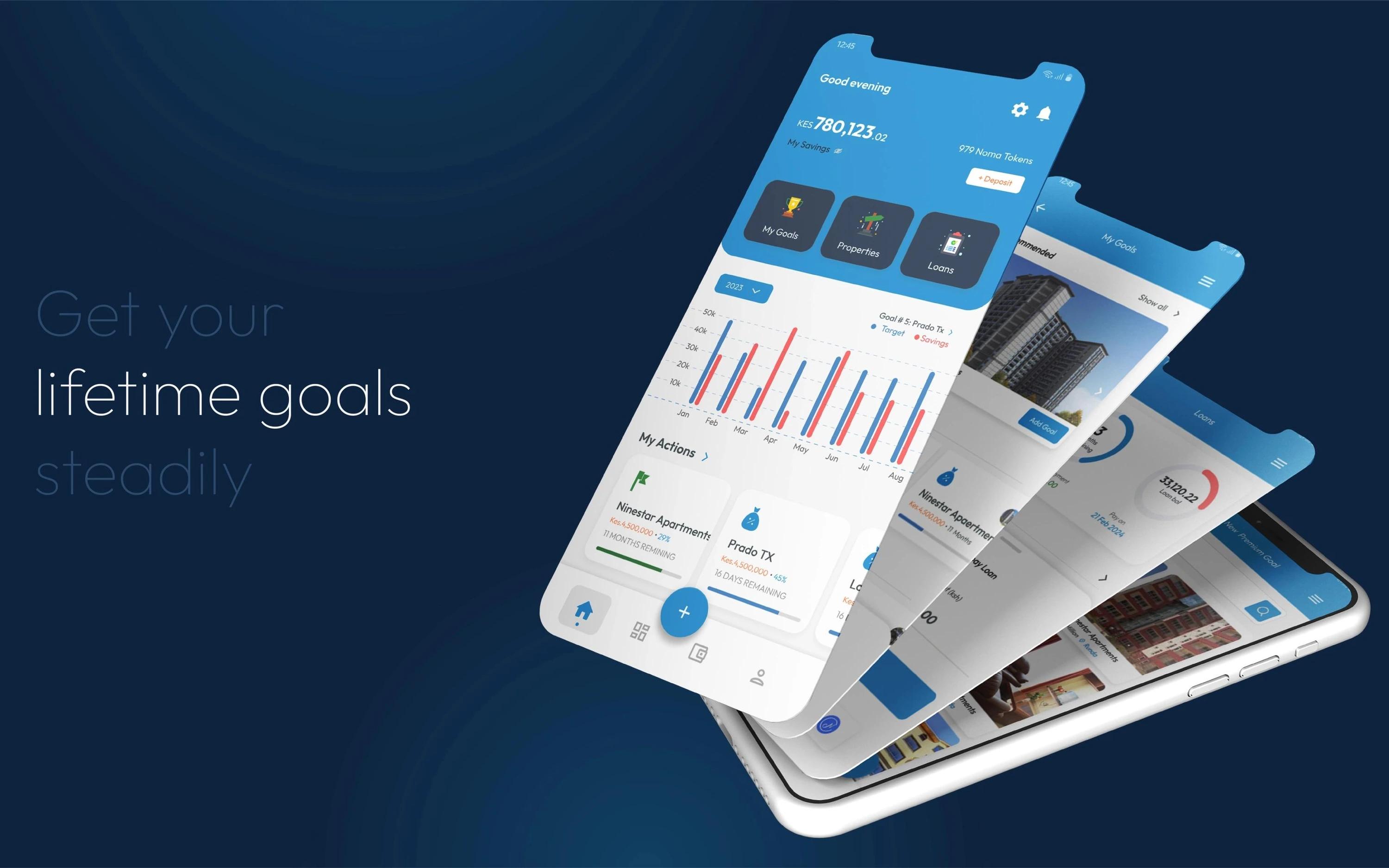
We plan each step people take in your app, design every screen in Figma and test the flow as a clickable prototype, so problems are fixed while they are cheap to fix. Developers then get every screen, size and image they need, so the finished app matches the design.
Every tap planned before the build
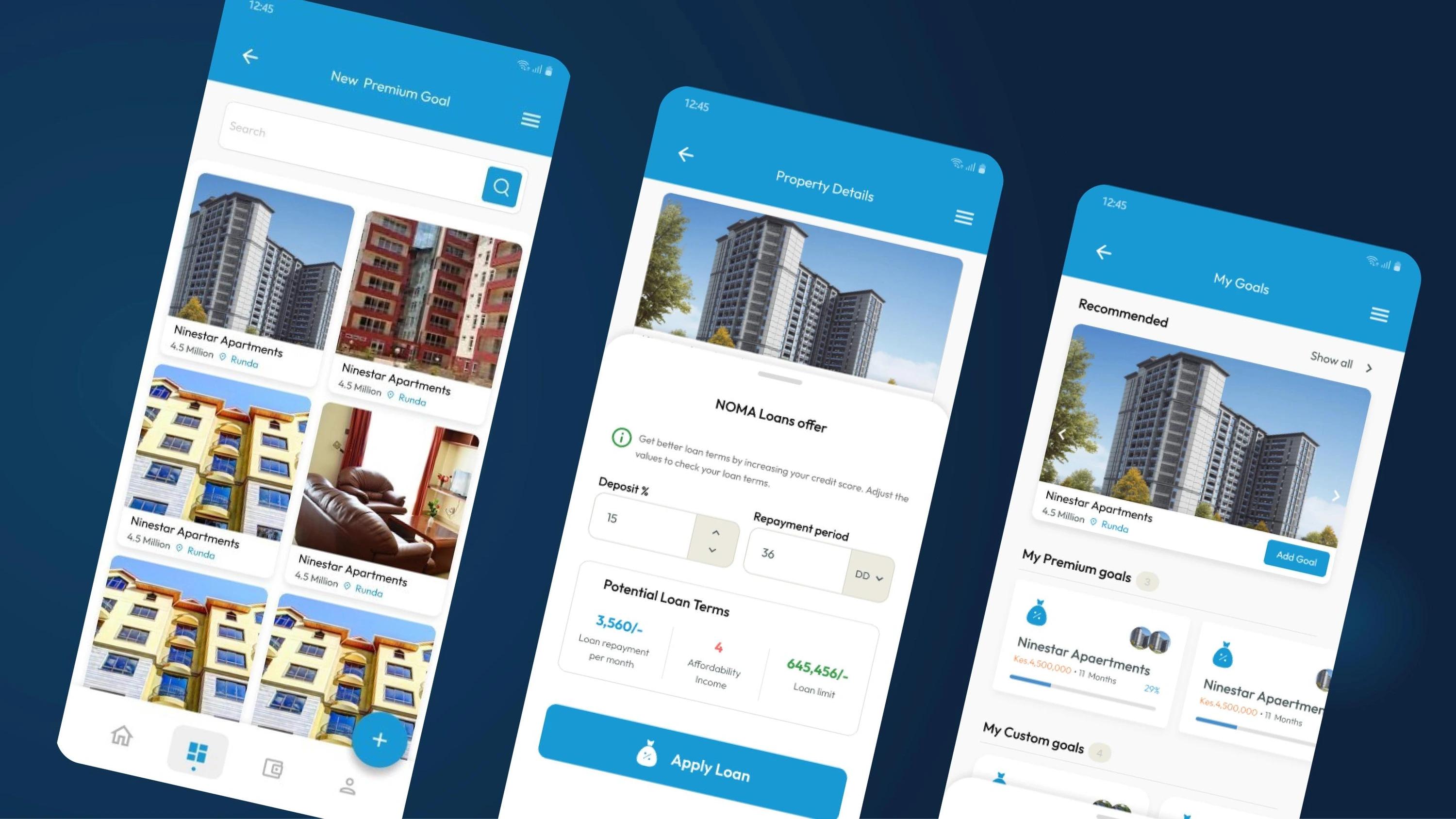
Mobile app UI design is judged on its first few screens: sign-up, the home screen and the one task people opened it for. We map each of those journeys step by step, sketch them rough, then test them as a clickable prototype before any developer starts, because a change in Figma takes minutes and the same change in code takes days.
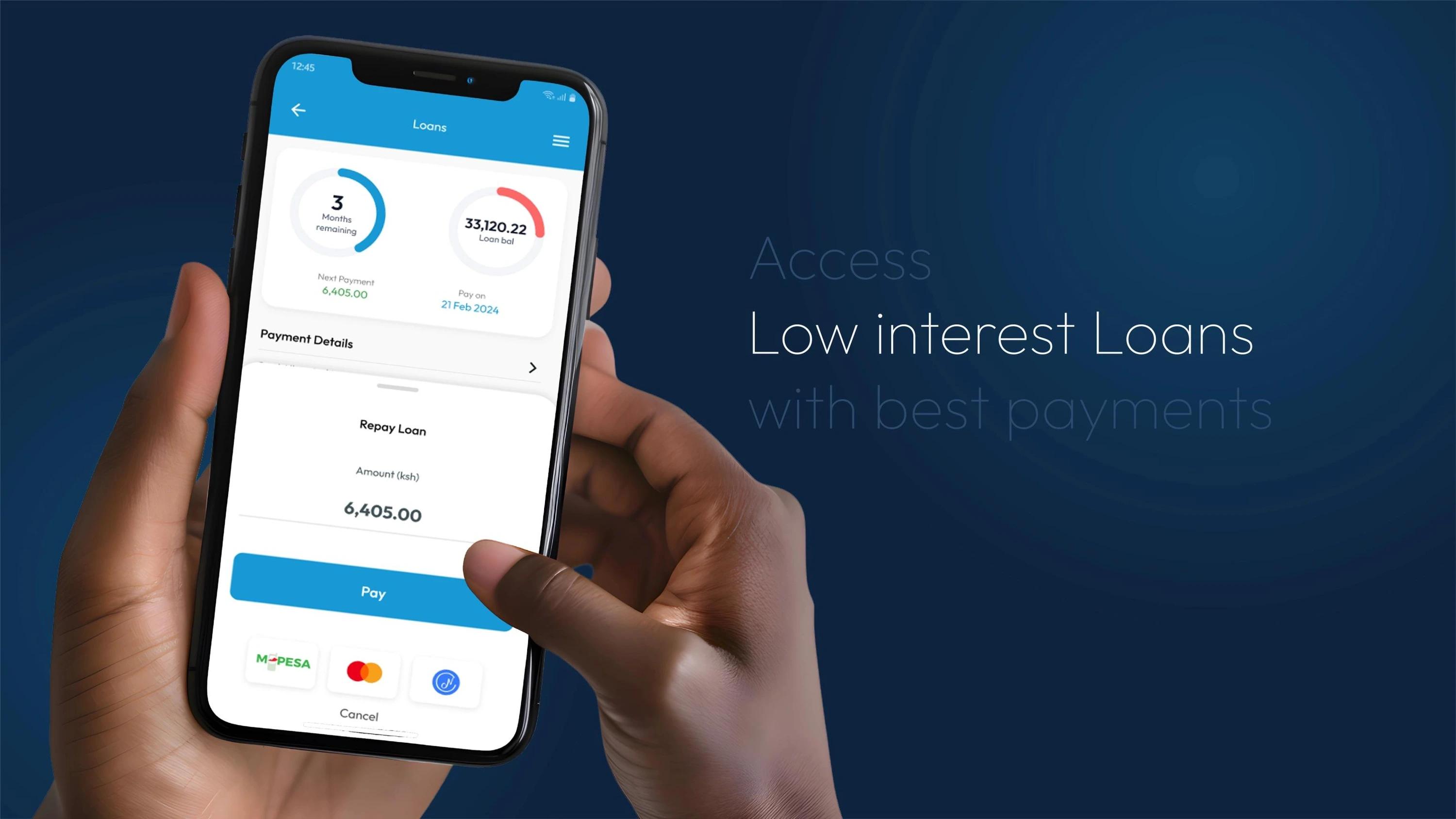
Tested on people before it is built
The prototype goes in front of a handful of people from the app’s audience, each trying the main tasks while thinking aloud. Small rounds like this surface most of the problems worth fixing (Nielsen Norman Group), and the screens are revised before the build starts.
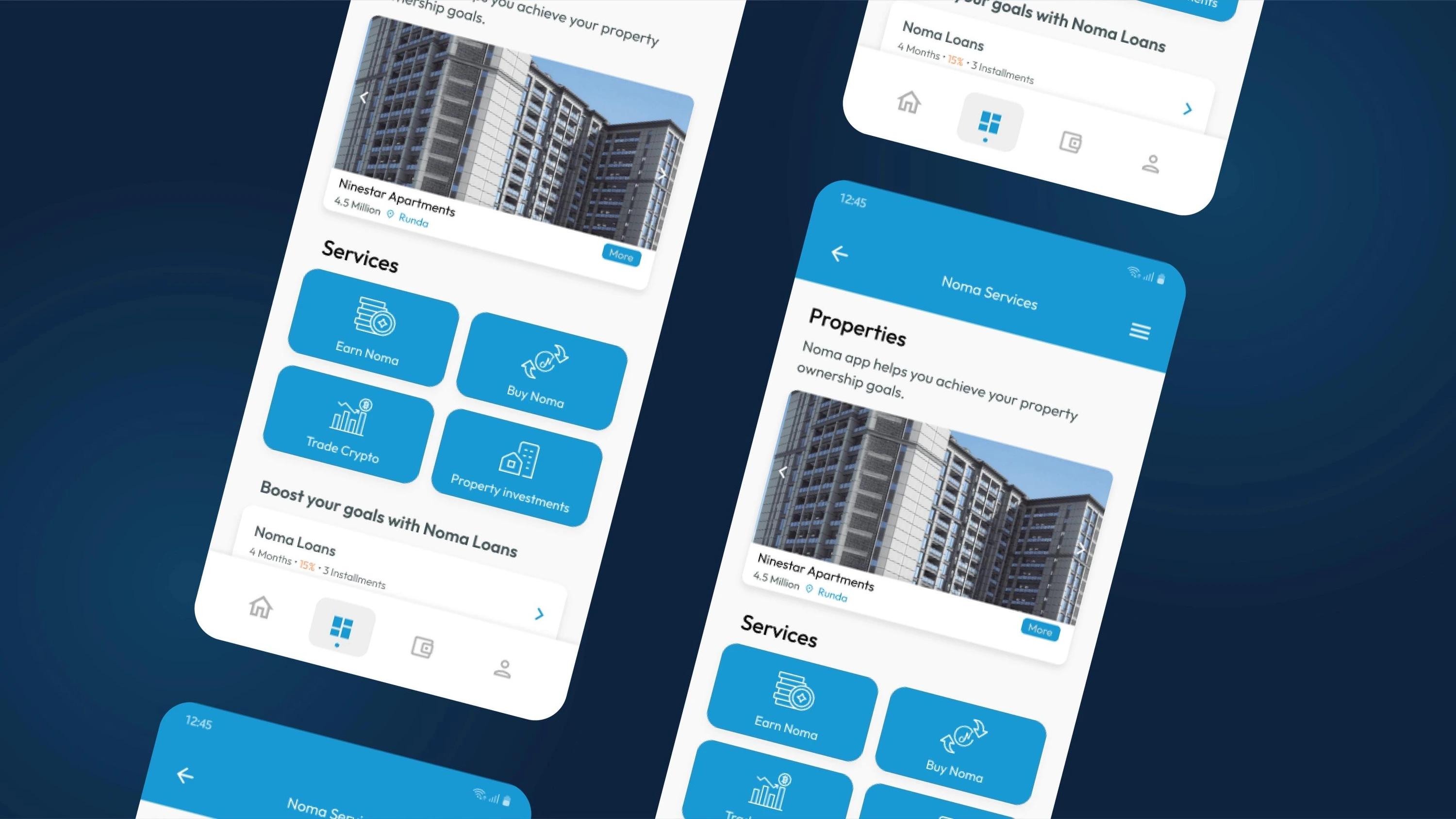
Designed for iOS and Android alike
Each platform has its own habits: where the back button sits, how menus open, how text scales. Screens follow Apple’s and Google’s design guidelines where it matters to users, and keep one look across both, so the app feels native on either phone.
Screens for the moments in between
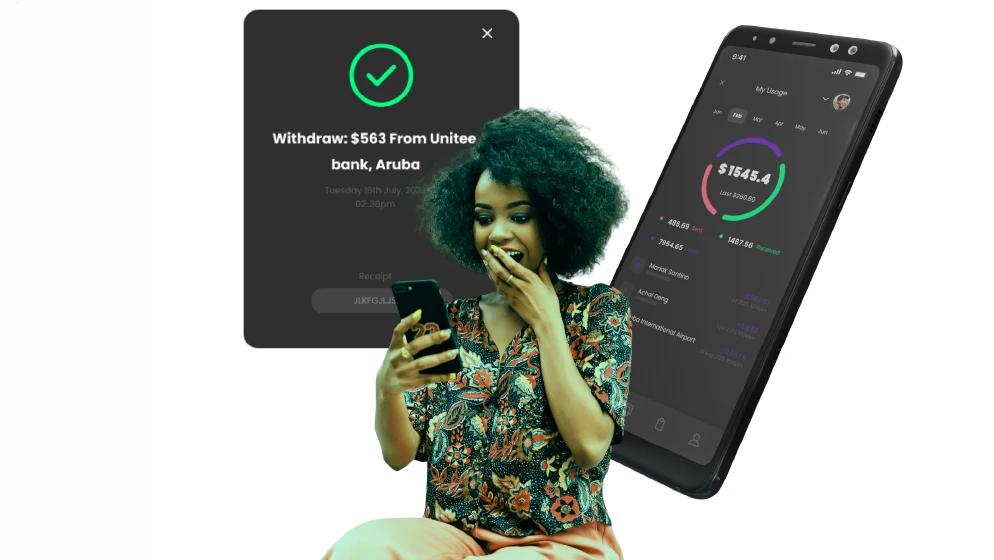
Real apps spend time loading, waiting for a signal or showing a list that is still empty. Each of those moments gets its own designed screen with a clear next step, so the app feels finished at every point of the journey, including the first launch.
Handed over ready to build
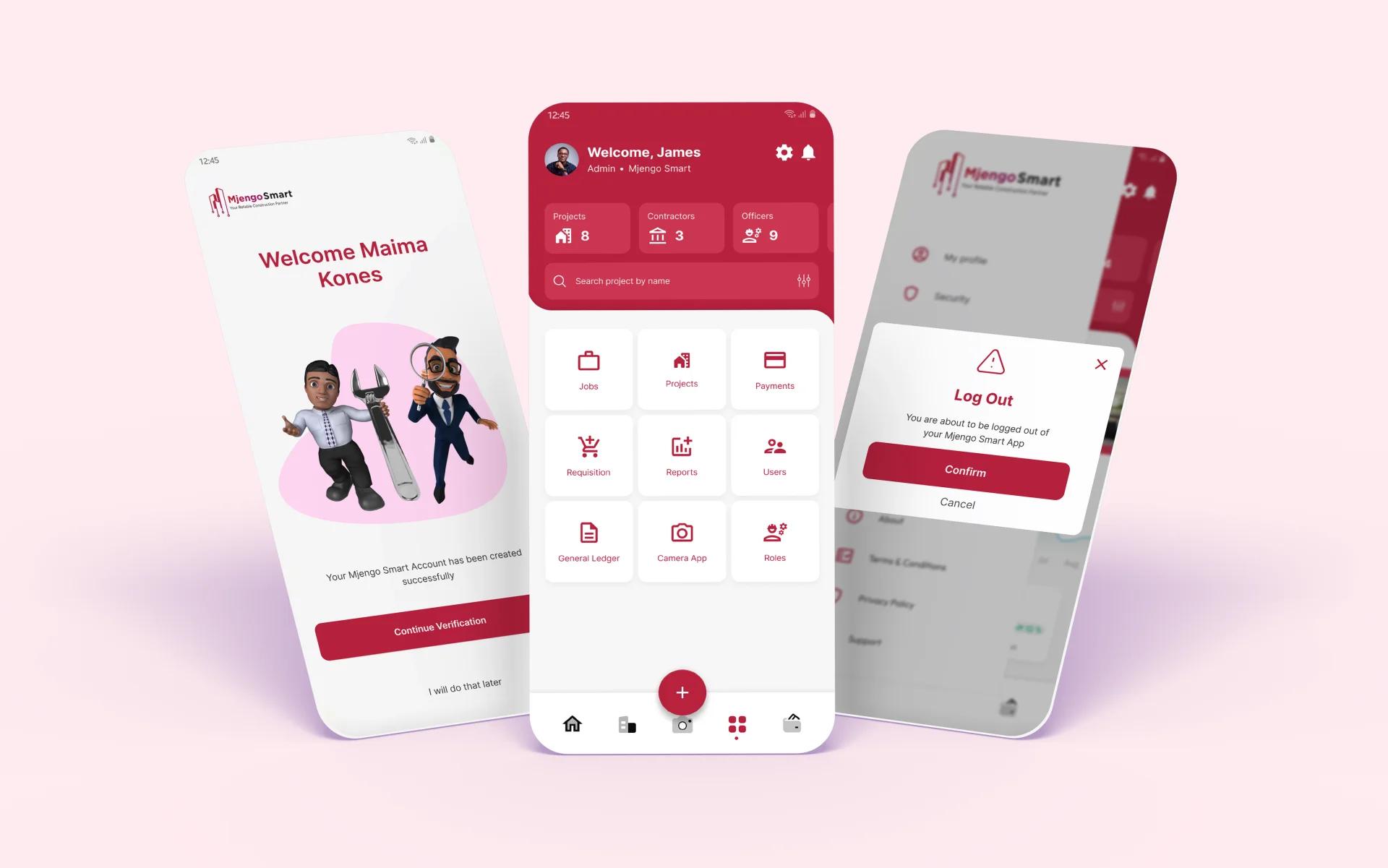
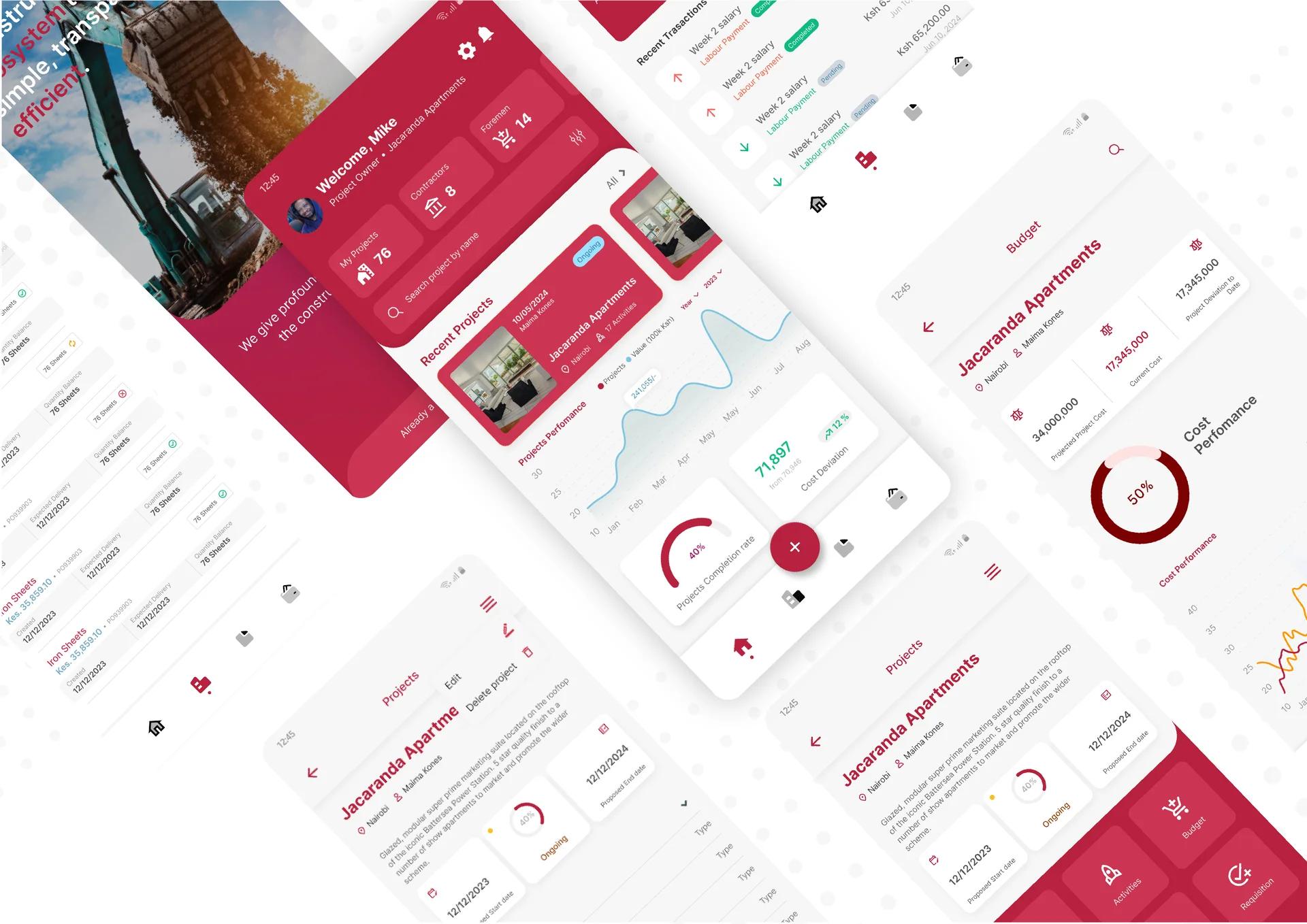
UI/UX design ends with a handover: developers get every screen at each size with its images exported, plus a library of reusable buttons, icons and styles, so the built app matches the design and new screens stay consistent. The same files produce the app store screenshots and listing graphics.
- Figmascreens, prototypes and the component library
The app itself is built through Mobile app development.
Included
- User research and a review of similar apps
- Step-by-step flows and rough screen sketches
- Finished screens for iOS and Android
- Empty, loading and error screens
- Clickable prototype for testing
- Reusable buttons, icons and styles
- Developer files: every screen with sizes and images
- App store screenshots and listing graphics