
Wi-Fi planned room by room
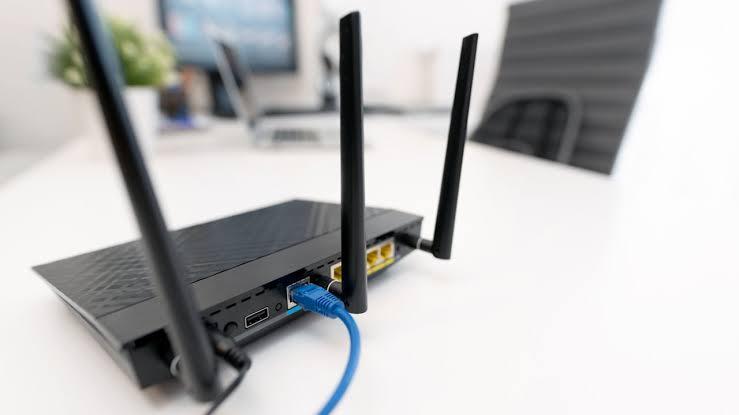
We plan the network around your rooms, set up and secure the router, run labelled cables where Wi-Fi is weak, and set who can reach what, with guests on their own network.
Built around the building
Weak spots come from walls, floors and distance. An office Wi-Fi setup planned around the building places access points where people work, adds structured cabling where Wi-Fi struggles, and keeps guests apart from the systems the business runs on.
How the network is set up
- Survey: the building walked, with signal measured room by room.
- Plan: access points, cable runs and the equipment list, priced before work starts.
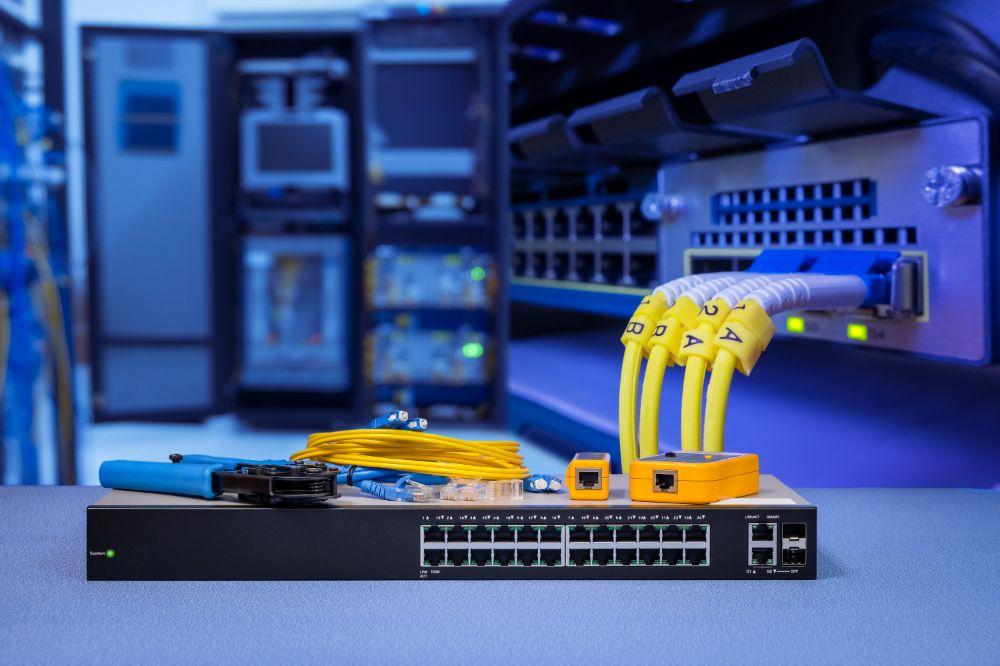
- Install: network cabling run and labelled at both ends, equipment mounted and powered.
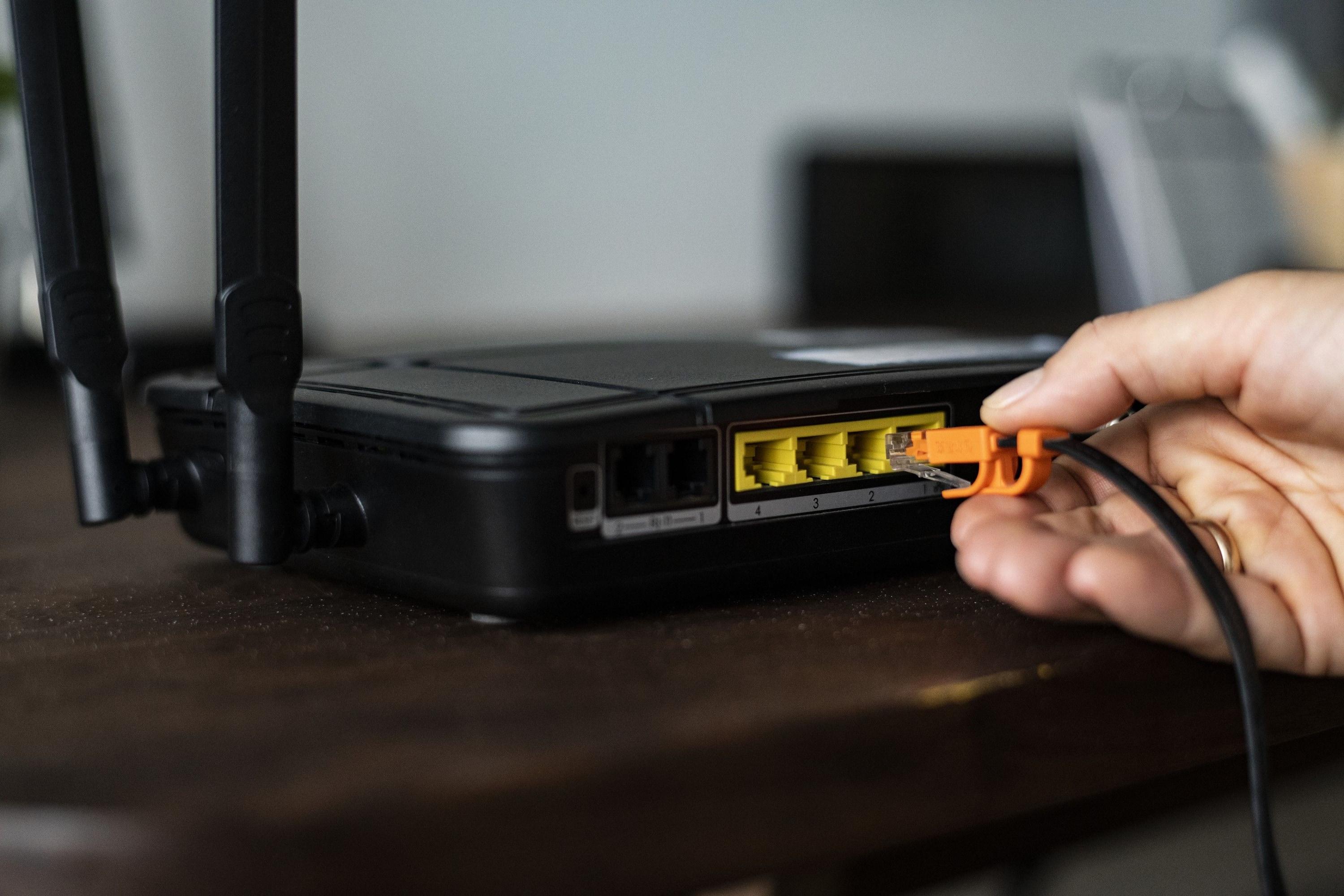
- Secure: the router’s admin password changed, WPA3 encryption on, firmware updated.
- Separate: a guest network for visitors and a separate one for cameras and tills.
- Test: speed and coverage checked in every room, with a map handed over.
The equipment itself comes through Network & power equipments, and cameras on the network through CCTV installation.
Included
- Router set up and secured
- Wi-Fi planned for every room
- Mesh Wi-Fi and access points set up
- Neat cabling and labelled points
- Access rights set per person and device
- Guests on a separate, secure network
- Secure access to the office network from anywhere
- Firewall and remote monitoring
- Network map