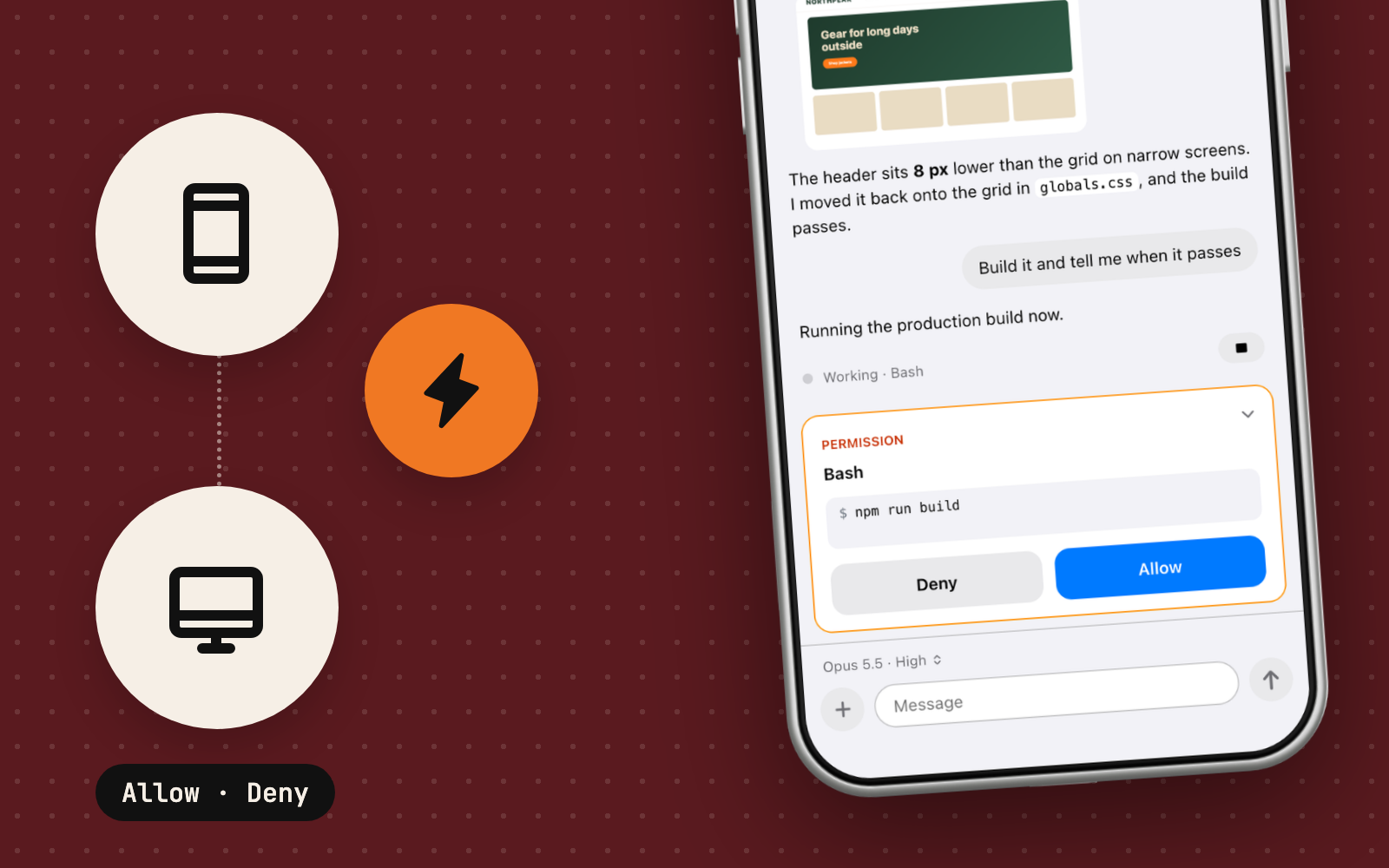
Claude Code questions and permission prompts, answered from anywhere
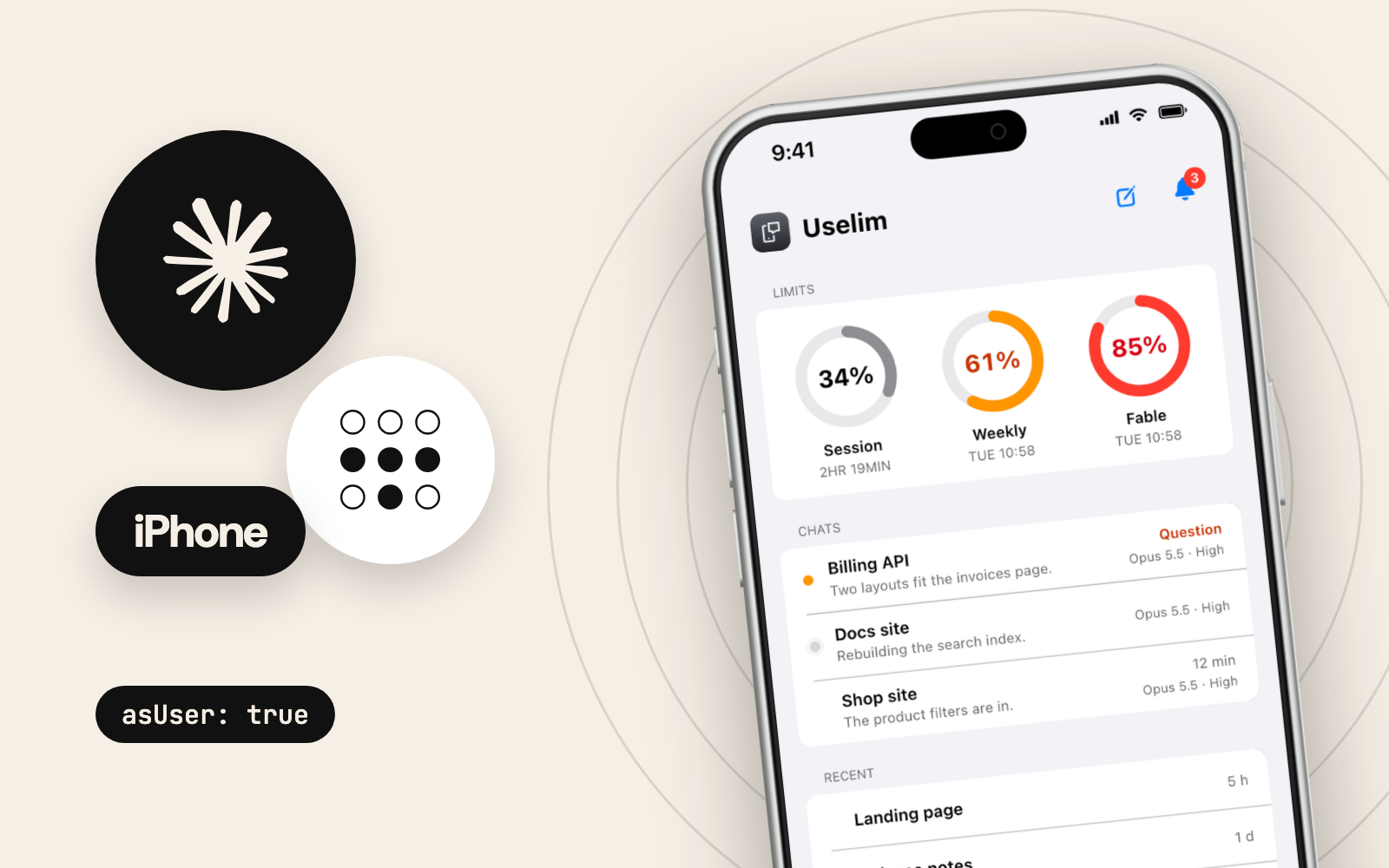
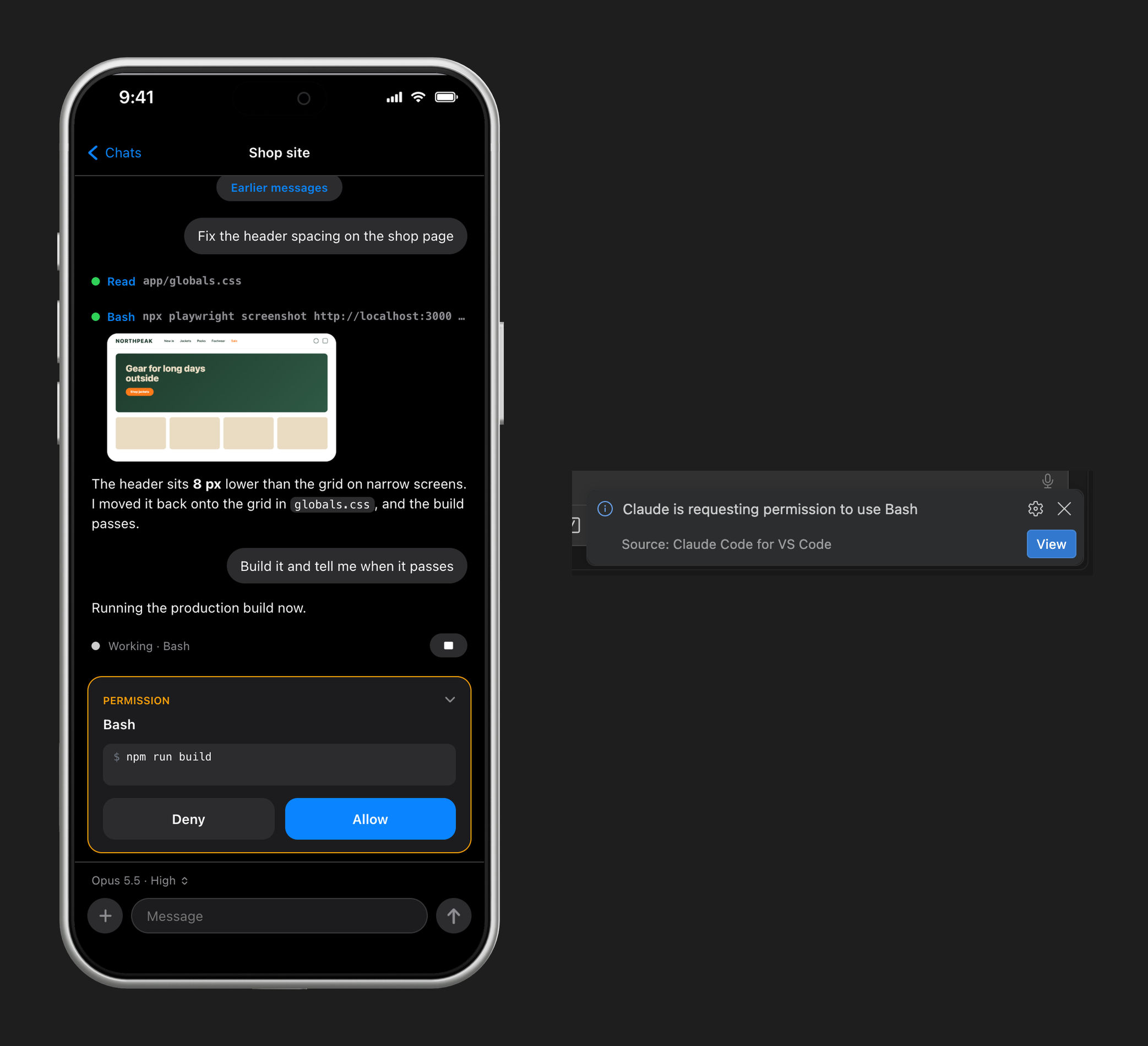
A chat stops for the person in two ways: a question, where Claude offers options through its AskUserQuestion tool, and a permission prompt, where a tool needs approval before it runs. In VS Code both show as a dialog in the panel. This episode puts both on the phone at the same moment, wherever the person is, with the first answer standing and the other side closing by itself: Claude Code remote approval, a human in the loop of the agent's work from wherever they are. Questions go through the mod and permissions through a settings hook, for a reason that sits in how Claude Code orders its hooks. The hooks are documented Claude Code interfaces; the cards, the relay and the long poll on the Mac are Uselim's own.
Get the app: everything here ships in Uselim, free on GitHub. Culpmit installs it from its Claude limits switch, and How to Use Uselim walks through the setup.
The goal
- Every question and permission on the phone and in VS Code at once.
- The first answer applies, from either side, for the questions and permissions that reach VS Code's dialog, in the versions tested.
- The other side's card or dialog closes once an answer lands.
- A wait of up to an hour, with a live request at every moment.
Questions: racing the dialog inside a mod
A mod's tool.call hook sees the AskUserQuestion call before the dialog does. Calling next(e) hands the call on, which shows the dialog; holding that promise and starting the phone's wait beside it turns the two into a race:
// a question goes to the panel's dialog and to the phone at once; the first answer stands
export function register(on) {
  on('tool.call', { tool: 'AskUserQuestion' }, async ($, e, next) => {
    let isAnswered = false
    const dialog = next(e).then(result => {
      isAnswered = true
      return { from: 'dialog', result }
    })
    const phone = waitForPhone($, e, next.signal, () => isAnswered).then(answer => ({ from: 'phone', answer }))
    const first = await Promise.race([dialog, phone])
    if (first.from === 'dialog') return first.result
    if (first.answer?.answers) {
      isAnswered = true
      // answering the call: the tool's own result shape, the answers keyed by question
      return { result: { questions: e.questions, answers: first.answer.answers } }
    }
    return (await dialog).result
  })
}- The dialog answers first: the hook returns the dialog's result, and the phone's wait sees the flag and stops on its next round.
- The phone answers first: the hook answers the call itself with the tool's own result shape, the answers keyed by question, and the dialog closes with the call.
The phone's side is a long poll on the Mac app's server, the wait Episode 2 shows: rounds of 20 seconds, up to 180 of them, an hour in all. always=1 asks the server to hold the wait at the desk too, so the phone gets the question at the desk and away alike.
// rounds of 20 seconds on the Mac's server until the phone answers, the dialog answers, or an hour passes
async function waitForPhone($, e, signal, isDone) {
  const url = `http://127.0.0.1:47472/relay/wait?session=${encodeURIComponent(e.session)}&ask=${encodeURIComponent(e.tool_use_id)}&always=1`
  for (let round = 0; round < 180 && !signal.aborted && !isDone(); round += 1) {
    const reply = await $.http.fetch(url, { headers: { 'X-Uselim': '1' } }).catch(() => undefined)
    if (!reply?.ok) return undefined
    const body = JSON.parse(reply.text)
    if (body.state === 'answered') return body.answer
    if (body.state !== 'waiting') return undefined
  }
  return undefined
}
A settings hook can answer a question as well: a PreToolUse hook on AskUserQuestion returns allow with an updatedInput that carries an answers map, as the hooks reference shows. That hook decides before the dialog shows, though; the mod's race keeps the dialog in play.
Permissions: why a mod hook stays out of the race
A mod can register a classic.PermissionRequest hook. Claude Code's built-in security plugin takes that event first and passes over the classic.* hooks of installed mods, so a mod's permission hook runs at zero points. Hooks in settings.json run as usual, so permissions take a settings hook.
A PermissionRequest hook that runs beside the VS Code dialog
The VS Code extension hosts Claude Code through the Agent SDK and answers permissions in its own dialog, through the SDK's canUseTool callback. The hooks reference covers that case: for a call that reaches the host's callback, the hooks run alongside the host, and whichever decides first applies. A PermissionRequest hook therefore starts at the same moment as the dialog, and a hook that waits for the phone races it.
{
  "hooks": {
    "PermissionRequest": [
      { "hooks": [{ "type": "command", "command": "/Applications/Uselim.app/Contents/MacOS/Uselim --permission", "timeout": 3600 }] }
    ]
  }
}
The hooks reference lists a default timeout of 600 seconds for a command hook, a figure that can change between Claude Code versions, and Claude Code discards the output of a hook that reaches its timeout. Uselim's hook therefore sets its own: 3,600 seconds, with its wait ending at 3,500, inside that limit. Settings hooks load as a session starts, so a chat started after the change carries the hook. The hook reads the request on stdin:
{
  "session_id": "abc123",
  "transcript_path": "/Users/you/.claude/projects/…/abc123.jsonl",
  "cwd": "/Users/you/projects/shop",
  "permission_mode": "default",
  "hook_event_name": "PermissionRequest",
  "tool_name": "Bash",
  "tool_input": { "command": "npm run build", "description": "Build the site" }
}
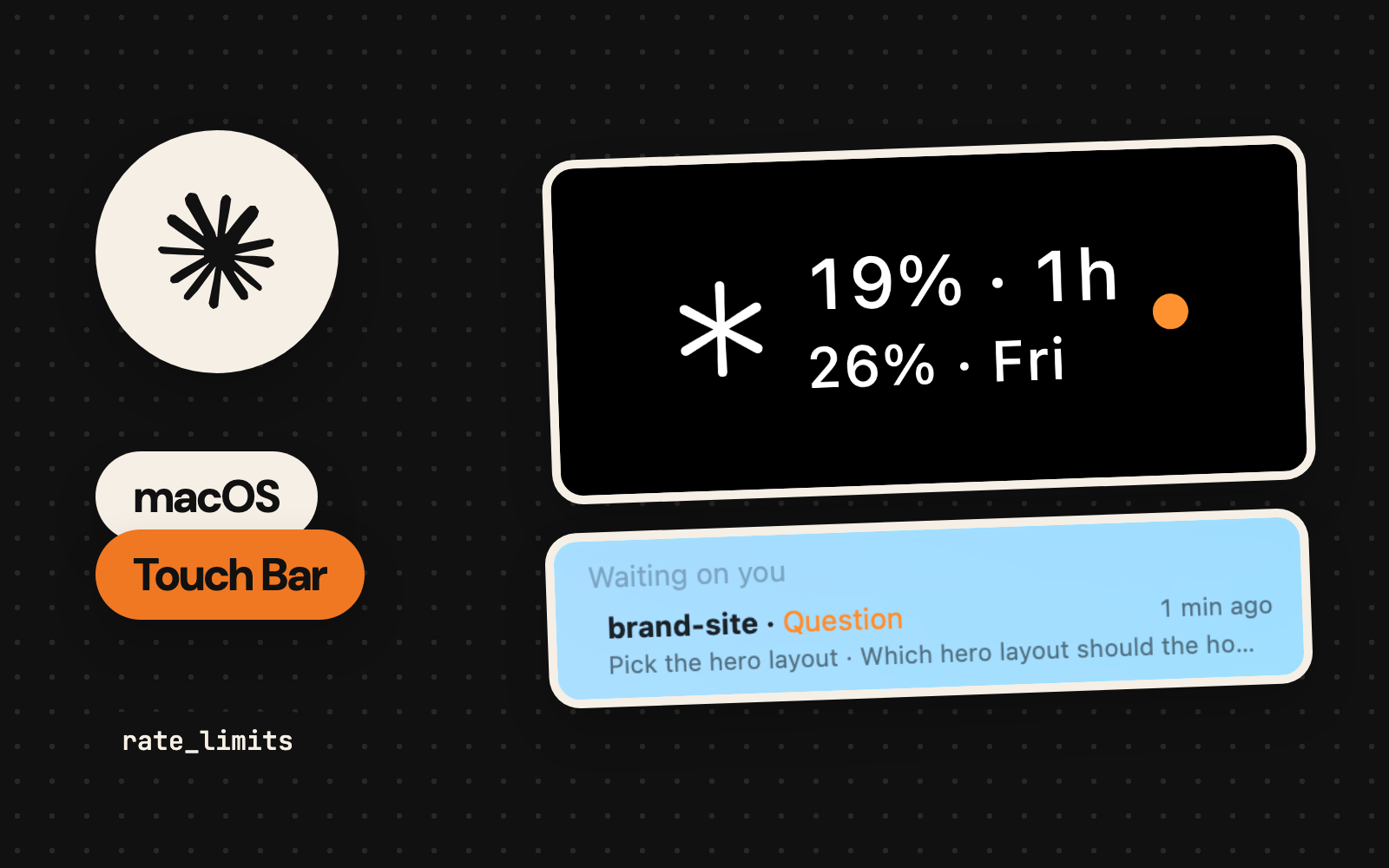
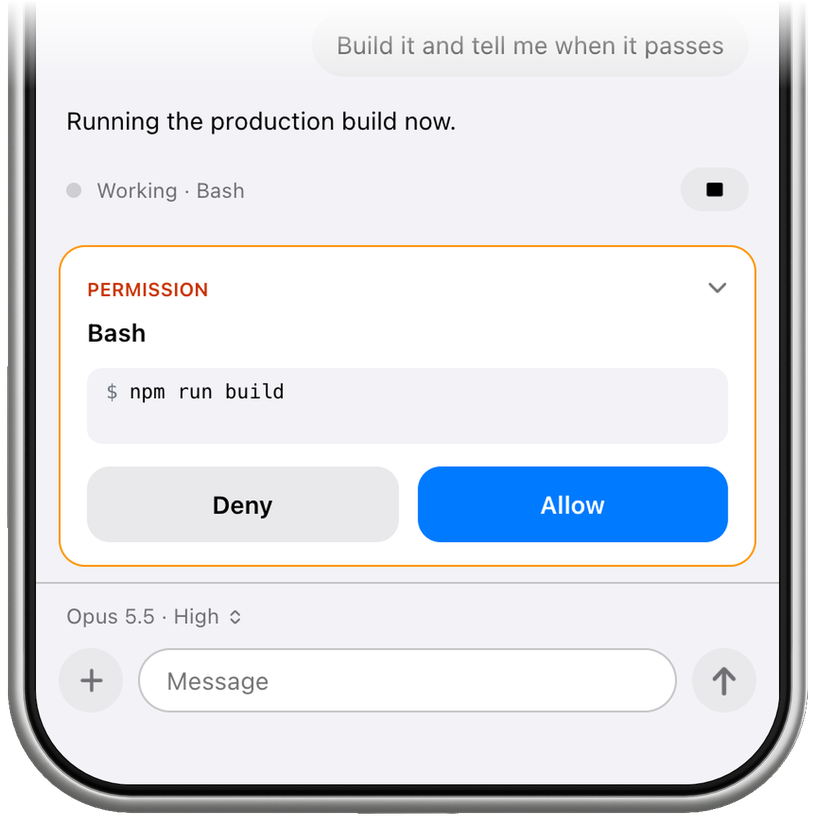
With Phone switched off in Uselim's menu, the hook returns at once and the permission stays with VS Code's own dialog. With Phone on, it writes a card for the phone with the tool and its target (Bash: npm run build), the Mac app pushes a notice (Episode 6), and the phone's chat shows Allow and Deny. Then the hook waits on the same long poll as a question. When the phone answers, it prints the decision on stdout and exits 0:
{ "hookSpecificOutput": { "hookEventName": "PermissionRequest", "decision": { "behavior": "deny", "message": "Denied from the phone." } } }An allow is behavior: allow. A deny carries a message for Claude, and the phone's Stop (Episode 3) sends a deny with interrupt, which ends the turn too; whatever already ran in the turn keeps its effects.
When the Mac answers first
An answer in the VS Code dialog settles the request, and Claude Code cancels the hook with a signal. The hook listens for SIGTERM, SIGINT and SIGHUP, and on any of them it takes its card down and exits with zero output.
import Foundation

// the signal sources live as long as the process: held in a local, an optimised build lets them go at once and a
// cancel leaves the card up
private var signalSources: [DispatchSourceSignal] = []

// the hook's side of the race: wait on the Mac's long poll until the phone answers; a cancel from
// Claude Code, when the dialog answers first, arrives as a signal and takes the card down
func waitForPhone(query: String, takeDown: @escaping () -> Void, fetch: (URLRequest) -> [String: Any]?) -> String? {
    for number in [SIGTERM, SIGINT, SIGHUP] {
        signal(number, SIG_IGN)
        let source = DispatchSource.makeSignalSource(signal: number, queue: .global())
        source.setEventHandler {
            takeDown()
            exit(0)
        }
        source.resume()
        signalSources.append(source)
    }
    let started = Date()
    while Date().timeIntervalSince(started) < 3_500 {
        var request = URLRequest(url: URL(string: "http://127.0.0.1:47472/relay/wait?\(query)")!, timeoutInterval: 40)
        request.setValue("1", forHTTPHeaderField: "X-Uselim")
        guard let body = fetch(request) else { Thread.sleep(forTimeInterval: 3); continue }
        guard body["state"] as? String == "answered" else { continue }
        takeDown()
        let allow = (body["answer"] as? [String: Any])?["allow"] as? Bool ?? false
        let fields: [String: Any] = allow ? ["behavior": "allow"] : ["behavior": "deny", "message": "Denied from the phone."]
        let out = ["hookSpecificOutput": ["hookEventName": "PermissionRequest", "decision": fields]]
        return (try? JSONSerialization.data(withJSONObject: out)).map { String(decoding: $0, as: UTF8.self) }
    }
    return nil
}
A dispatch signal source keeps its handler while the source object lives. Held in a local, each can be released after its last use in an optimised build, and the cancel then goes unheard; references held for the life of the process keep them listening.
Every way the card comes down
- The phone answers: the hook prints the decision and takes the card down.
- The Mac answers first: the cancel, as above.
- The Mac allows: the tool runs, and the
PostToolUsehook with the same tool and target clears the card. - A new prompt or the chat's end: the
UserPromptSubmitandSessionEndhooks clear it. - The Mac denies: the turn ends, the Mac app clears a permission card on a chat idle five seconds, and the waiting hook hears that the card is gone and exits.
Questions keep their own race through the mod, and plan approvals stay with the dialog. The paths above are the ones exercised in testing; rarer timings, such as answers from both sides in the same instant, rest on the hooks reference's rule that the first decision applies.
Compared with Cowork's Dispatch
Dispatch, in Cowork, is one conversation with an agent that runs child tasks on the desktop: the phone starts the conversation and reads the results, and a permission left ten minutes goes as denied. With this relay, every chat in VS Code takes its answer from the phone or the Mac, whichever comes first, and each keeps its own thread. The full comparison sits in Episode 2.
Things to know
- An Allow from the phone is the same decision as one at the desk and calls for the same reading of what the tool will do: the card shows the tool and its full input, a command, a file and its content, or an edit's lines, up to 100,000 characters, with any remainder counted for the Mac's dialog.
- The phone answers exactly the requests Claude Code puts to the person: permission rules in settings settle their own calls first, and the
PermissionRequesthook runs when Claude Code is about to ask, so the host's permission system and its safeguards stay in force. - A phone out of reach leaves its card waiting on the Mac until it returns, with VS Code's dialog open throughout; with Uselim's server away, the hook asks again every three seconds. After 3,500 seconds the hook takes its card down and the request stays with the dialog.
- Claude's own settings file sits outside what a chat may edit in auto mode, so the hook goes in through a command the person runs:
Uselim --setup, which copies the file to a backup first and adds Uselim's hook groups, the rest of the file kept as it was. - A new VS Code tab opens in the permission mode chosen last; in auto mode most tools run unasked, so a test of the race needs a chat in a mode that asks.
- Claude Code's
permission_promptnotification fires about six seconds into a prompt and carries a signal alone; it suits a waiting list, as in Episode 1. - Measured live: the card up 5.5 to 6.4 seconds after the message, model time included, the phone's banner under a second after the card, and the command running 0.15 seconds after the Allow.
Sources: Claude Code's hooks reference, permissions and mods API pages; the Agent SDK's permissions guide.
- ClaudeClaude Code in VS Code
- Swiftthe hook and the Mac app
- VS Codethe dialog
- Published
- Author
- Simon Booban
- Category
- AI & Automation