Driving a Claude Code chat from a phone
A phone that reads replies is a window; a phone that drives the chat is a second desk. Driving takes five things: words that enter as the person's own, the chat's slash commands, its model and effort, a Stop for a turn heading the wrong way, and a way to hand over files and photos. This episode covers that remote conversation control, Claude Code file upload from a phone and image input, each one in the relay from Episode 2: the mod's calls inside Claude Code, the Mac app's routes and the phone's side, with the code behind them.
Get the app: everything here ships in Uselim, free on GitHub. Culpmit installs it from its Claude limits switch, and How to Use Uselim walks through the setup.
The goal
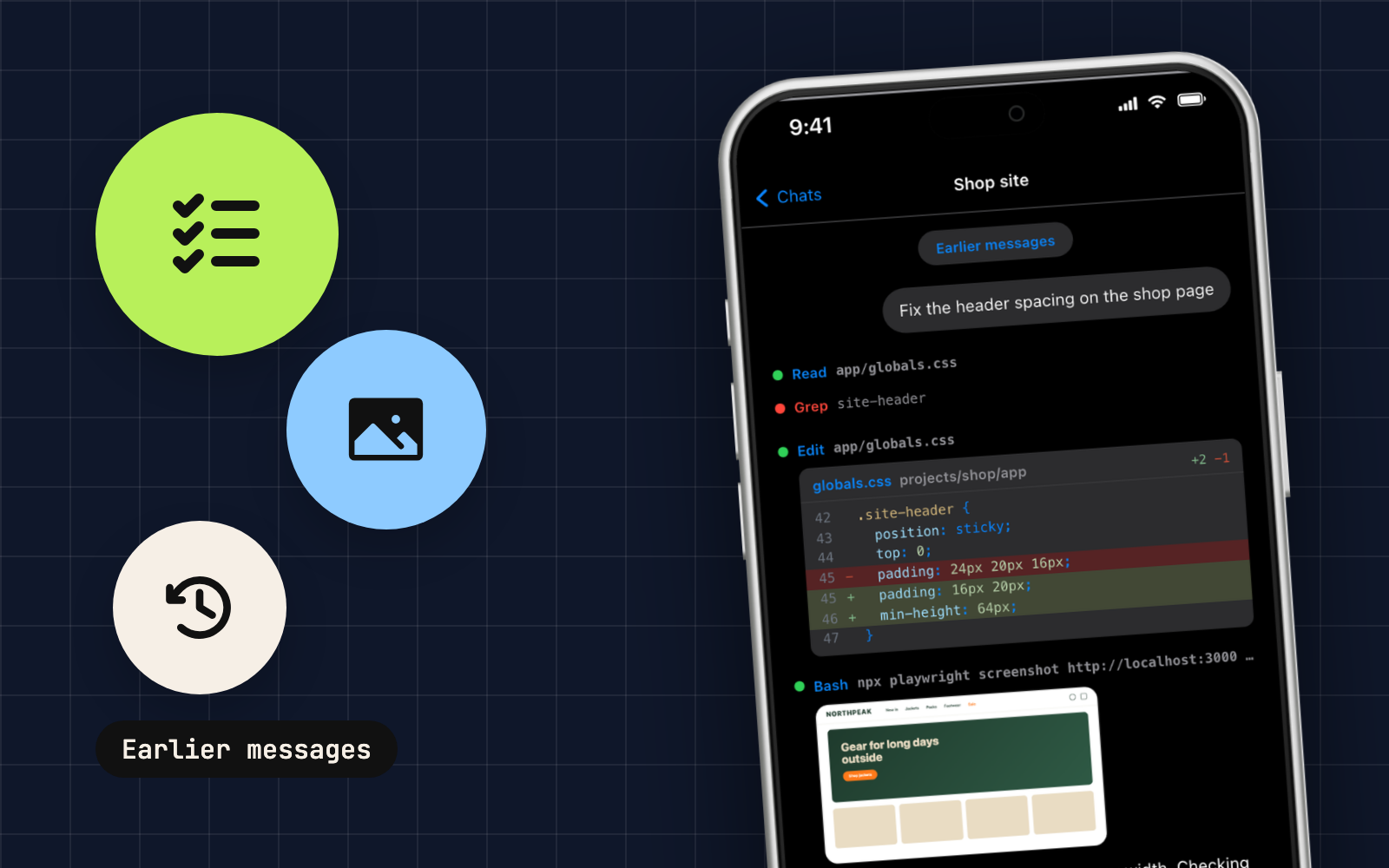
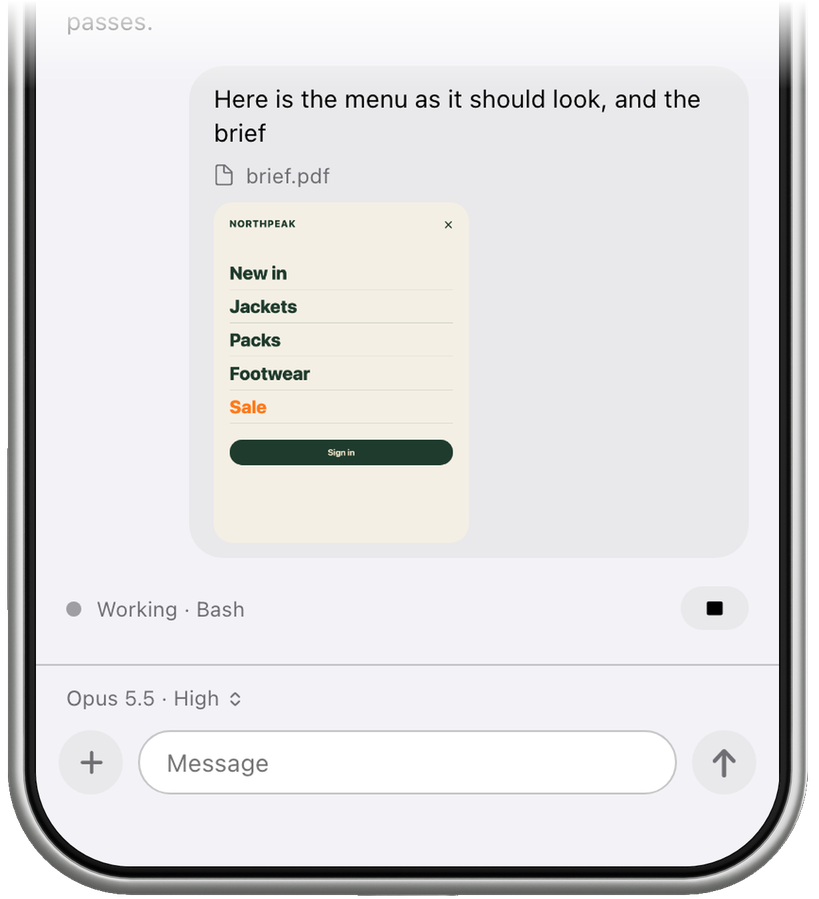
- A sent message on screen the moment Send is tapped, with Working and the running tool beneath it.
- The chat's own slash commands, model and effort, run from the phone.
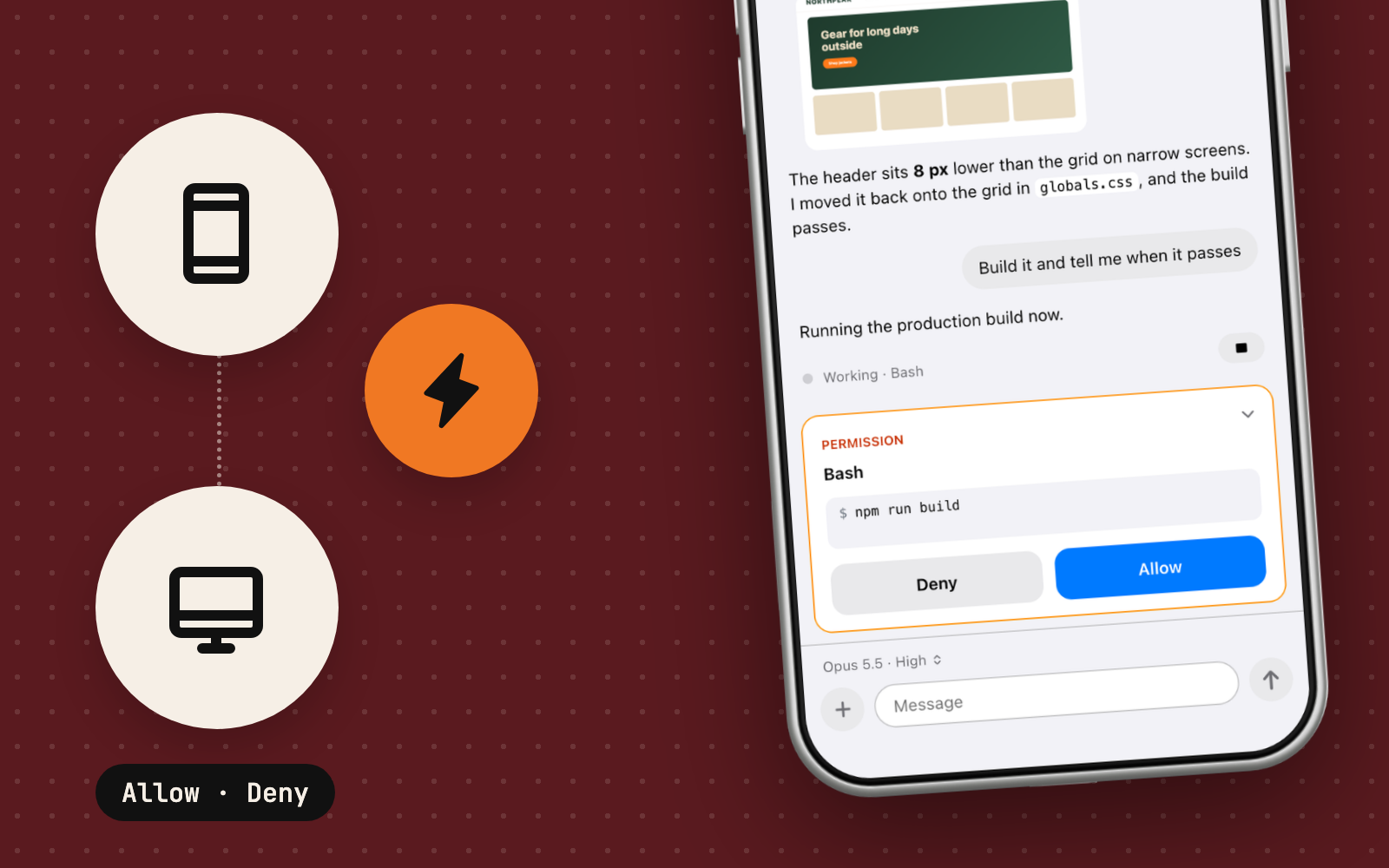
- A Stop that ends the running turn and its tools, as the panel's own Stop does.
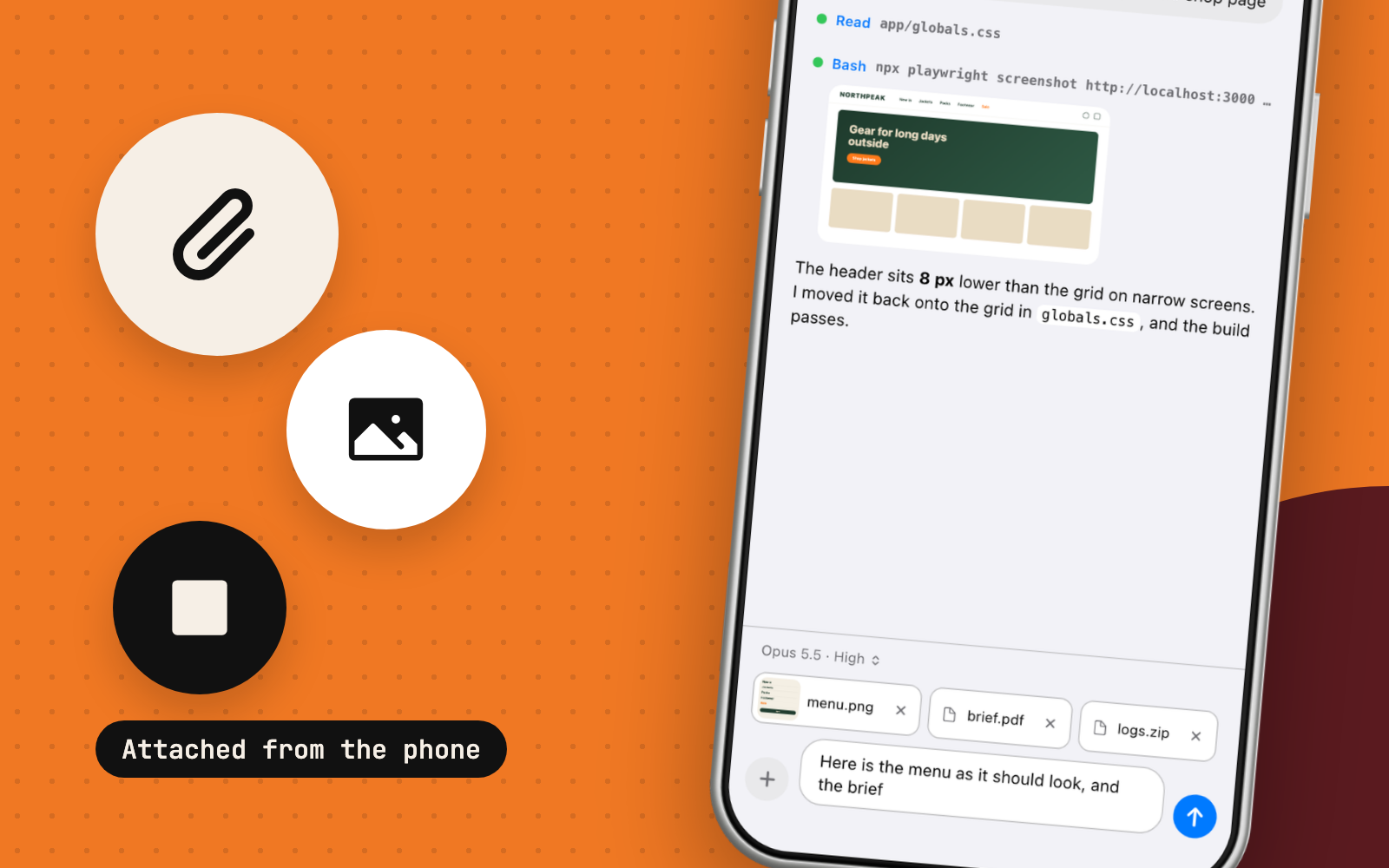
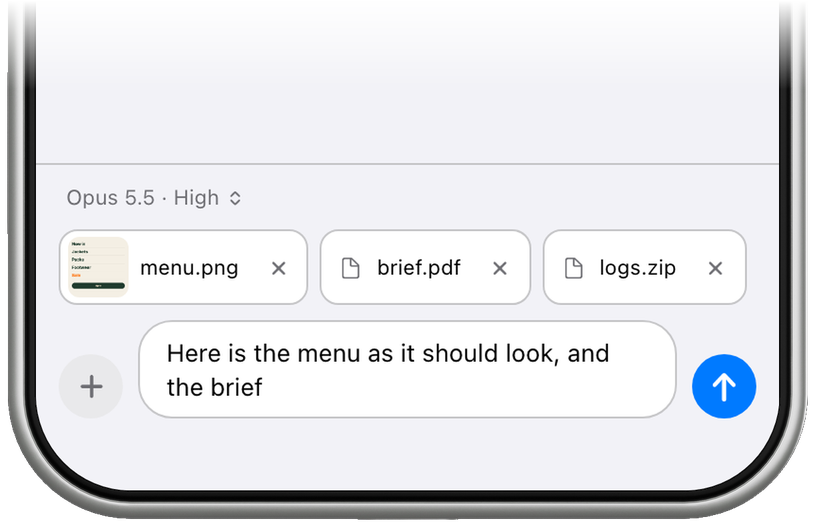
- Files from the phone in the chat, by their paths on the Mac, and photos fitted to a size the chat reads whole.
A message the chat reads as typed words
The phone posts its words to the Mac app, which queues them in the chat's inbox file, each with an id in sending order. The chat's mod checks that inbox every two seconds and enters the words through $.prompt.submit with asUser: true, the call Episode 2 shows. In this version of the relay, messages that arrive during a turn wait and enter together once it ends, and the phone marks them Queued.
The phone draws the bubble the moment Send is tapped and empties the box. Under it sits a Working line with the names of the tools the chat is running (Bash, Read, Edit), which the mod's tool.call hook keeps current in the chat's file. A failed send puts the words and files back in the box. Episode 4 covers how the history itself reaches the phone, and Episode 7 the questions and permissions the chat asks along the way.
The phone's copy of a message gives way once the history holds it. The mod writes an entered mark with the first history whose latest words are that message, a moment into its turn, and at the turn's end at the latest. A mark written at the turn's end alone leaves two copies side by side for the whole turn, the history's and the phone's.
Slash commands, model and effort from the phone
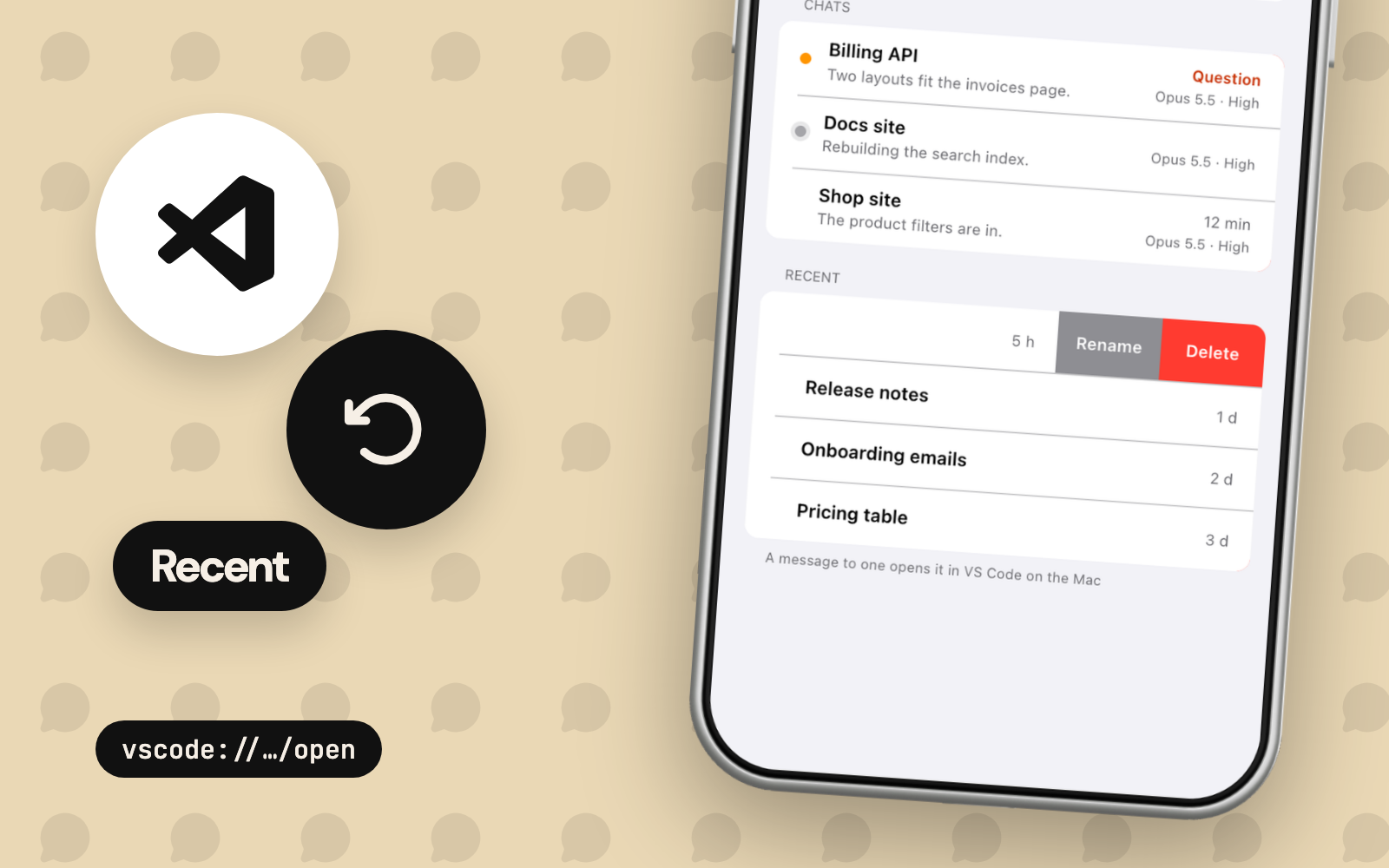
Claude Code turns away a prompt from a plugin that opens with a slash, since such text would run a command as the user. So the mod reads the chat's command list ($.command.list(), once a minute), and a phone message that names one of those commands runs through $.command.run as the chat's own, in its place among the messages, with its output written to the phone's history.
// a phone message that names one of the chat's slash commands runs as the chat's own command
async function runFromPhone($, message, names) {
  const found = /^\/(\S+)(?:\s+([\s\S]*))?$/.exec(message.trim())
  if (!found || !names.has(found[1])) return false
  const ran = await $.command.run({ command: found[1], args: (found[2] ?? '').trim() })
  // /model and /effort change this chat alone; the output goes to the phone's history
  return ran?.text ?? ''
}
Words that only look like a command, such as a pasted path, go behind a zero-width space: the text passes the check and reads as typed. The delivery code in Episode 2 shows that step.
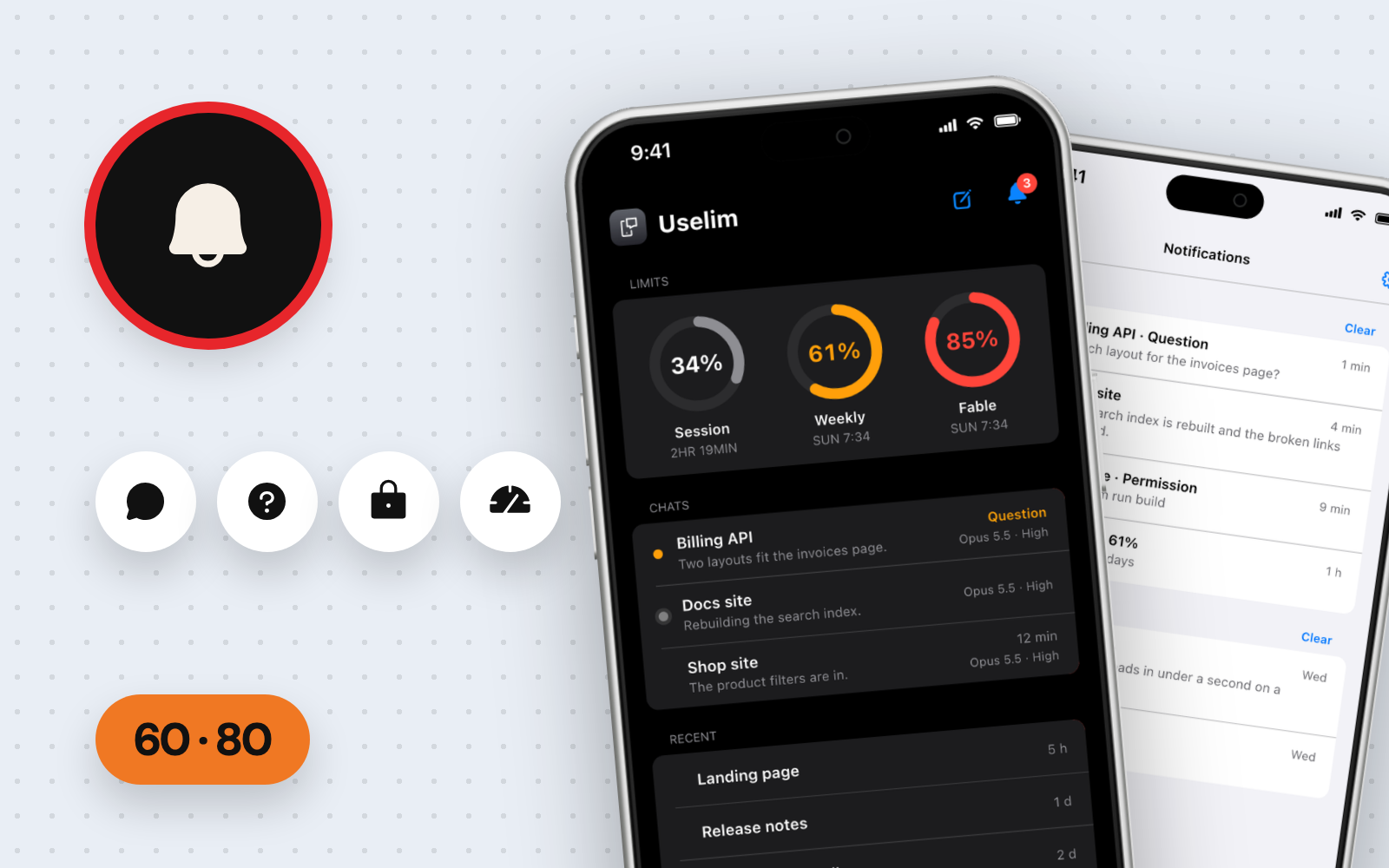
Model and effort ride the same road. A pill above the message box opens a sheet with Opus, Sonnet and Haiku and an effort slider that snaps to the panel's five levels. The Mac app writes the pick to a switch file, and the mod runs the chat's own /model, then /effort. Claude Code queues both until the chat is idle, so a pick made mid-turn lands as the turn ends, and in a VS Code chat each keeps the change to that chat. The mod reports the model and effort back, so a change made at the Mac shows on the phone too.
Stop: ending a Claude Code turn from a phone
Stop shows on the phone while a turn runs. A tap posts to the Mac app, which leaves a stop note in the inbox and releases any question held for the phone. The mod reads the note within two seconds and calls $.turn.abort on the main loop's turn, which ends the turn and its running tools the way the panel's Stop does. As the turn ends, the mod appends one user-role line through $.session.append, so the model reads who stopped it. A Stop older than half a minute lapses. Stop ends the turn and its running tools; edits already made stay made, and a process started on its own, such as a dev server, keeps running.
// the phone's Stop ends the running turn and its tools, as the panel's own Stop does
let turn = ''
let isStopping = false
const STOPPED = 'The person stopped the turn above from the phone before it finished.'

export function register(on) {
  on('turn.start', async ($, e, next) => {
    if (e.agentId === undefined) turn = e.turnId
    return next(e)
  })
  on('turn.complete', async ($, e, next) => {
    const result = await next(e)
    // the model reads one line saying who stopped the turn
    if (isStopping && e.reason === 'aborted') {
      await $.session.append({ message: { type: 'user', content: [{ type: 'text', text: STOPPED }] } })
    }
    isStopping = false
    return result
  })
}

async function stop($) {
  if (!turn) return
  isStopping = true
  await $.turn.abort({ turnId: turn })
  turn = ''
}
Appending is the dependable road for that line: a plugin's own $.prompt.submit skips that plugin's prompt.submit hooks, so a note added in a prompt hook would miss the next message from the phone.
Sending any file to Claude Code by its path
Files of any type the relay accepts, up to 200 MiB each, go to the Mac and reach the chat through their local paths. The phone uploads each file to the Mac app (POST /api/upload, up to 200 MiB), which saves it under a safe bare name in the chat's own folder, relay/files/<session>/, with a number added where the name is taken. The message then names each file by its full path, beneath a line that says where they came from:
Here is the header fix from the shop page.

Attached from the phone:
/Users/you/Library/Application Support/Uselim/relay/files/<session>/header.jpg
/Users/you/Library/Application Support/Uselim/relay/files/<session>/notes.pdf
A path is the dependable handover. In a prompt a plugin submits, @file mentions and pasted images stay plain text, and a path is what a person pastes at the Mac anyway. The chat opens each file with its own tools: Read for pictures and PDFs, macOS's textutil for a Word file, unzip for an archive. The VS Code panel's attach list holds pictures, PDFs and text because it puts a file's contents into the prompt; a path carries any type. Arrival settles the transfer; whether the chat can read a file depends on the tools that open its format.
Resizing photos to 1,500 px on the phone and on the Mac
An iPhone photo’s size and format vary by model and settings; many arrive at 12 MP in HEIC. Uselim’s resizing rule, a policy of the app rather than a requirement of the model, fits each picture within a long side of 1,500 px and an area of 1.5 MP. Fitting happens twice. On the phone first, through a canvas, so the upload stays small on a mobile network:
const LONG_SIDE = 1500

// a photo larger than the long side, or 1.5 MP, leaves the phone already fitted
async function shrink(file) {
  const url = URL.createObjectURL(file)
  try {
    const picture = new Image()
    picture.src = url
    await picture.decode()
    const w = picture.naturalWidth
    const h = picture.naturalHeight
    const scale = Math.min(1, LONG_SIDE / Math.max(w, h), Math.sqrt((0.667 * LONG_SIDE * LONG_SIDE) / (w * h)))
    if (scale >= 1 && /^image\/(jpeg|png|webp)$/.test(file.type)) return file
    const canvas = document.createElement('canvas')
    canvas.width = Math.max(1, Math.floor(w * scale))
    canvas.height = Math.max(1, Math.floor(h * scale))
    const context = canvas.getContext('2d')
    context.imageSmoothingQuality = 'high'
    context.drawImage(picture, 0, 0, canvas.width, canvas.height)
    const type = file.type === 'image/png' ? 'image/png' : 'image/jpeg'
    const blob = await new Promise(resolve => canvas.toBlob(resolve, type, 0.85))
    return blob ? new File([blob], file.name.replace(/\.[^.]*$/, '') + (type === 'image/png' ? '.png' : '.jpg'), { type }) : file
  } finally {
    URL.revokeObjectURL(url)
  }
}
The scale is the smallest of three numbers: one, the long side's ratio and the square root of the area's ratio. A JPEG, PNG or WebP that already fits leaves as it is; the rest is drawn into a canvas and saved as JPEG at 0.85, or as PNG for a PNG.
Then on the Mac, through Image I/O, as the guarantee. A thumbnail made with its transform applied draws a turned photo upright, since the model reads the pixels as stored and a phone photo often stores them sideways with an orientation flag.
import Foundation
import ImageIO
import UniformTypeIdentifiers

// the Mac's pass: any picture format in, upright and fitted out; HEIC and the rest become JPEG
func fitImage(_ data: Data, longSide: Double = 1500) -> (data: Data, ext: String)? {
    guard let source = CGImageSourceCreateWithData(data as CFData, nil),
          let props = CGImageSourceCopyPropertiesAtIndex(source, 0, nil) as? [CFString: Any],
          let w = (props[kCGImagePropertyPixelWidth] as? NSNumber)?.doubleValue,
          let h = (props[kCGImagePropertyPixelHeight] as? NSNumber)?.doubleValue, w > 0, h > 0 else { return nil }
    let scale = min(1, longSide / max(w, h), (0.667 * longSide * longSide / (w * h)).squareRoot())
    let options: [CFString: Any] = [
        kCGImageSourceCreateThumbnailFromImageAlways: true,
        kCGImageSourceCreateThumbnailWithTransform: true,   // draws a turned photo upright
        kCGImageSourceThumbnailMaxPixelSize: max(1, Int(max(w, h) * scale)),
    ]
    guard let image = CGImageSourceCreateThumbnailAtIndex(source, 0, options as CFDictionary) else { return nil }
    let out = NSMutableData()
    guard let target = CGImageDestinationCreateWithData(out, UTType.jpeg.identifier as CFString, 1, nil) else { return nil }
    CGImageDestinationAddImage(target, image, [kCGImageDestinationLossyCompressionQuality: 0.85] as CFDictionary)
    guard CGImageDestinationFinalize(target) else { return nil }
    return (out as Data, "jpg")
}
The app adds two cases around that core: a picture that already fits, sits upright and comes in a format the chat takes as it is (JPEG, PNG, GIF, WebP) stays byte for byte, and one with transparency comes out as PNG. A redrawn picture leaves its metadata behind, location included.
- A 4032 × 3024 HEIC arrives as a 1414 × 1060 JPEG: the area rule sets the scale.
- An 828 × 1792 phone screenshot arrives as 693 × 1500: the long side sets it.
Things to know
- Left bare, a phone message that opens with a slash, a pasted path for one, sits refused and retries every half minute, holding the queue behind it; the zero-width space keeps the queue moving.
$.prompt.submitrefuses text after an interrupt until the next typed prompt, so the mod tries again later./reload-pluginsanswers that it is unavailable over a remote connection, so that one command stays at the desk.- A message box that grows to its
scrollHeightunderbox-sizing: border-boxneeds its borders added, or one line overflows by 2 px and draws a scrollbar. - Files from the phone stay in the chat’s folder,
~/Library/Application Support/Uselim/relay/files/<session>/, after the turn, so a path in an earlier message still opens. They stay there through Remove Uselim too, until the folder is deleted by hand, and they are as sensitive as whatever was sent: the folder belongs to the user’s account on the Mac.
Sources: Claude Code's mods API and slash commands pages; MDN's HTMLCanvasElement.toBlob; Apple's Image I/O documentation.
- ClaudeClaude Code in VS Code
- Swiftthe Mac app
- VS Codethe chats
- Published
- Author
- Simon Booban
- Category
- AI & Automation