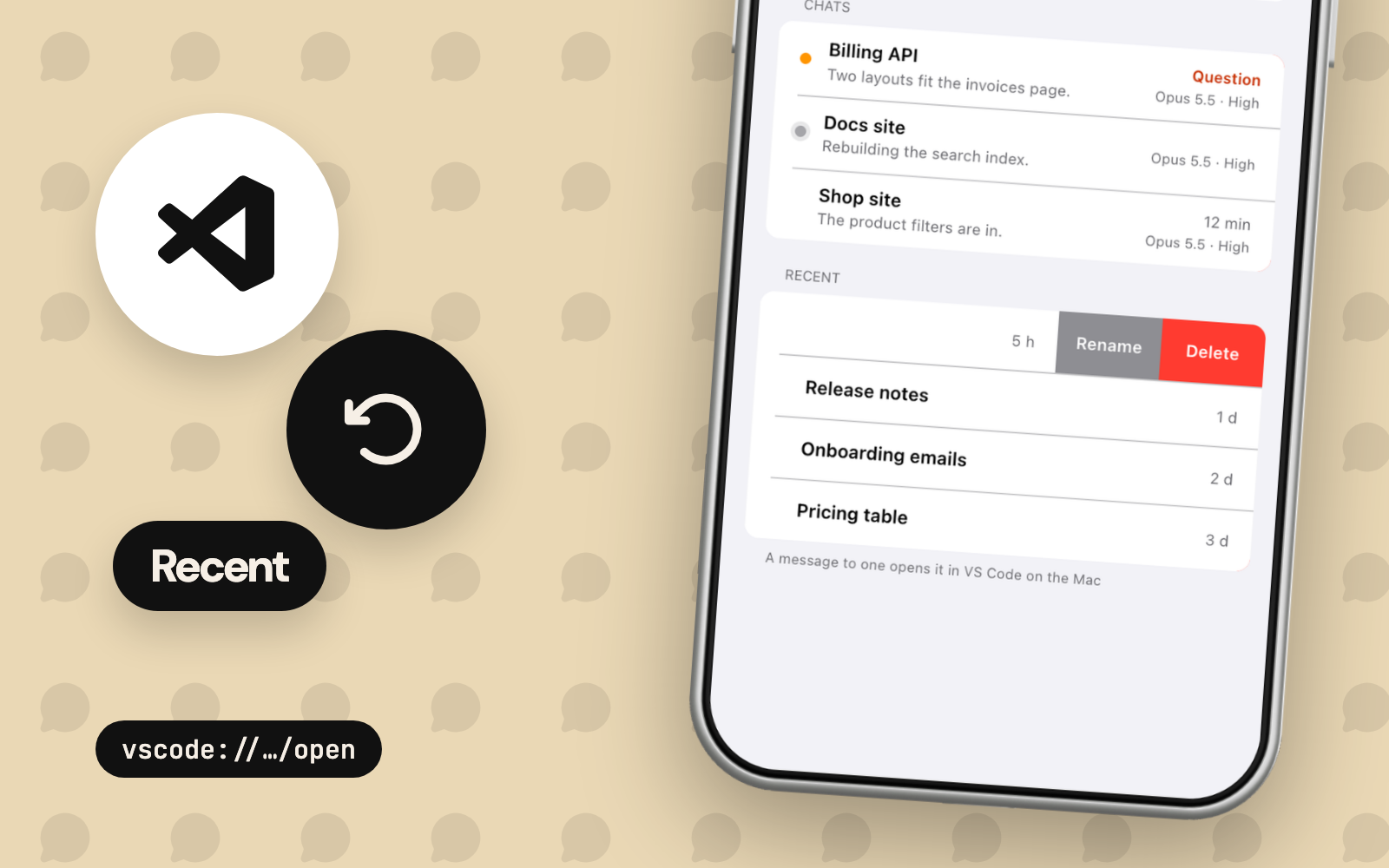
Any Claude Code chat, open or closed, from a phone
The relay reaches a chat through its mod, and a mod runs while its chat is open in VS Code. A chat from yesterday, a chat behind another tab and a brand-new chat all need VS Code to open a tab first. The Claude Code extension has a link for exactly that, the key to Claude Code session recovery from a phone: resuming a closed Claude Code session from its VS Code chat history, on the relay from Episode 2. This episode explains the link, how a Mac app opens it in the background, how recent chats come from the transcripts, why an open chat can still hold a message, and how rename and archive work from the phone.
Get the app: everything here ships in Uselim, free on GitHub. Culpmit installs it from its Claude limits switch, and How to Use Uselim walks through the setup.
The goal
- The chats of the last two weeks on the phone, each readable with its whole history.
- A message to a closed chat that reopens it in VS Code and enters there.
- A new chat started from the phone, its first message included.
- Rename and archive from the phone, matching what VS Code shows.
The Claude Code extension's vscode:// link
VS Code hands a vscode://<publisher>.<extension>/<path> link to the extension it names, through that extension's URI handler. The Claude Code extension, in the versions tested, registers vscode://anthropic.claude-code/open, with two optional parameters:
sessionresumes a chat by its id, from the folder open in VS Code. A chat already open in a tab gets that tab focused; an unknown id starts a fresh conversation.promptfills the prompt box with URL-encoded text and leaves the sending to the person.- Zero parameters open a fresh chat.
From a Mac app, NSWorkspace opens the link. An OpenConfiguration with activates off leaves VS Code where it sits, so a tab opening for the phone keeps the Mac's front window in place.
import AppKit

// the Claude Code extension's own link: with a session id it reveals that chat's tab, or reopens the chat;
// with zero parameters it opens a fresh chat. VS Code stays where it sits.
func openInVSCode(session: String?) {
    let base = "vscode://anthropic.claude-code/open"
    guard let url = URL(string: session.map { "\(base)?session=\($0)" } ?? base) else { return }
    let configuration = NSWorkspace.OpenConfiguration()
    configuration.activates = false
    NSWorkspace.shared.open(url, configuration: configuration)
}
The link opens in the VS Code window that has focus, and a session resumes from the folder open there, so a chat from another project opens with that project's window in front. VS Code asks once before a link from outside opens an extension, and its "Do not ask me again for this extension" box settles it for good.
Recent chats from the transcripts
Every chat has a transcript (Episode 4), so the chats of the last two weeks are the transcript files changed in that time, newest first. The folder comes from the first cwd line, the name from the latest title lines, else the chat's opening words.
import Foundation

// the chats of the last two weeks: every transcript changed since then, newest first
func recentTranscripts(days: Double = 14, limit: Int = 25) -> [(path: String, session: String, at: Date)] {
    let root = NSHomeDirectory() + "/.claude/projects"
    let since = Date().addingTimeInterval(-days * 86_400)
    var found: [(path: String, session: String, at: Date)] = []
    for folder in (try? FileManager.default.contentsOfDirectory(atPath: root)) ?? [] {
        let dir = root + "/" + folder
        for name in (try? FileManager.default.contentsOfDirectory(atPath: dir)) ?? [] where name.hasSuffix(".jsonl") {
            let path = dir + "/" + name
            guard let at = (try? FileManager.default.attributesOfItem(atPath: path))?[.modificationDate] as? Date,
                  at > since else { continue }
            found.append((path, String(name.dropLast(6)), at))
        }
    }
    return Array(found.sorted { $0.at > $1.at }.prefix(limit))
}
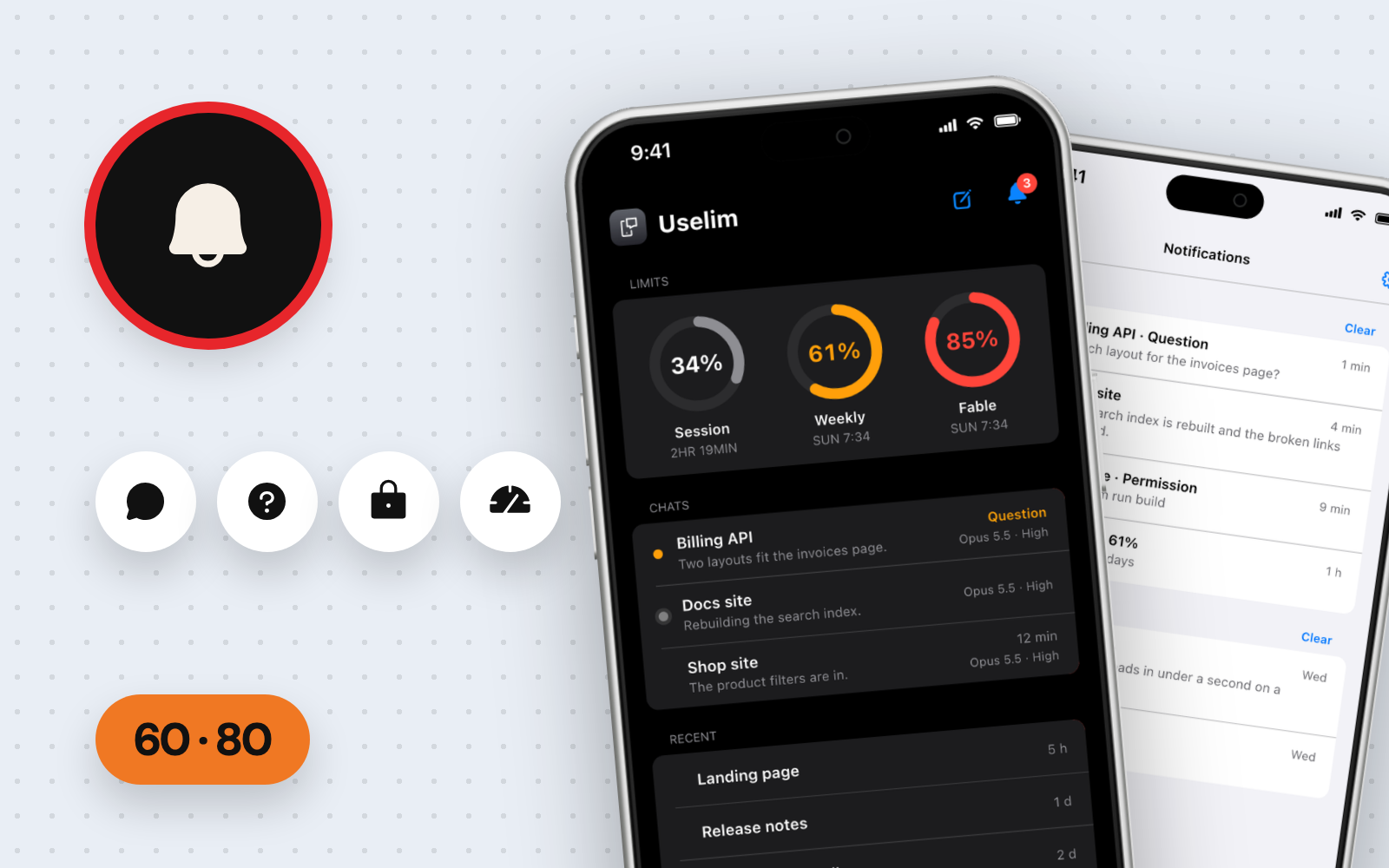
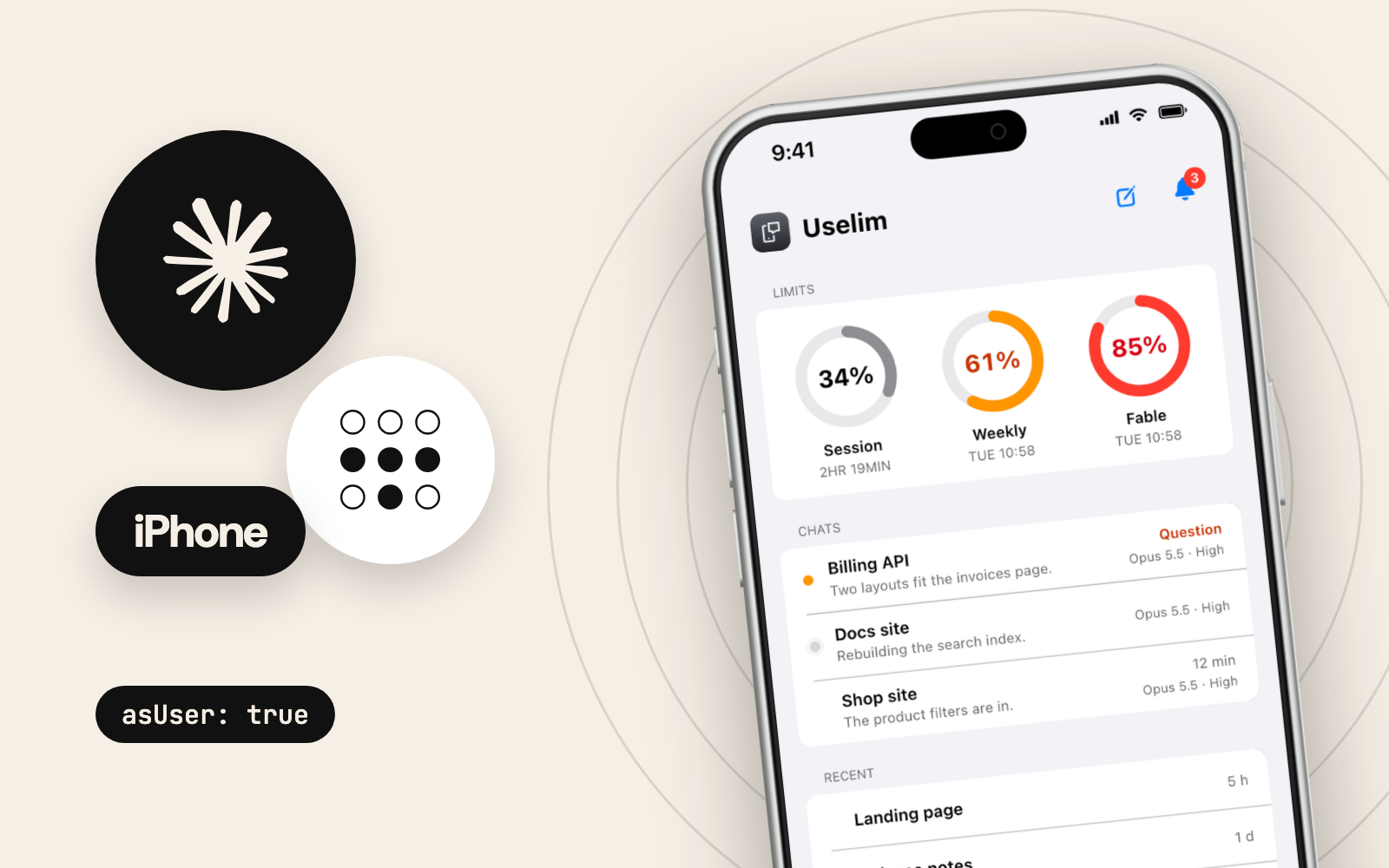
The phone lists the open chats under Chats and the rest under Recent. A closed chat reads like an open one, its history paged from the transcript. A message to it queues as usual, and the Mac app opens the chat through the extension's link, at most once a minute; the chat's mod loads with the tab and takes the waiting message. Reopening works while the session's transcript is still on disk and the extension honours the link; a deleted transcript stays out of reach.
A message held behind a hidden tab
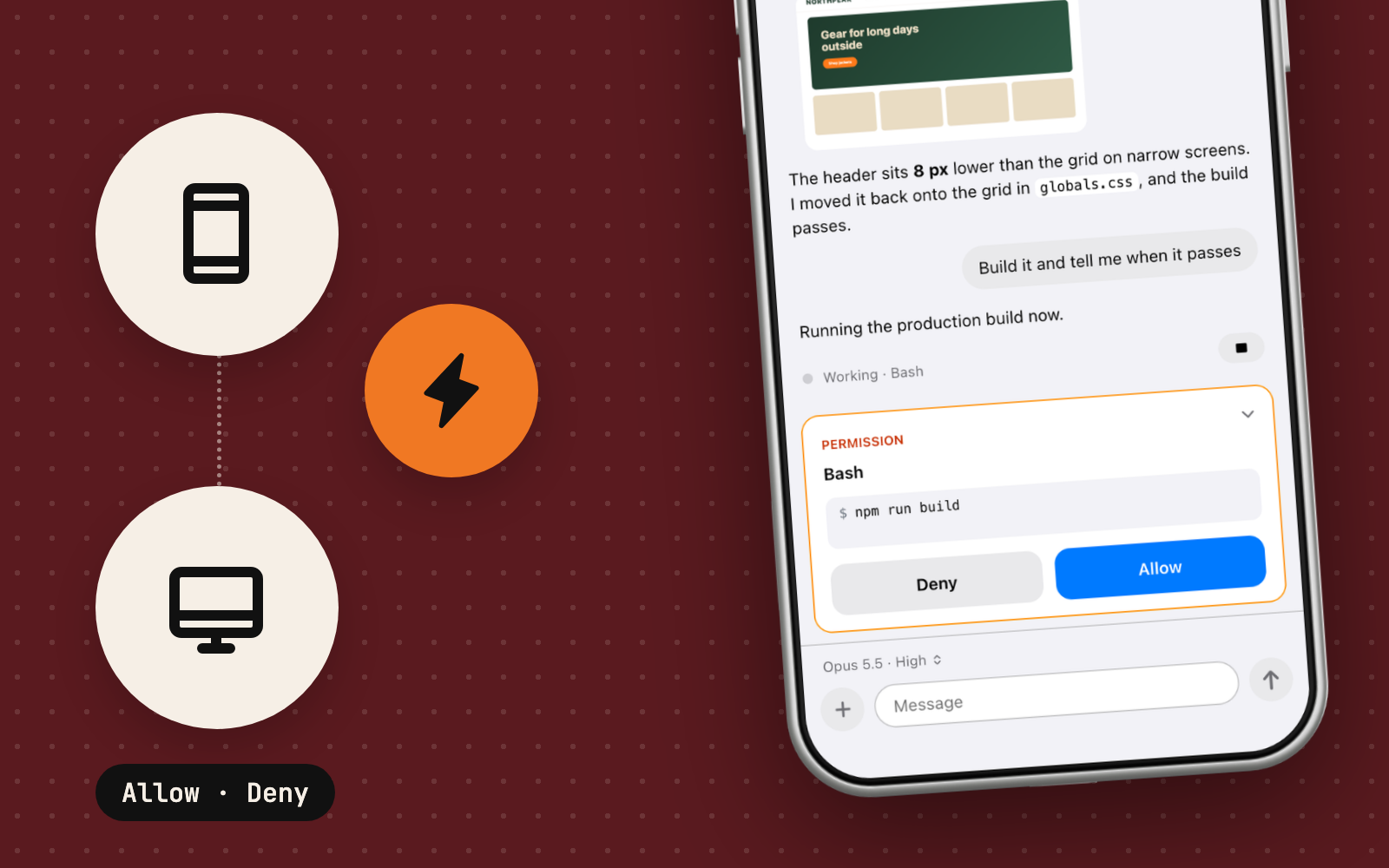
In the extension versions tested, an open chat can take a phone message and still start zero turns: Claude Code holds a prompt in its queue until the chat's tab shows in VS Code, and a tab behind another counts as hidden. The mod keeps polling while its tab is hidden, so the chat lists as open and the message reads Queued. The Mac app watches for that pattern and opens the tab itself:
- The chat is idle, and its mod has taken a message that the history has yet to show.
- Six seconds have passed, and under ten minutes, counted from the message's sending or from the end of the turn it queued behind.
- The app opens the extension's link with the chat's session, once per message, VS Code left where it sits, and the turn starts as the tab shows.
Counting from the turn's end matters: a message queued behind a long turn can enter many minutes after it was sent.
A new Claude Code chat from the phone
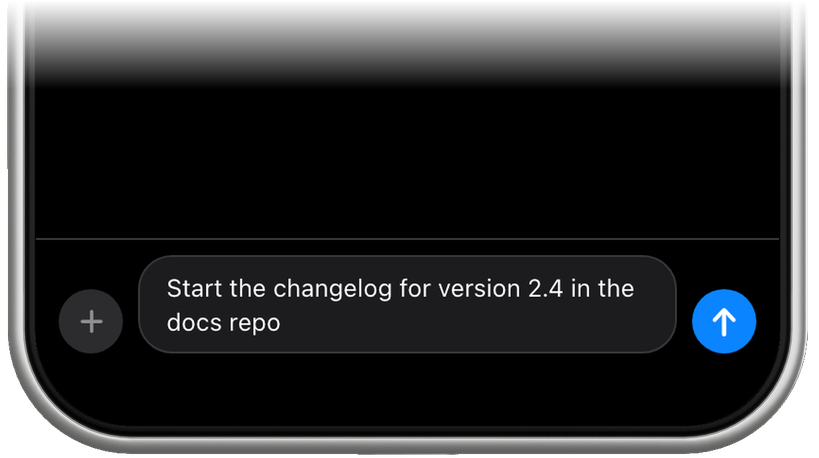
A pen beside the bell opens an empty chat. On Send, the phone asks the Mac first. The app opens the extension's link with zero parameters, which opens a fresh tab in the VS Code window that has focus, and holds the phone's request until the first chat to register after it with zero turns. A fresh tab's mod registers before any message, three to four seconds at the desk. The phone then uploads and sends to that session the usual way and moves to it.
After 30 seconds with zero new chats, the words and files stay in the box. A tab that registers later takes the next new chat within ten minutes, in place of a second tab. A new tab opens in the permission mode chosen last.
Rename and archive from the phone
A row in Chats or Recent swipes left, the way Mail does, to show Rename and Delete.
- Delete works like VS Code's Archive, inside Uselim: the Mac app marks the chat in its own
relay/hidden.jsonand the phone's lists leave it out, history kept, while VS Code's own list stays as it is. An open chat comes back with its next reply or question, and a mark goes after four weeks, two weeks past the reach of Recent. - Rename, open chat: the mod runs the chat's own
/rename, so the new title is Claude Code's own and VS Code shows it too. Claude Code keeps the title in memory and writes it again as the chat goes on, so a direct edit of the file would be overwritten. - Rename, closed chat: the Mac app appends the title line VS Code itself writes to the end of the transcript.
{"type":"custom-title","customTitle":"Shop header","sessionId":"<session id>"}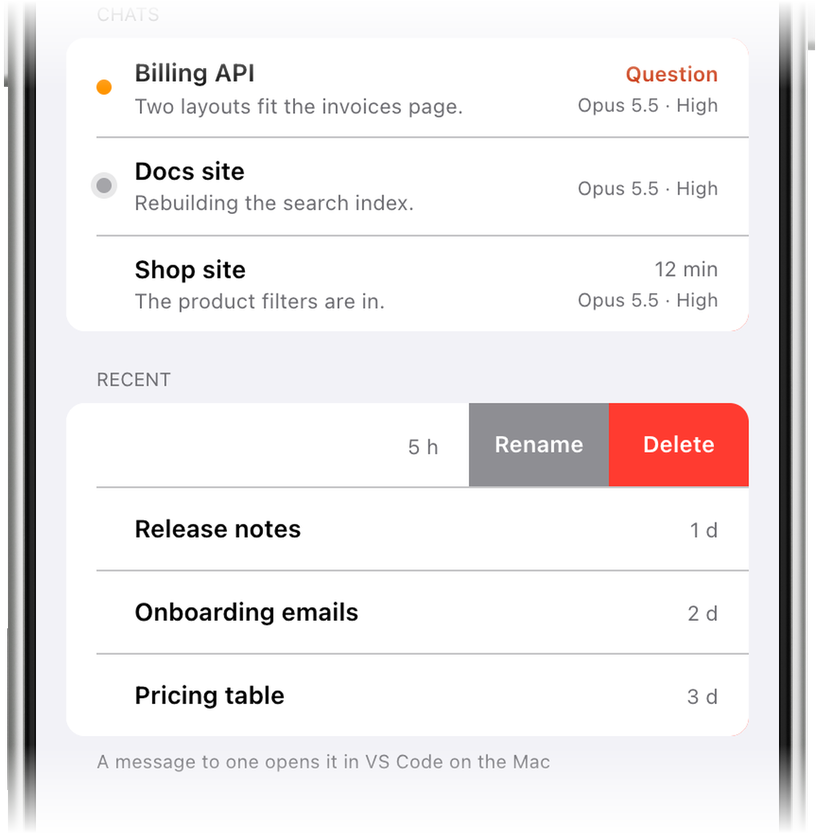
The phone shows the new name at once and holds it ten minutes while the transcript catches up.
Things to know
- A
/reload-pluginswhile a message is held leaves that message behind, since the mod has already taken it from the inbox. - Recent reaches back two weeks and lists 25 chats at most.
- The
promptparameter fills the box and stops there, so the phone's words go in through the mod, as typed words. - An open chat shows on the phone once its mod has loaded; a chat open since before the plugin was installed takes
/reload-pluginsfirst. Questions and permissions in a reopened chat reach the phone as in Episode 7.
Sources: Claude Code's VS Code extension page (Launch a VS Code tab from other tools); VS Code's extension API (the URI handler); Apple's NSWorkspace.OpenConfiguration.
- VS Codethe chats and their tabs
- ClaudeClaude Code
- Swiftthe Mac app
- Published
- Author
- Simon Booban
- Category
- AI & Automation