Two free plans with different rules
Vercel and Cloudflare are the two usual homes for a Next.js site. Both connect to a GitHub repository, build every commit and serve the result from a global network, and both start free. Four questions decide between them:
- Is the site a business site?
- How much of Next.js runs on the server for each request?
- Which allowance will the site meet first, and what happens then?
- What does the site cost once it outgrows the free plan?
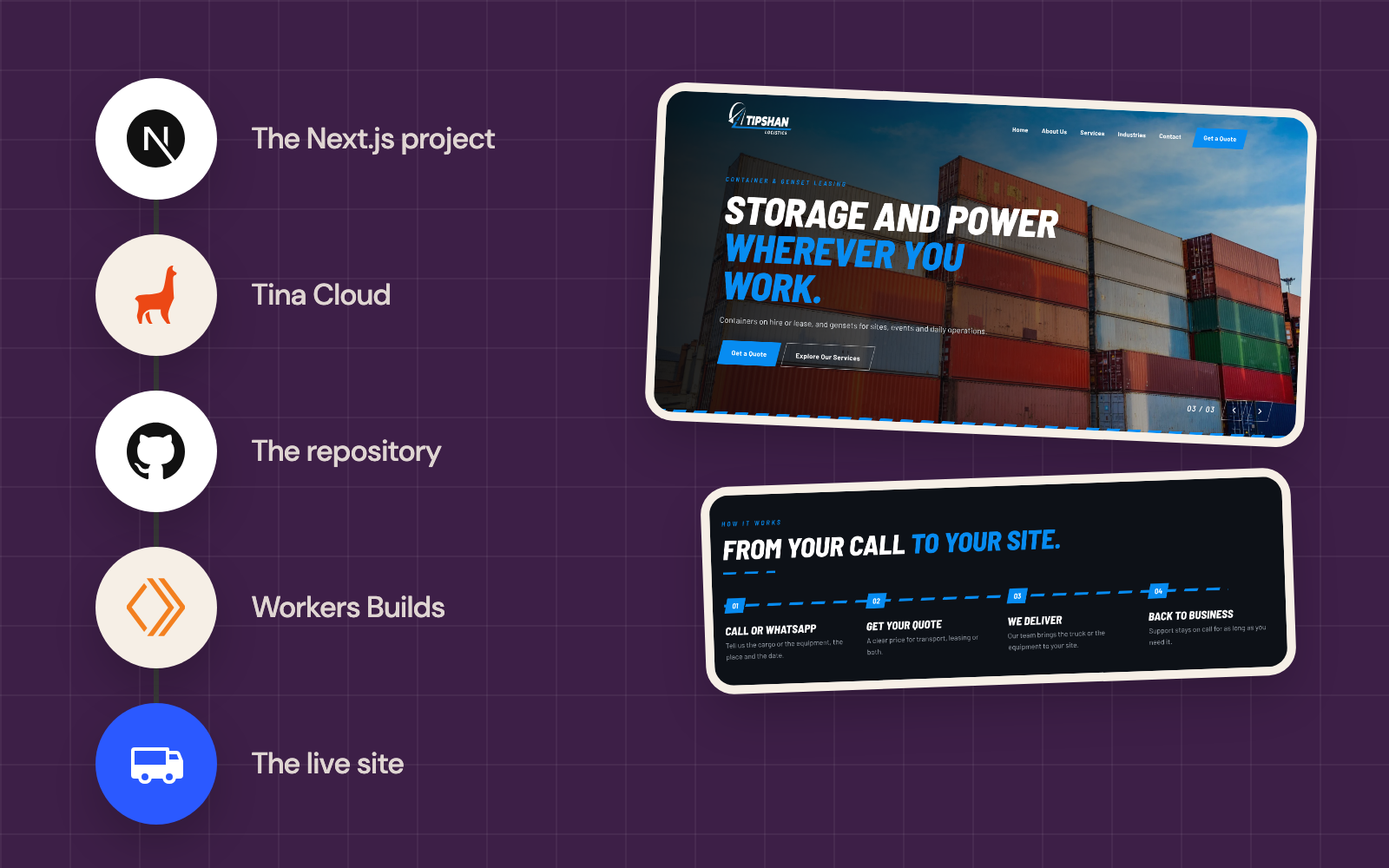
The example in this series, a one-page site for a logistics company edited through TinaCMS, runs on Cloudflare. This part sets the two side by side for any Next.js site.
Commercial use
| Vercel | Cloudflare | |
|---|---|---|
| Free plan | Hobby, for personal use under Vercel's terms | Workers Free, open to business sites |
| First paid plan | Pro, $20 a month per developer seat, with $20 of usage credit; viewer seats free | Workers Paid, $5 a month per account |
| A client's business site | Pro | Free, while it fits the free limits |
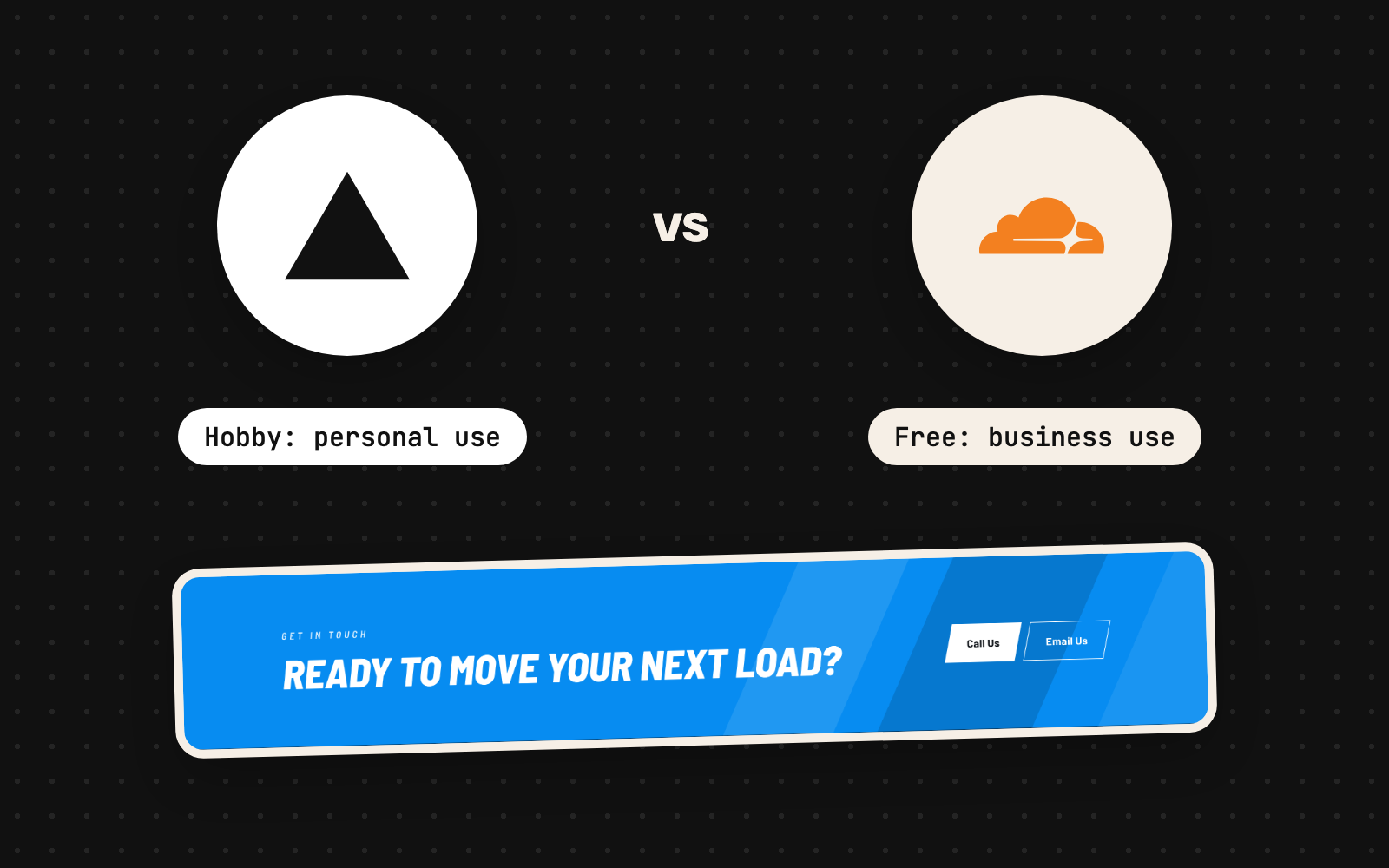
Vercel's terms reserve the Hobby plan for personal use. A client's site, an agency's own site, a shop or any site run for a business belongs on Pro. On Cloudflare, the same site runs on the free plan as long as it stays within the limits below, and Workers Paid lifts them for the whole account.
How each runs Next.js
Vercel makes Next.js. Its platform runs each feature as Next.js ships it, with zero configuration: pages built in advance, server rendering, incremental static regeneration, on-demand revalidation with tags, Cache Components, image optimization, generated social images and after(). A Next.js project imports and deploys as it is.
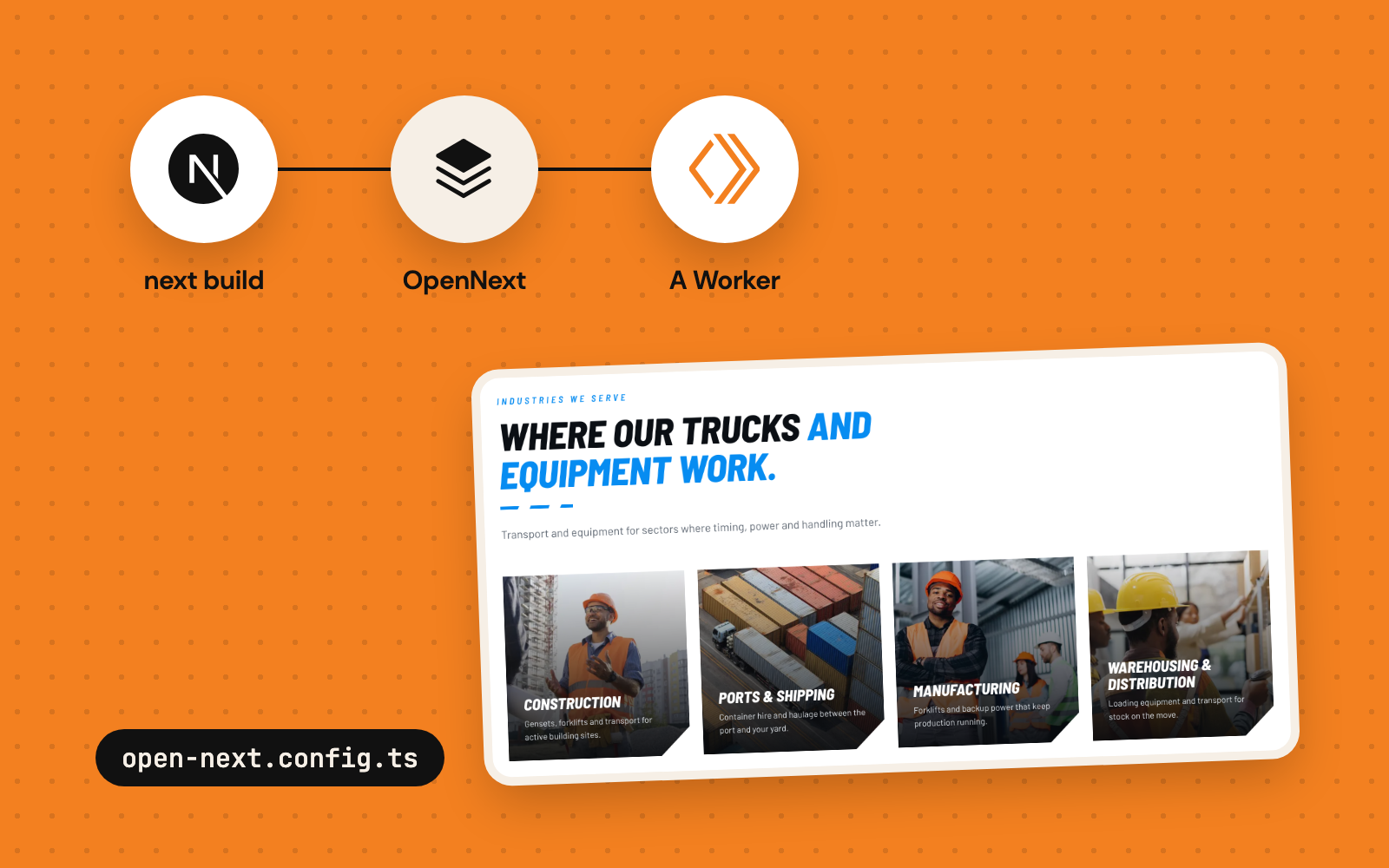
Cloudflare runs Next.js through the OpenNext adapter. The adapter converts the build for Workers and runs it on the Node.js runtime Workers provides. It supports Next.js 16 and the latest minor of Next.js 15, with the App Router and the Pages Router, route handlers, server rendering, incremental regeneration, image optimization, Partial Prerendering and after(). A few features take setup or arrive later:
| Feature | Vercel | Cloudflare with OpenNext |
|---|---|---|
| Pages built at build time | Served from Vercel's network | Served from Workers Static Assets |
| Pages rendered per request | Vercel Functions | The Worker: 10 ms of CPU per request on the free plan, 30 seconds by default on Workers Paid |
| Incremental regeneration and on-demand revalidation | Built in | An R2 cache, a Durable Object queue and a D1 or Durable Object tag cache, set in open-next.config.ts |
| Cache Components and "use cache" | Built in | Listed by the adapter; the example build hung on it, so the site uses classic rendering |
| proxy.ts, Next.js 16's Node middleware | Built in | Experimental in the adapter |
| next/image | Vercel's image optimization | Cloudflare Images through the IMAGES binding |
| New Next.js versions | On release | Once the adapter adds them |
For a site whose pages are all built in advance, the difference shrinks to the build step: both serve static files from their networks. The gap opens with per-request work and revalidation, where Vercel runs everything with zero setup and Cloudflare asks for a few bindings and a test. Deploying Next.js to Cloudflare Workers with OpenNext covers that setup and the errors that come up.
The free allowances side by side
| Allowance | Vercel Hobby, a month | Cloudflare Workers Free |
|---|---|---|
| Requests | 1,000,000 CDN requests and 1,000,000 function invocations | 100,000 Worker requests a day; requests for static files free and unlimited |
| Data transfer | 100 GB | Static files served free |
| Server compute | 4 hours of active CPU and 360 GB-hours of memory | 10 ms of CPU per request |
| Picture resizing | 5,000 transformations | 5,000 unique transformations |
| Builds | 100 deployments a day, 2 vCPUs and 8 GB per build | 3,000 build minutes a month, one at a time, 2 vCPUs and 8 GB |
| Analytics | 50,000 Web Analytics events | Cloudflare Web Analytics, free |
| Logs | 1 hour of runtime logs | 200,000 log events a day, kept 3 days |
| Projects | 200 | 100 Workers |
The two free plans meter different things. Vercel counts traffic and compute across the month; Cloudflare leaves static traffic unmetered and limits the code: requests that reach the Worker, and the CPU each one uses. A static site sits comfortably inside both. A busy site with large pictures meets Vercel's data transfer first; an app that renders every page per request meets Cloudflare's 10 ms first.
What happens at the limit
Vercel Hobby. In most cases, a Hobby team that passes an included allowance waits until 30 days have passed before that feature works again; Web Analytics pauses collection and resumes after 7 days. Separately, Vercel's firewall can answer a fast run of requests from one address, such as a link checker, with its Security Checkpoint page for a while.
Cloudflare Workers Free. Past 100,000 Worker requests in a day, Cloudflare answers with error 1027, and each route's fail mode decides whether the request passes through or stops at the error page; the count starts again the next day. Past 5,000 new picture sizes in a month, pictures already resized keep serving and new sizes answer with error 9422, at zero charge.
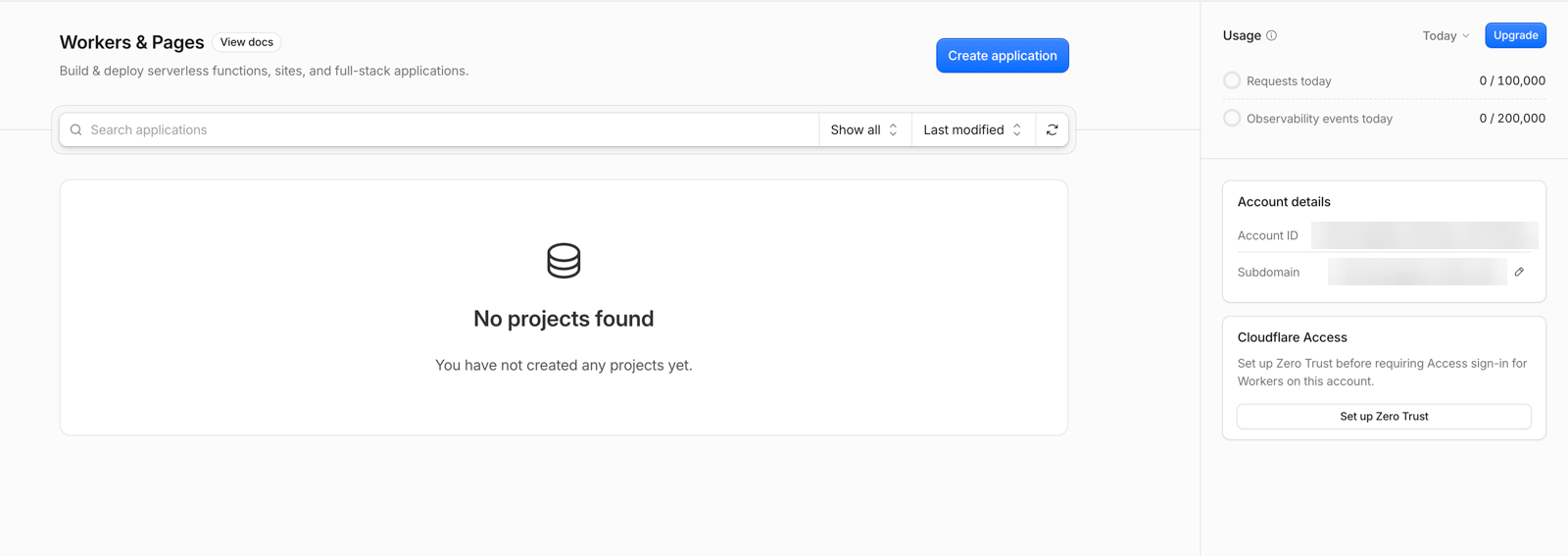
The difference matters most for a business site: on Vercel a passed allowance can pause that feature for up to 30 days, while on Cloudflare a busy day ends with the day.
The paid plans
| Vercel Pro | Cloudflare Workers Paid | |
|---|---|---|
| Price | $20 a month per developer seat, with $20 of usage credit | $5 a month per account |
| Requests and compute | Usage-based past the credit: $0.60 per million function invocations, active CPU from $0.128 an hour | 10 million requests and 30 million CPU milliseconds a month, then $0.30 per million requests and $0.02 per million CPU milliseconds |
| Time per request | Functions run 300 seconds by default, up to 800 | 30 seconds of CPU by default, up to 5 minutes |
| Picture resizing | $0.05 per 1,000 transformations | 5,000 included, then $0.50 per 1,000 |
| Builds | 6,000 deployments a day, 4 vCPUs, larger machines on demand | 6,000 build minutes a month, six at a time, then $0.005 a minute |
| Logs | 1 day of runtime logs | 20 million log events a month, kept 7 days |
A Vercel seat is per developer; a Cloudflare plan covers every Worker in the account. For an agency running several client sites, that is $5 a month on Cloudflare against $20 a month per developer on Vercel, before usage.
Storage, analytics and previews
| Need | Vercel | Cloudflare |
|---|---|---|
| File uploads | Vercel Blob | R2: 10 GB of storage a month free, 1 million writes and 10 million reads, free egress |
| Analytics | Vercel Web Analytics | Cloudflare Web Analytics, free, through a script on the page |
| Picture resizing | Built into next/image | Cloudflare Images through the adapter's binding |
| Preview links | Every branch, with comments and the Vercel Toolbar | A version per branch from the preview command, with its own address |
| Logs | Per route, in the dashboard | Workers Logs, on by default for new Workers |
| Rollbacks | Instant rollback to an earlier deployment | Rollback to any of the last 100 versions |
Vercel's extras take the least setup and share one dashboard. Cloudflare's cost less as a site grows, and each is a product of its own to wire up.
A move from Vercel to Cloudflare, worked through
A business site with online payments, on Vercel, was weighed for a move. Its use of the platform:
- on-demand revalidation from a CMS webhook, plus two pages revalidated on a timer;
- a route that generates social images;
- uploads to Vercel Blob;
- Vercel Analytics;
- cookies and request headers read in four files, which renders those pages per request;
- a payment route.
What the move takes on Cloudflare:
| Piece | On Cloudflare |
|---|---|
| Revalidation | The R2 cache, tag cache and queue in open-next.config.ts, then a test that a CMS publish refreshes the right pages |
| Blob uploads | R2, with the upload and read code rewritten for R2's API |
| Analytics | Cloudflare Web Analytics, with a fresh history |
| Pages rendered per request, payments, social images | Workers Paid, since that work passes the free plan's 10 ms of CPU |
| Cache Components | Classic rendering, with "use cache" and cacheLife taken out |
| The trial | A branch deployed to a workers.dev address, every page checked, before the domain moves |
The result: about $5 a month on Workers Paid against $20 a month per developer on Vercel Pro. What the site gives up is convenience: zero setup, instant revalidation, generous per-request compute, Blob, its analytics history and comments on previews. What it leaves behind is the personal-use rule, allowance pauses and the checkpoint page. The site stayed on Vercel for launch, a fair call for a site that leans on revalidation and per-request rendering.
Which host suits which site
| Site | Host |
|---|---|
| A static or mostly static business site, edited a few times a week | Cloudflare, free plan |
| A client site edited through a Git-based CMS, every save a build | Cloudflare, free plan |
| A personal project, portfolio or experiment | Either; Vercel Hobby is the quickest start |
| A business site leaning on server features: revalidation from a CMS, payments, social images, personalised pages | Vercel Pro, or Cloudflare Workers Paid after a trial branch |
| A site adopting the newest Next.js features on release | Vercel |
The short version: static and mostly static client sites suit Cloudflare, and sites that lean on Next.js's newest server features suit Vercel until the adapter covers them.
The series
- Part 2: The complete wiring: every file and account screen, in order.
- Part 5, this page: Vercel and Cloudflare side by side.
Two related pieces on the Vercel side: how on-demand revalidation uses ISR writes on the free plan, and keeping next/image within Vercel's free allowance with a Sanity image loader.
Websites & AppsSites, stores and web apps on Shopify, Framer, Webflow or custom code, integrations with CMS, CRM and more, servers, and security.Sources
- Published
- Author
- Simon Booban
- Category
- Websites & Apps