Content in Git, an editor on the page
TinaCMS keeps a site's content as files in its Git repository and gives editors a visual editor on the page itself: they click a heading, type, and watch the page change before they save. Under that editor sit a handful of moving parts that decide how a Next.js site reads its content, how the editor updates the page live, and where a save goes.
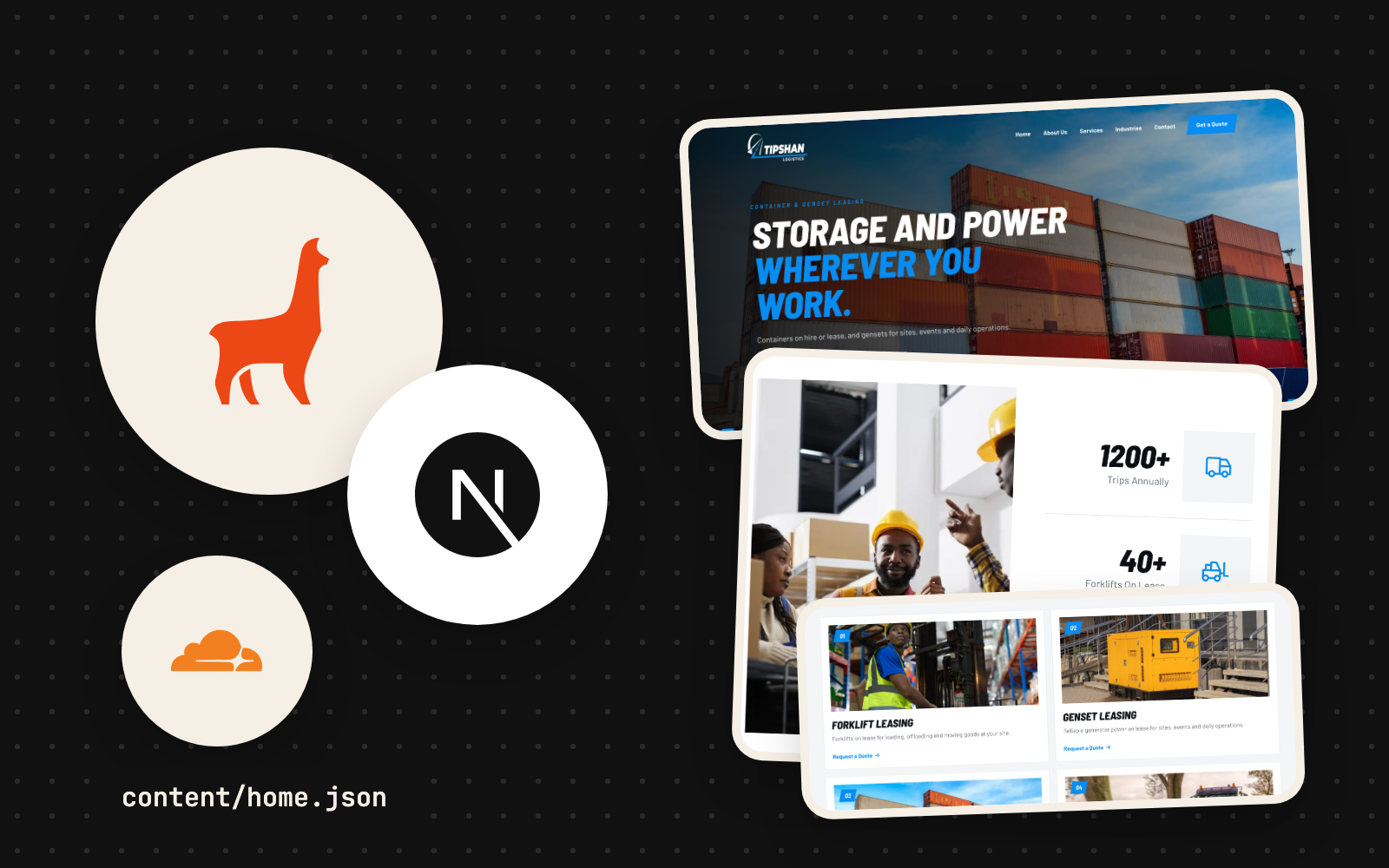
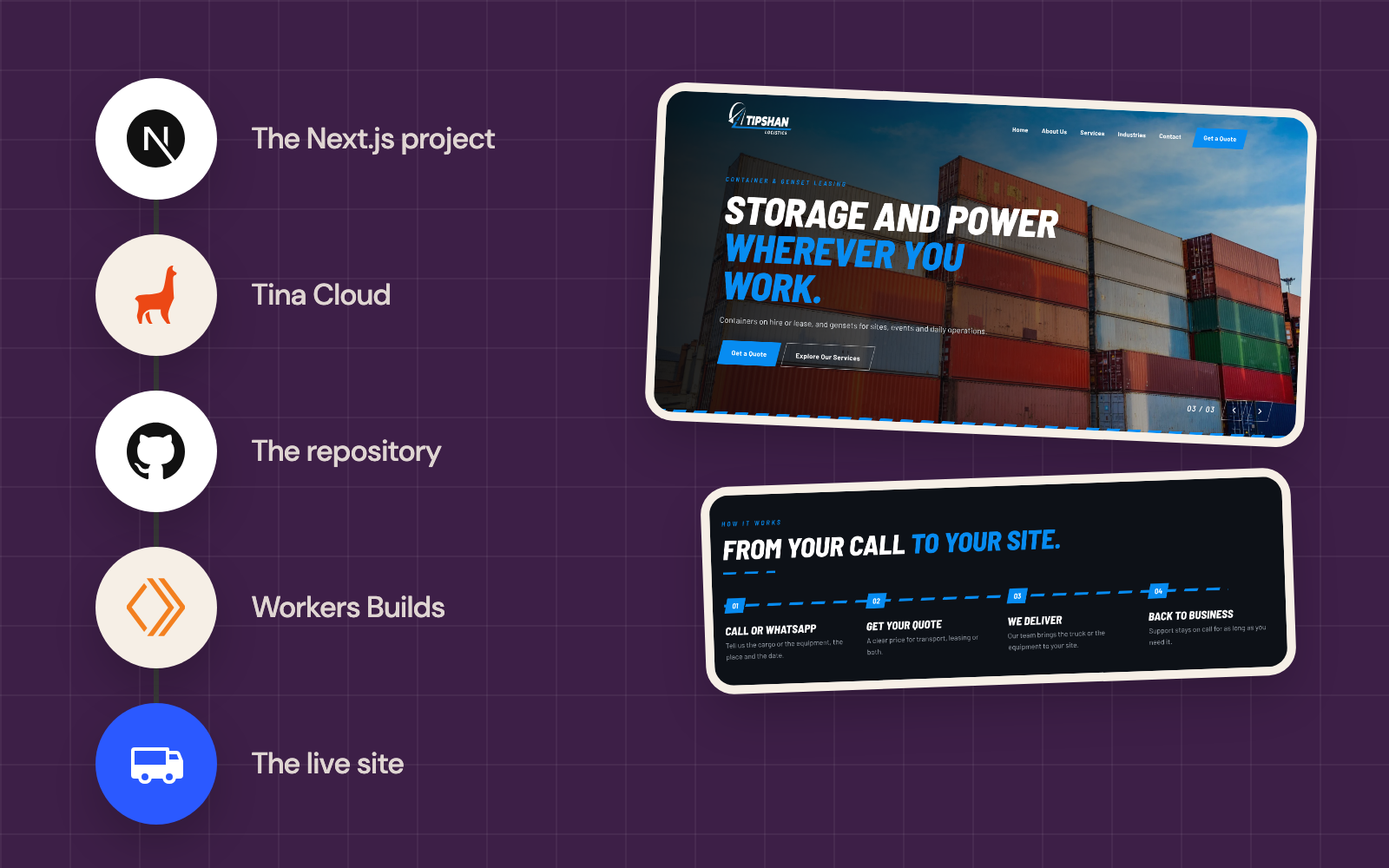
This part takes them one at a time, with the example from this series, a one-page site for a logistics company whose whole page is one JSON document. Part 2 has the files end to end; this part explains what each does and what to watch for.
The pieces and where they live
tina/config.js            the schema: every collection and field
content/home.json         the content, read by the site, written by the editor
tina/tina-lock.json       the compiled schema, committed; Tina Cloud indexes the repository from it
tina/__generated__/       GraphQL schema and a typed client, regenerated on every dev and build run (gitignored)
public/admin/             the editor, a static React app built from the schema (gitignored)
The schema is the source of all of it. From tina/config.js, the Tina CLI generates a GraphQL schema, a client with one query per collection, the lock file and the editor app. Tina Cloud's own setup checklist asks for the lock file in the repository ("run tinacms dev to generate the tina-lock.json file, then commit and push it"), since Tina Cloud reads the schema from there instead of running the site's code.
The schema
A collection maps a folder of files to a content type. The example uses one collection with one document:
{
  name: "page",
  label: "Page",
  path: "content",
  format: "json",
  ui: {
    allowedActions: { create: false, delete: false },
    router: () => "/",
  },
  fields: [ /* hero, about, services, industries, process, cta, contact */ ],
}pathandformatplace the documents: every.jsonfile undercontent/belongs to this collection.ui.allowedActionswithcreateanddeleteoff keeps a single-document collection to its one document; the editor opens it and offers zero buttons for adding or removing pages.ui.routertells the editor which page of the site shows the document, so opening the document opens/beside its form.
The field types an ordinary site needs:
| Field | Use | Options worth knowing |
|---|---|---|
| string | Headings, lines, buttons, numbers shown as text | ui: { component: "textarea" } for long text; list: true for a list of strings such as phone numbers; options for a dropdown |
| image | A picture | Uploads go through the media manager into the media folder |
| object | A section with its own fields | Nesting shapes the sidebar: one entry per section |
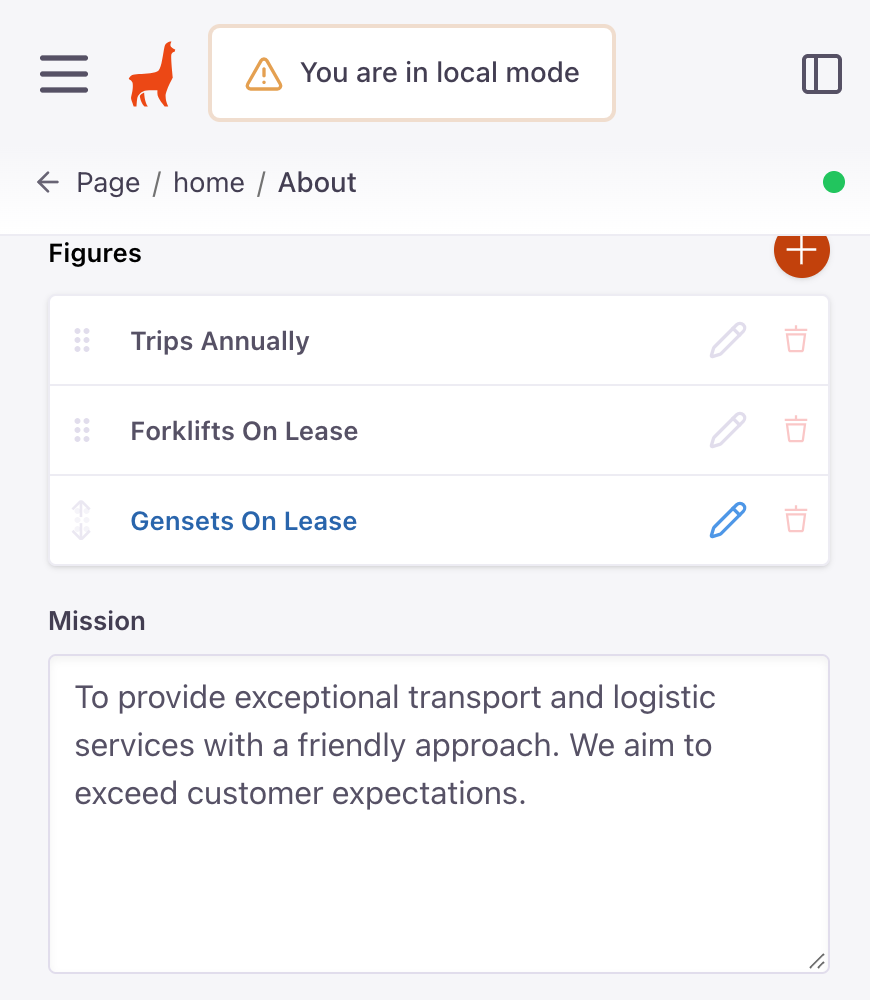
| object with list: true | Repeating cards: slides, services, figures | ui.itemProps labels each card by one of its fields |
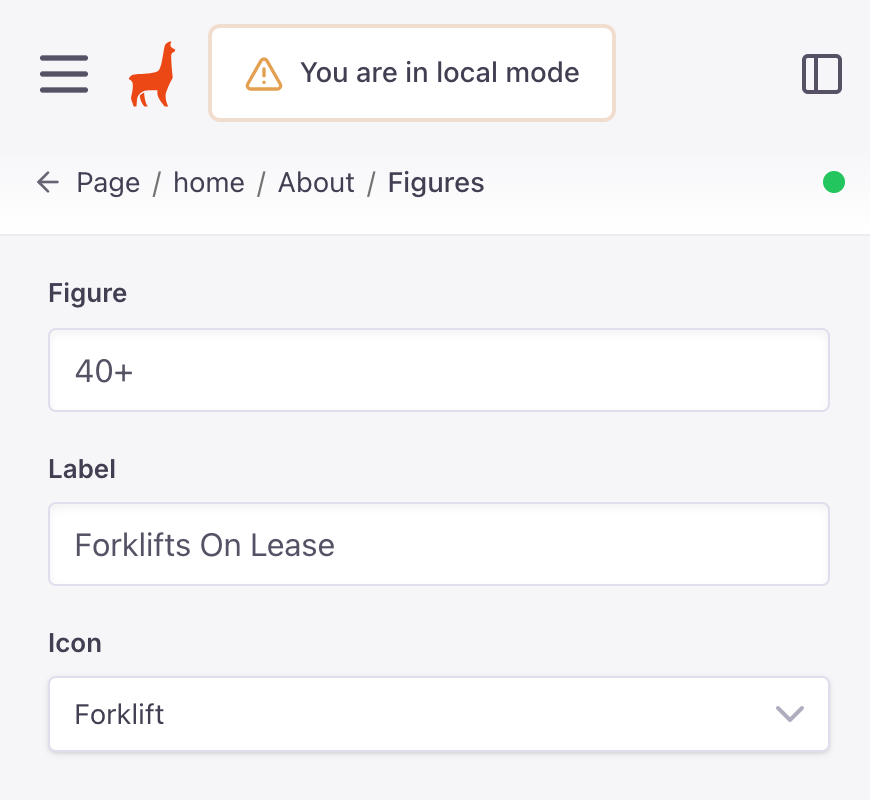
A dropdown keeps an owner's choice inside what the design supports. In the example each figure picks its icon from four:
{
  type: "string",
  name: "icon",
  label: "Icon",
  options: [
    { value: "truck", label: "Truck" },
    { value: "forklift", label: "Forklift" },
    { value: "genset", label: "Genset" },
    { value: "container", label: "Container" },
  ],
}
ui.itemProps turns an anonymous list into named cards. By default the sidebar shows "Item 1, Item 2"; with itemProps: (item) => ({ label: item?.title }) it shows each service by its name.
Reading content in a Next.js page
import client from "@/tina/__generated__/client";

export default async function Page() {
  const res = await client.queries.page({ relativePath: "home.json" });
  return <Home data={res.data} query={res.query} variables={res.variables} />;
}
client.queries.page comes from the generated client, one query per collection, typed from the schema. It returns three things, and all three go to the page component: data is the content, while query and variables let the editor run the same query again against the form's live state.
Where the query goes depends on the run. In tinacms dev it reaches a local GraphQL server that reads the files on disk. In a production build after tinacms build, it reaches Tina Cloud's content API, which serves the content of the branch in the config. The page is a server component, so in a static build the query runs once, at build time.
useTina: the page follows the form
"use client";
import { useTina } from "tinacms/dist/react";

export default function Home(props) {
  const { data } = useTina(props);
  return <Hero hero={data.page.hero} />;
}
On the public site useTina returns props.data as it came. Inside /admin the site runs in an iframe, and useTina subscribes to the editor's form: every keystroke produces new data and the component re-renders with it, so the page itself is the preview. The component calling it is a client component; the sections below it receive plain props.

tinaField: click a heading, edit that heading
import { tinaField } from "tinacms/dist/react";

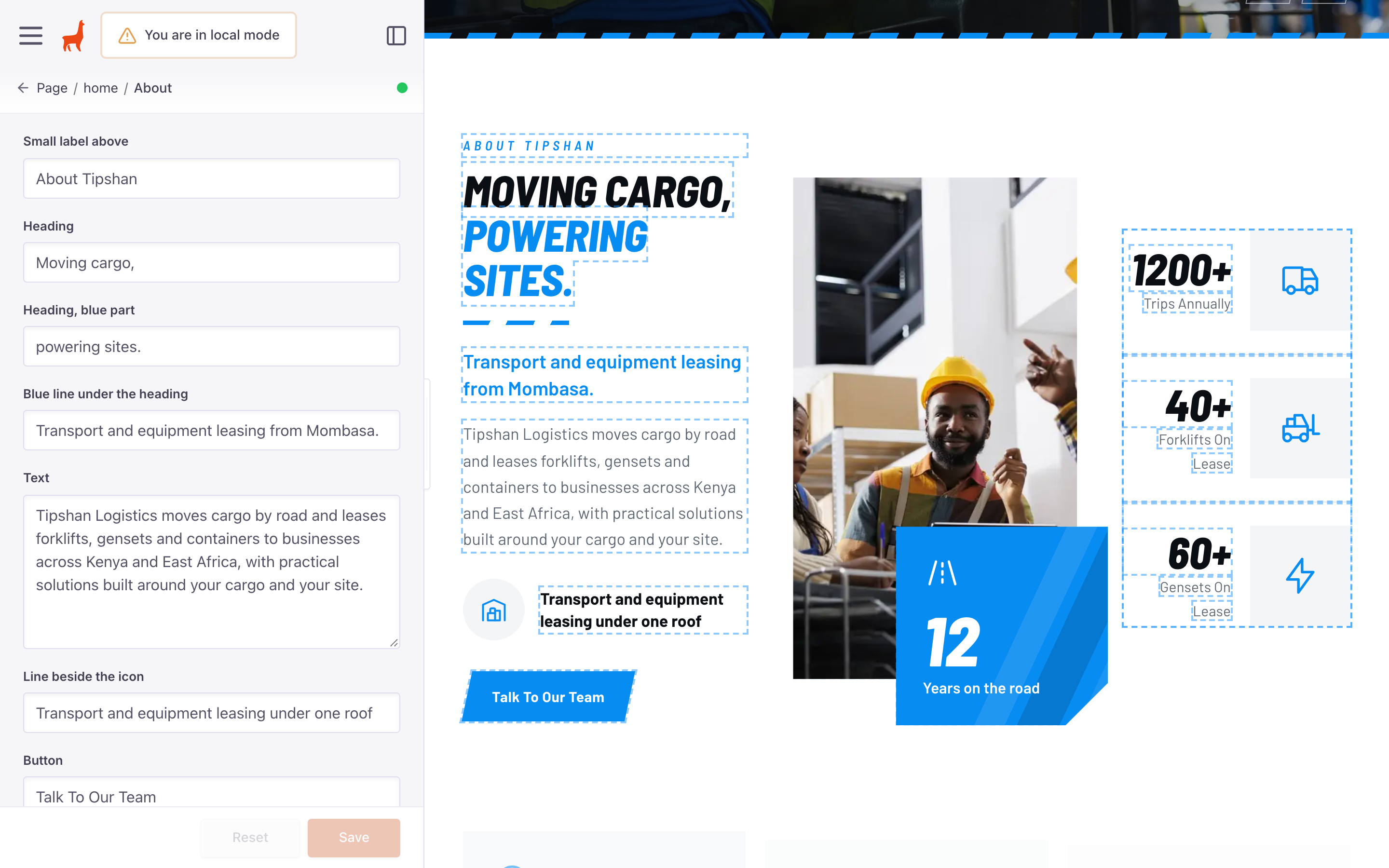
<p data-tina-field={tinaField(about, "subline")}>{about.subline}</p>

{services.items.map((item) => (
  <article key={item.title} data-tina-field={tinaField(item)}>
    <h3 data-tina-field={tinaField(item, "title")}>{item.title}</h3>
  </article>
))}
tinaField(object, "field") returns a string that points at one field of the document, and the editor draws a dashed outline on every element carrying it. A click on the outline opens that field in the sidebar. tinaField(item) with an object alone points at the whole object, so a click on a card opens the card. Pictures, buttons and figures inside a section each take their own tinaField, which is how every element of the example page ends up clickable.
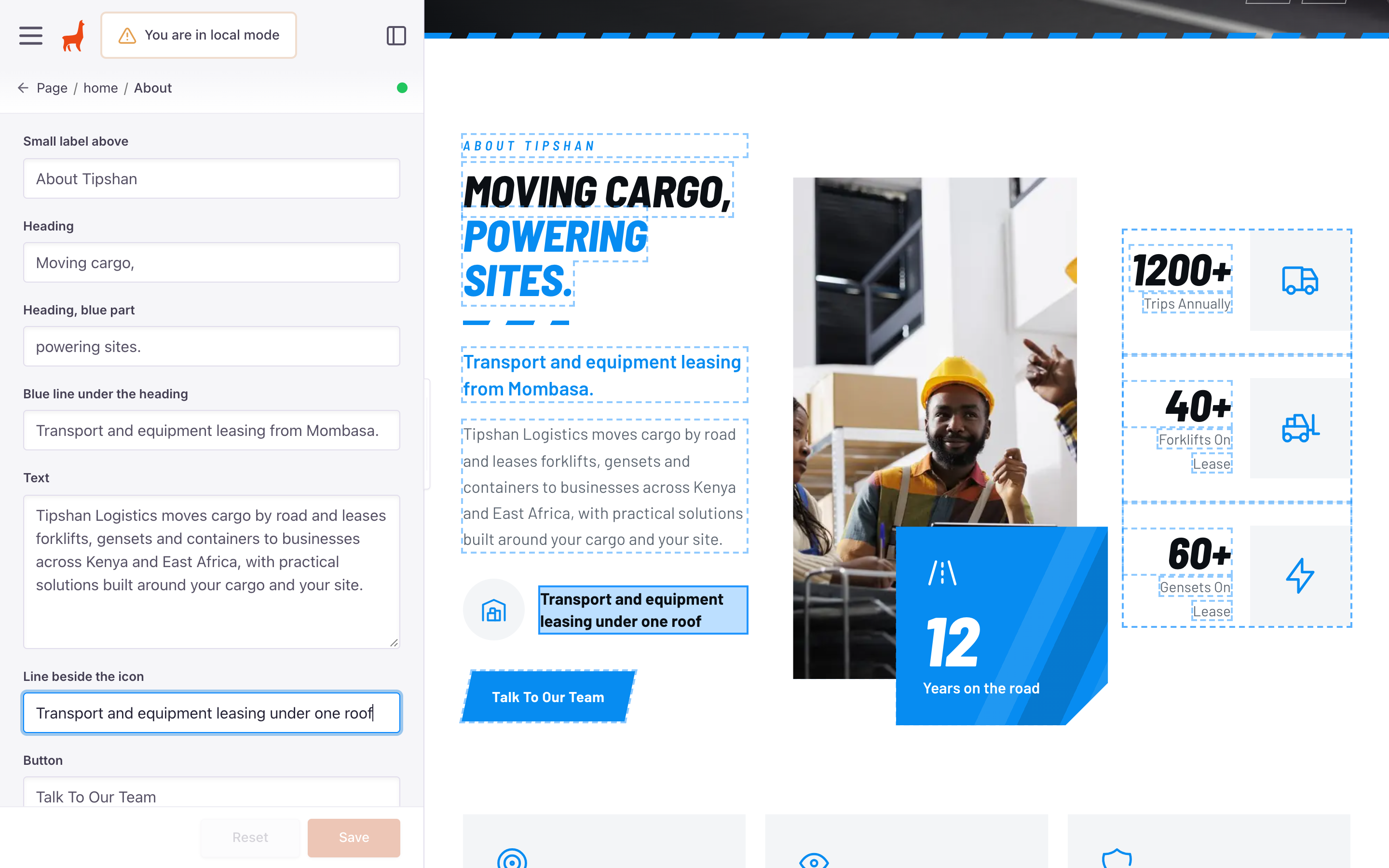
Local mode
tinacms dev -c "next dev -p 3005"tinacms dev starts Tina's datalayer on port 9000 and a local GraphQL server on port 4001, regenerates the client, then runs the command after -c. At localhost:3005/admin the editor writes straight to the JSON file on disk, with zero logins, and each save shows as an ordinary change in git status, ready to commit with code.

The production build
tinacms build && next buildtinacms build needs two values, NEXT_PUBLIC_TINA_CLIENT_ID and TINA_TOKEN. It checks the local schema against the one Tina Cloud indexed from the lock file, builds the editor into public/admin, and generates a client pointed at Tina Cloud's content API. next build then prerenders the site with content fetched from Tina Cloud.
For a production build that reads the files on disk, before Tina Cloud exists:
tinacms build --local --skip-cloud-checks -c "NODE_ENV=production next build"Tina Cloud: logins, saves and the content API
Tina Cloud stands between editors and GitHub. Editors log in with an email and password; Tina Cloud holds a GitHub app grant on the repository and writes their saves as commits.
- Git authoring. Act as bot commits every save as
tinacloud-app[bot]; Act as self commits as the account holder where permissions allow. Co-authoring adds a name and email to each commit as co-author, and a GitHub noreply address keeps a personal email out of the history. - The GitHub app. Installed on chosen repositories only, it reads the repository and pushes saves.
- Project. A name shown on the editors' login screen, the repository, and Site URL(s): the origins where
/adminmay log in, local and live. - Credentials. A public Client ID that ships in the site, and a Content (Readonly) token, created with the project, that the build uses to read content.
- Editors. Invited by email from the project's Collaborators page. The free plan covers two.
What a save does
tinacloud-app[bot] <58178390+tinacloud-app[bot]@users.noreply.github.com>
TinaCMS content update
 content/home.json | 2 +-
A save is one commit to the branch in the config. Since the example's whole page is one document, an editor who changes the hero, the figures and the footer and saves once makes one commit, and one commit is one build on the host. Two saves a few seconds apart make two commits and two builds.
Tina writes the whole file on save, formatted its own way; on the example it dropped the file's trailing newline, harmless noise in the first diff. Developers pull before working, since editors' commits keep arriving on main.
Pictures: repository media and assets.tina.io
media: { tina: { mediaRoot: "images", publicFolder: "public" } }With repository media, the media manager lists public/images, and an upload commits the file into that folder. Locally an image field holds a path such as /images/hero-transport.jpg.
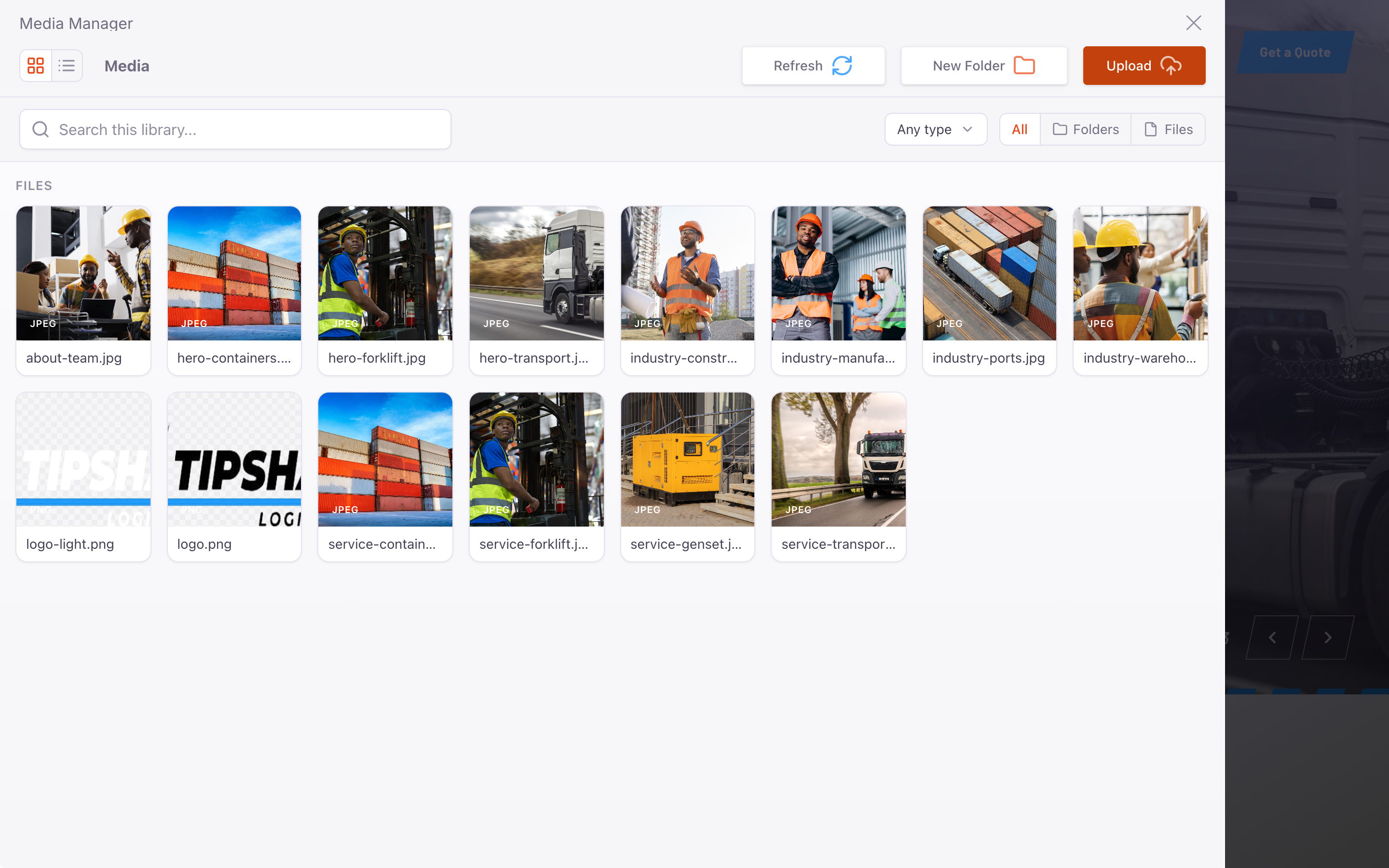
On the live site, Tina Cloud's content API returns the same field as https://assets.tina.io/<clientId>/hero-transport.jpg, a copy served from Tina's own image CDN. That host change matters to next/image.
Next.js image 400 on assets.tina.io
GET /_next/image?url=https%3A%2F%2Fassets.tina.io%2F<clientId>%2Fhero-transport.jpg&w=1920&q=75 400 (Bad Request)Every picture from Tina Cloud fails this way when next/image refuses the host. The fix is one entry in next.config.mjs:
images: {
  remotePatterns: [{ protocol: "https", hostname: "assets.tina.io" }],
},
How much media a repository holds
GitHub caps a single file at 100 MB and recommends repositories stay under about 1 GB, with 5 GB as the strong limit. Dozens of photos at 2 to 3 MB each sit comfortably inside that. A media-heavy site switches Tina's media to an external store such as Cloudinary or S3, and video goes on a video host or object storage, pasted in as a link.
Errors and fixes
TypeError: Cannot read properties of null (reading 'useContext') in tinacms build --local
Error occurred prerendering page "/_global-error".
TypeError: Cannot read properties of null (reading 'useContext')
A production build run through tinacms build --local -c "next build" fails while prerendering, often with a flood of "Each child in a list should have a unique key" warnings beside it. The command after -c inherits NODE_ENV=development from the Tina CLI (visible with -c "env | grep NODE_ENV"), and next build under a development NODE_ENV breaks React's prerender. Setting it inside the wrapped command fixes the build:
tinacms build --local --skip-cloud-checks -c "NODE_ENV=production next build"Datalayer server is busy on port 9000
Tina Dev server is already in use. Datalayer server is busy on port 9000tinacms build --local starts its own datalayer and GraphQL servers, so a running tinacms dev blocks it. Stop the dev server first, or move the build's servers with --datalayer-port and -p.
Telemetry errors from the CLI
On machines or networks that block analytics hosts, the CLI prints errors from its usage reporting. --noTelemetry on tinacms build switches it off.
Peer dependency warnings with React 19
TinaCMS 3.15 brings in react-final-form, which declares React 18 as its peer. npm prints the warning and installs; the editor runs on React 19.
What fits TinaCMS
- Pages and sections, as in the example: one document per page, objects per section.
- Blogs and articles, its home ground: one Markdown or MDX file per post, a list page and every post built static.
- Catalogues with WhatsApp or quote ordering: one file per product, prices as text.
- Commerce with a cart, stock and payments belongs on a commerce service, with prices and stock read live at request time.
The series
- Part 2: The complete wiring: every file and account screen, in order.
- Part 3, this page: how TinaCMS works with Next.js.
- Part 5: Vercel vs Cloudflare for Next.js.
Sources
- Published
- Author
- Simon Booban
- Category
- Websites & Apps