A site the owner edits after launch
Small company sites change in small ways: a new phone number, a price line, a fresh photo of the fleet, this year's figures. The classic answer is a CMS with a login, a database and a monthly host. This series builds the same result from three services that each do one job, all on free plans that allow commercial use: Next.js renders the site, TinaCMS keeps the content in the Git repository and gives the owner an editor on the page itself, and Cloudflare Workers builds and serves it.
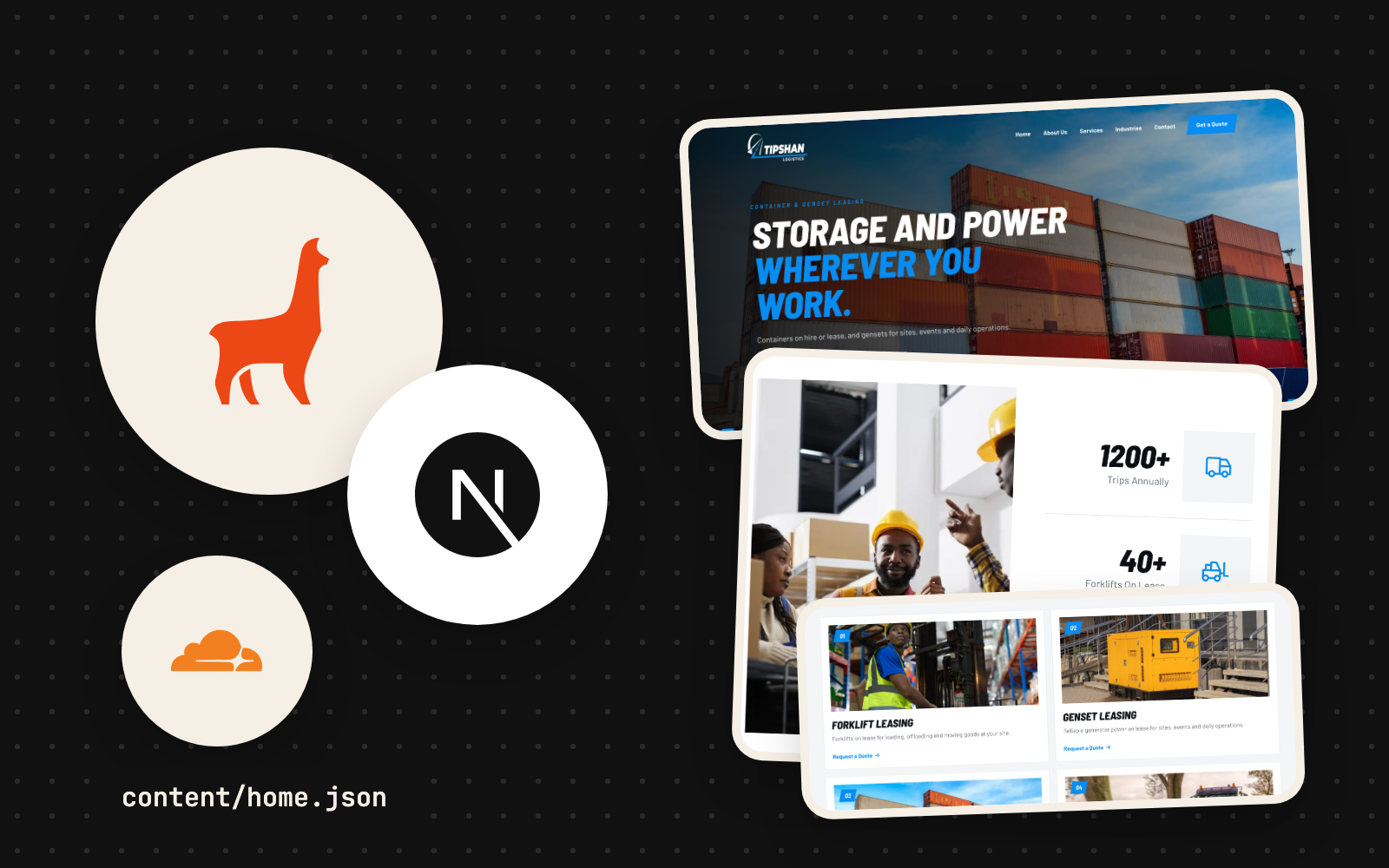
The worked example throughout is a one-page site for a logistics company: a hero slider, an about block with figures, services, industries served, a four-step process and a contact section. Every word, number and picture on it is editable by the owner, and the running cost is the domain.

The parts and their jobs
| Part | Job | Free plan |
|---|---|---|
| Next.js 16 | Renders the page at build time, resizes pictures through next/image | Open source |
| TinaCMS | Schema for the content, the on-page editor, a typed client for reading content | Open source |
| Tina Cloud | Editor logins by email, saves written to GitHub as commits, the content API at build time | Two editors |
| GitHub | Holds the code and the content; every save is a commit | Free private repositories |
| Cloudflare Workers | Serves the page, its files and resized pictures | 100,000 Worker requests a day, static files unmetered, commercial use allowed |
| Workers Builds | Builds and deploys on every commit to the production branch | 3,000 build minutes a month |
The page itself is static. It is built once per change and served from Cloudflare's static file storage, so a visit runs almost zero code, and the free limits on code (10 ms of CPU per request) leave a static page plenty of room.
How an edit reaches the live site
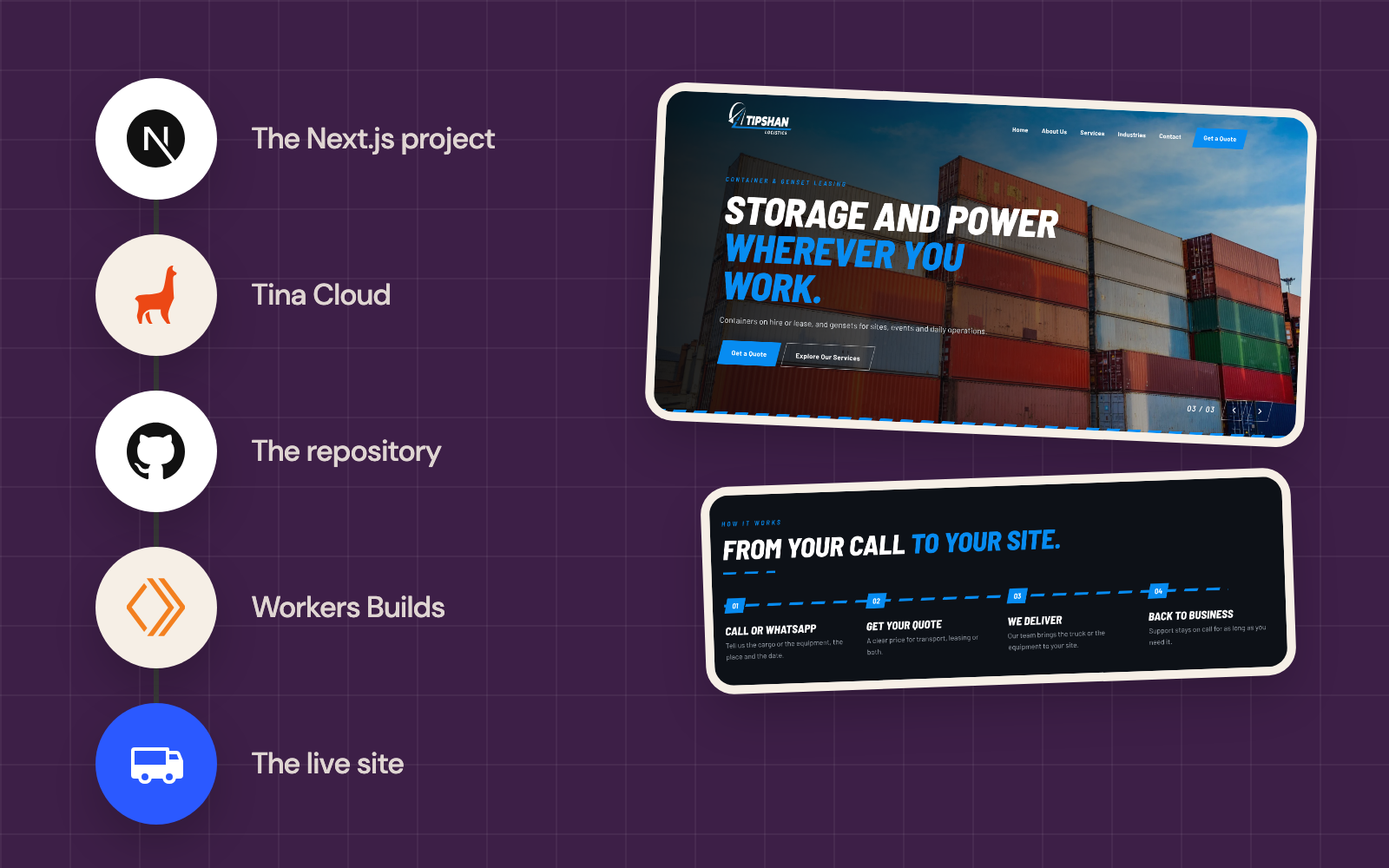
- 1
The owner opens /admin on the live site
- signs in through Tina Cloud with an email and password
- 2
Clicks a heading and types
- the page updates in the editor as they type
- 3
Save
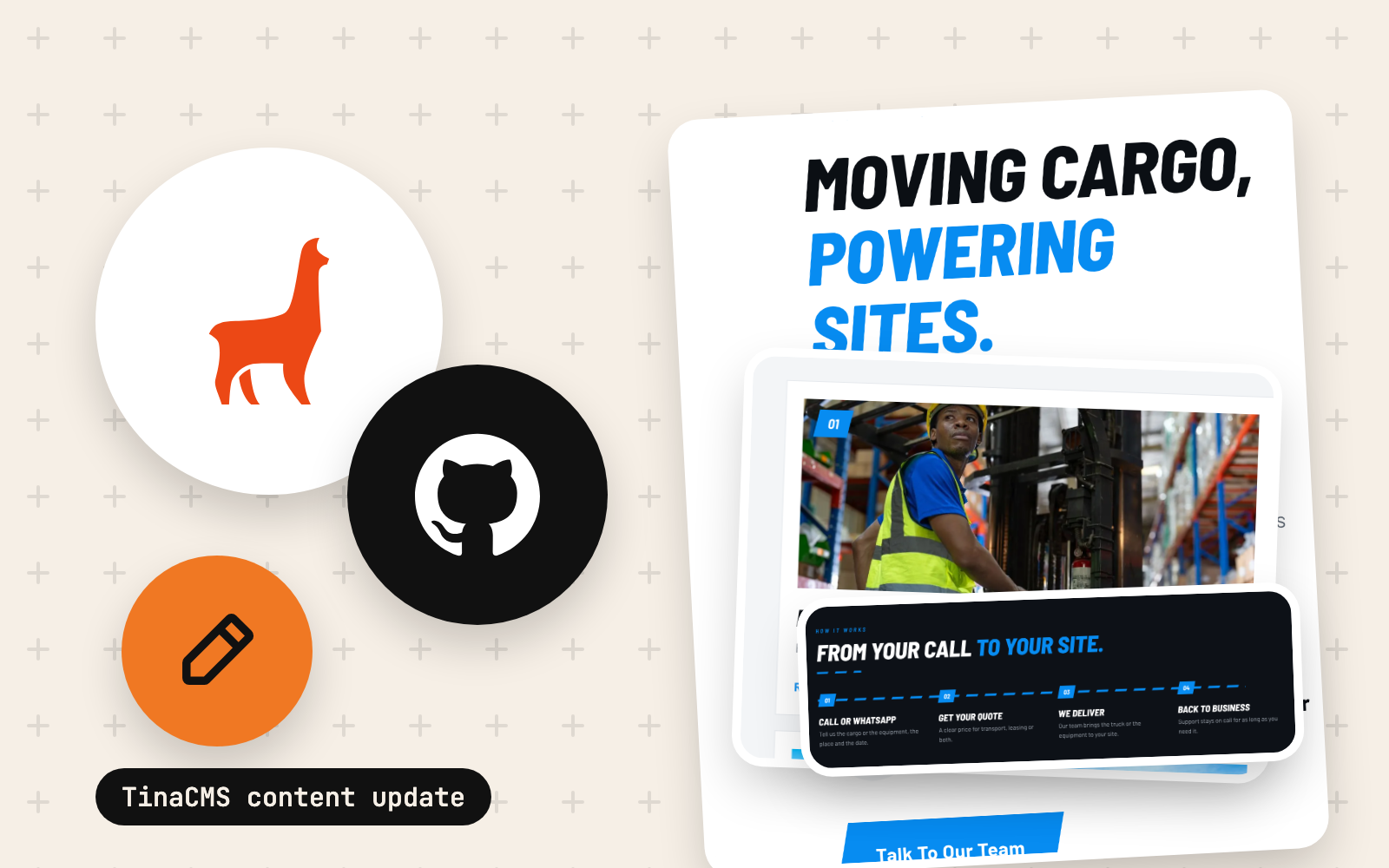
- Tina Cloud commits content/home.json to main as tinacloud-app[bot]
- 4
The commit starts Workers Builds
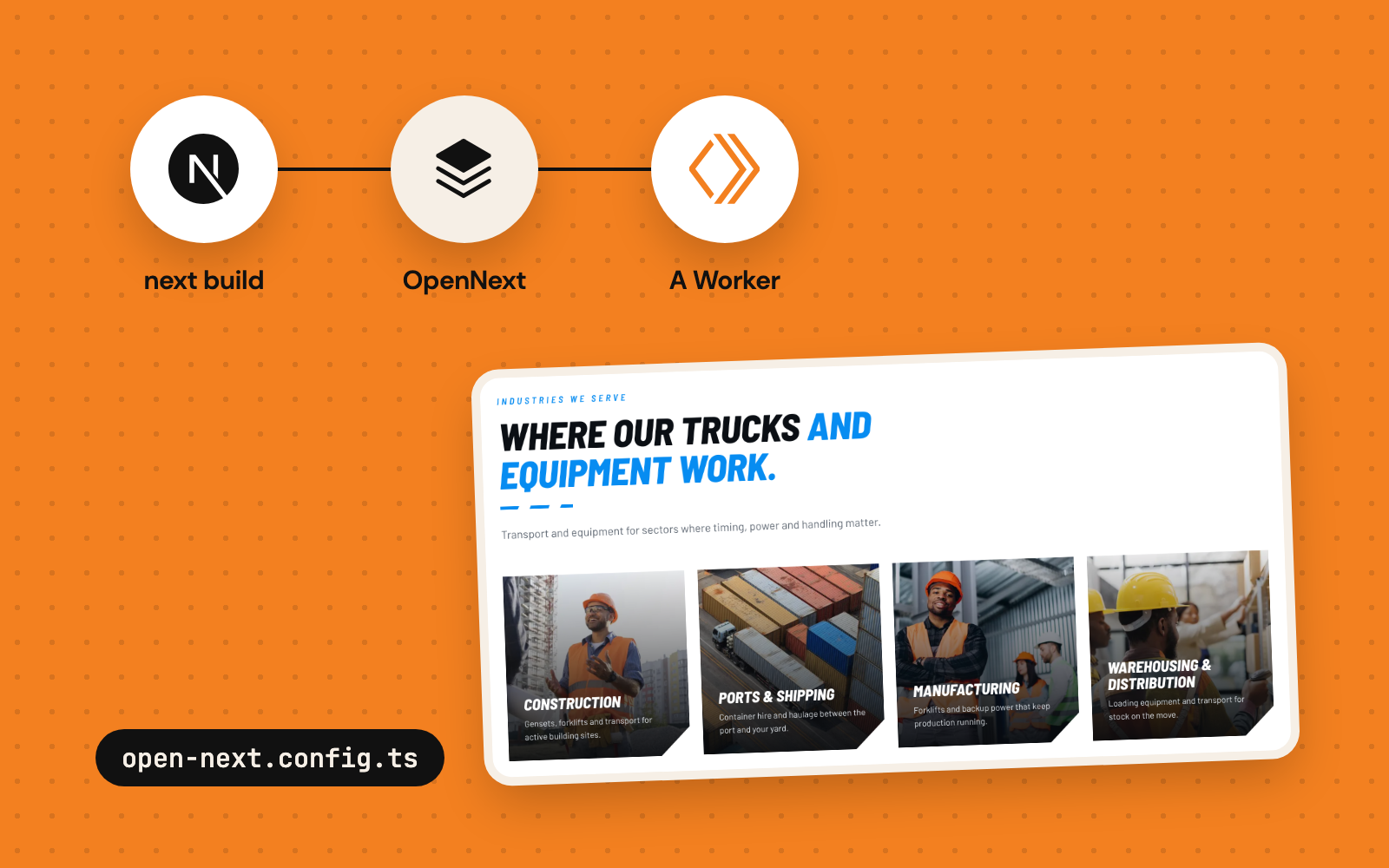
- install, tinacms build, next build, OpenNext
- 5
Deploy
- a new Worker version and fresh static files on Cloudflare's network
The repository holds the whole site: code, content and history. Rolling an edit back is reverting a commit, a developer's work and an owner's edits share one history, and moving the site to another host takes the repository alone.
A full build of the example site takes a little under five minutes on its first run: about 10 seconds to start, 2 to clone, 2 minutes 38 seconds to install packages, 1 minute 34 seconds to build and 24 seconds to deploy. Later builds restore the package and build caches from the first. Since every save is a build, an owner who edits several sections and saves once triggers one build.
Why a Git-based CMS for a small site
A database CMS such as WordPress keeps content in a database. The host runs that database, a preview link needs a server from day one, and a move between hosts means exporting and importing the database, with a local copy and the live one drifting apart in between. For a site whose content fits in one JSON file, the database is overhead.
A hosted content store such as Sanity or Contentful shines with hundreds of linked documents, instant per-page refreshes and many editors. A single page uses a sliver of that.
A Git-based CMS keeps the content as a file beside the code. The build reads the file, the editor writes it, and Git keeps every version.
Git-based editors compared
| Editor | How the owner edits | Editor login | Free plan |
|---|---|---|---|
| TinaCMS | Clicks text and pictures on the page itself, a sidebar form beside it | Email and password through Tina Cloud | Two editors |
| Keystatic | Forms beside a preview | GitHub, or email through Keystatic Cloud | Three users on Keystatic Cloud |
| Pages CMS | Hosted forms | Email invite | Free |
| Decap CMS | Forms | GitHub | Open source |
| Sveltia CMS | Forms, a modern rebuild of Decap | GitHub | Open source |
| CloudCannon | Visual editing on the page | Paid plans, around $55 a month |
TinaCMS is the free option with click-on-the-page editing and an email login, which suits an owner who signs in like any other web app and leaves GitHub to the developer.
Where to host it
Three hosts build a Next.js site from a Git commit for free. Their rules on commercial sites and on deploys decide the fit:
| Host | Commercial site on the free plan | What a CMS save costs | Fit for this stack |
|---|---|---|---|
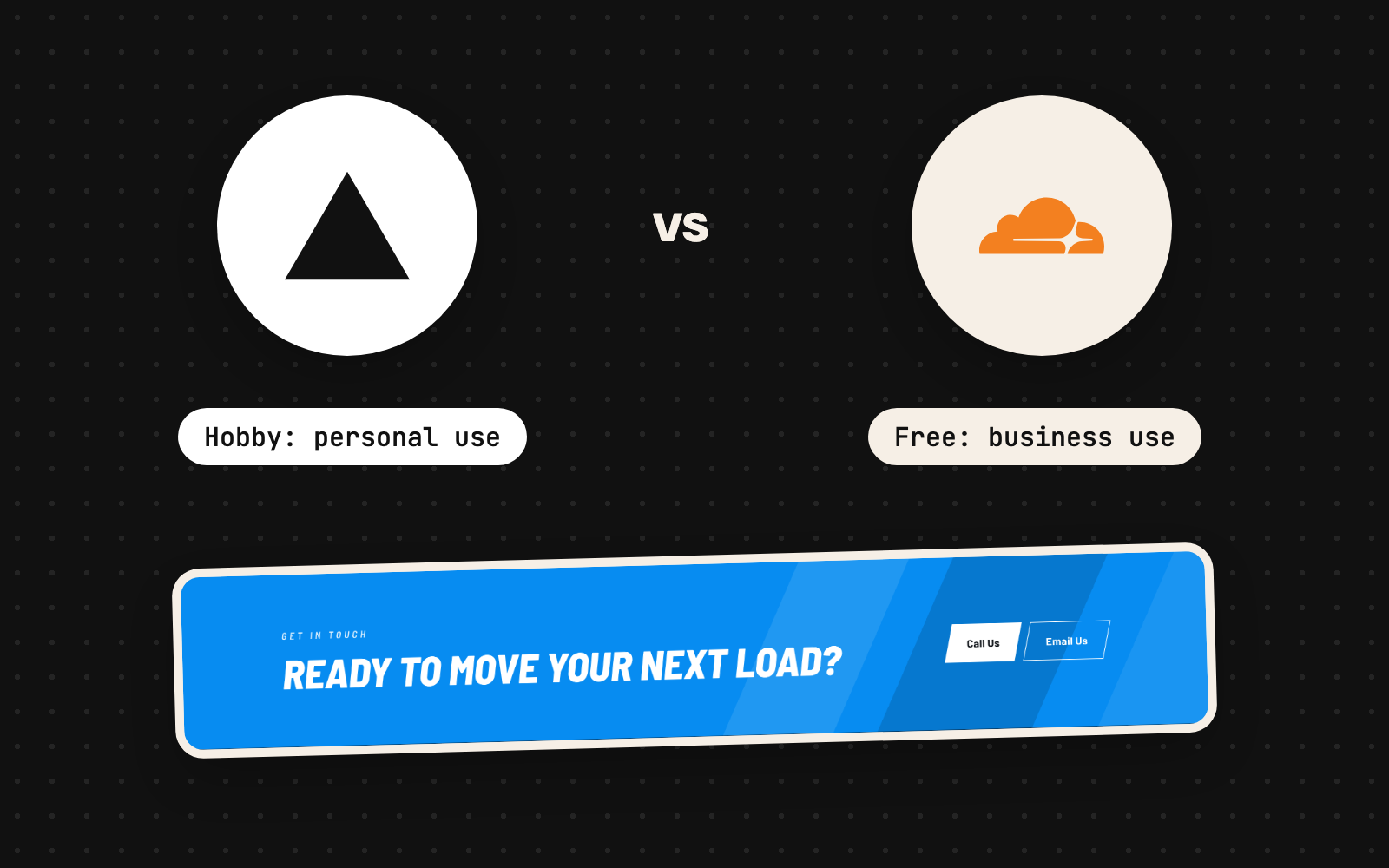
| Vercel Hobby | Personal projects only; a client site belongs on Pro at $20 per member per month | A deploy, within Hobby's monthly allowances | Best Next.js support, paid for client work |
| Netlify Free | Allowed | About 15 of 300 monthly credits per production deploy, roughly 20 deploys a month | Tight for an owner who saves often |
| Cloudflare Workers Free | Allowed | Build minutes from 3,000 a month, about a thousand saves at a three-minute build | Free for client work |
Cloudflare wins for a static client site. Part 5 compares Vercel and Cloudflare in depth, feature by feature, for sites that lean on Next.js's server features.
What the owner sees
The owner opens /admin on the live site and signs in with the email and password Tina Cloud sent with the invite. The page loads inside Tina's editor with a sidebar listing the sections. Every editable element carries a dashed outline; a click opens that field in the sidebar, and the page redraws on every keystroke, so the owner sees the change in place before saving.

Lists such as the hero slides, the service cards and the figures show as cards in the sidebar, each labelled by its own name. The schema decides what the owner may change: in the example, the page itself stays one page (it can be edited, while adding or deleting pages stays off), the figures carry an icon picked from a dropdown, and pictures upload through a media manager into the repository's images folder.
What it costs
| Item | Cost |
|---|---|
| Next.js and TinaCMS | Free, open source |
| Tina Cloud | Free for two editors |
| GitHub | Free |
| Cloudflare Workers and Workers Builds | Free within the limits above |
| Domain | The registrar's yearly fee |
| Workers Paid, for a site that outgrows the free limits | $5 a month per account |
Where the stack fits and where it stops
It fits brochure sites, one-page sites, landing pages, blogs and article libraries (one file per post, the list page and every post built static), and catalogues that take orders by WhatsApp or a quote form.
Its edges are clear:
- A shop with a cart, stock and payments belongs on a commerce service, with prices and stock read live at request time.
- A site with thousands of pages that change by the hour suits a hosted content store with per-page refreshes, and a host that runs them simply; Part 5 covers that trade.
- A third editor moves Tina Cloud to a paid plan.
- A media-heavy site points Tina's media at an external store such as Cloudinary or S3, and video lives on a video host or in object storage, pasted in as a link.
The series
- Part 1, this page: the stack, the choices and the costs.
- Part 2: Setting up TinaCMS and Cloudflare Workers for a Next.js site, the complete wiring: every file and every account screen, from an empty folder to the owner's first save.
- Part 3: TinaCMS with Next.js, how Git-based visual editing works: the schema, the generated client, useTina, tinaField, Tina Cloud, saves and pictures.
- Part 4: Deploying Next.js to Cloudflare Workers with OpenNext: the adapter, the configuration, the four errors that come up and their fixes.
- Part 5: Vercel vs Cloudflare for Next.js: commercial use, features, limits and a move from one to the other.
Sources
- Published
- Author
- Simon Booban
- Category
- Websites & Apps