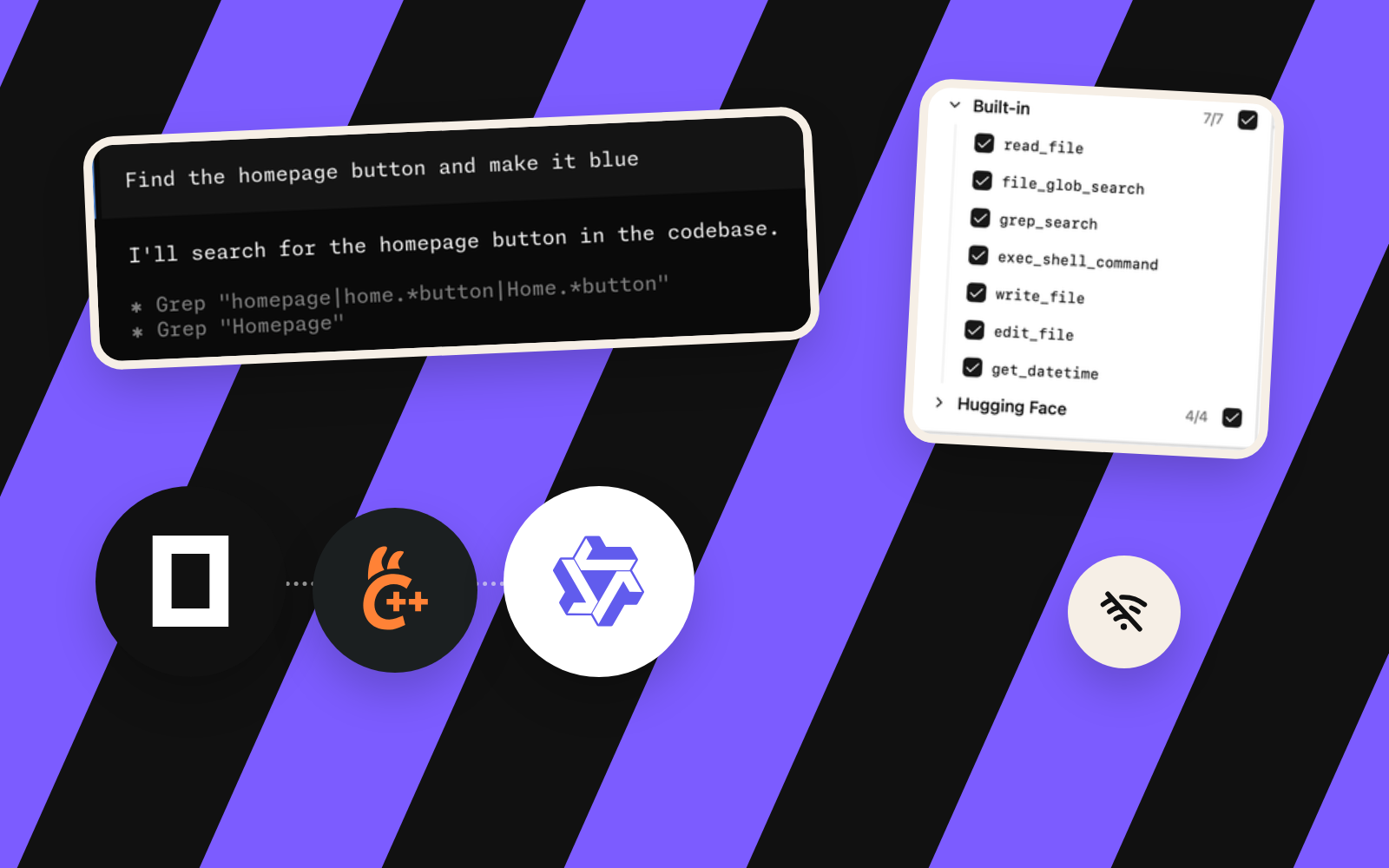
The agent meets the Radeon
In this episode: a Radeon-backed local model connects to OpenCode 2.1.2, reads a project file through an agent tool after an early context-overflow failure, and goes on to create files and run commands under approval (evaluated in full in Episode 8). Whether it completes complex coding assignments reliably is the question for Episode 9.
1. Architecture: from a local GGUF to file-system tools
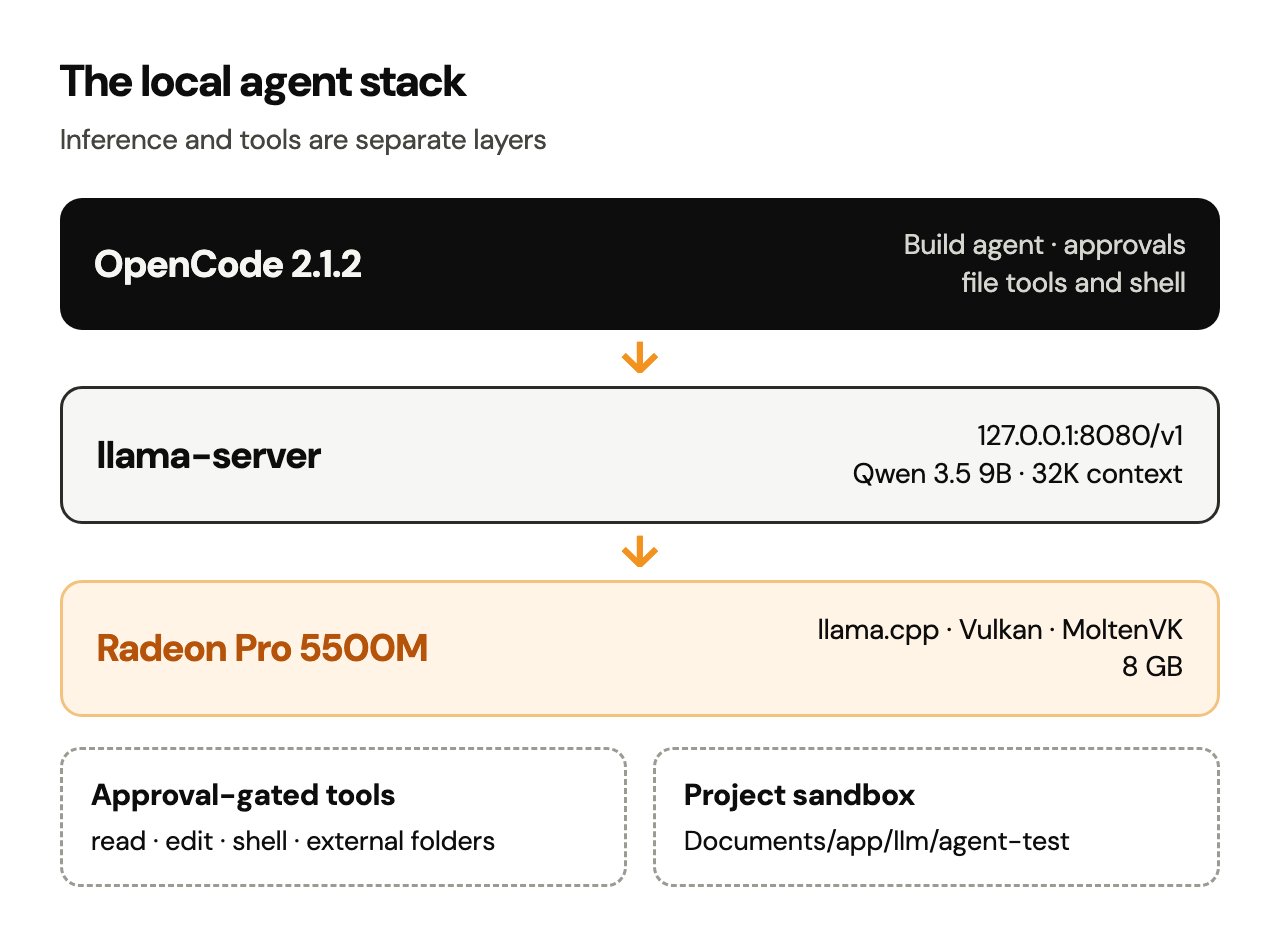
The key distinction is that llama.cpp runs the model; OpenCode decides when and how to use tools. The local language model generates responses and tool requests. OpenCode supplies the agent interface, file operations, shell execution and approval prompts. Reliable tool selection is a model behaviour to test; the weights and GPU acceleration leave it open.
| Component | Tested implementation | Purpose |
|---|---|---|
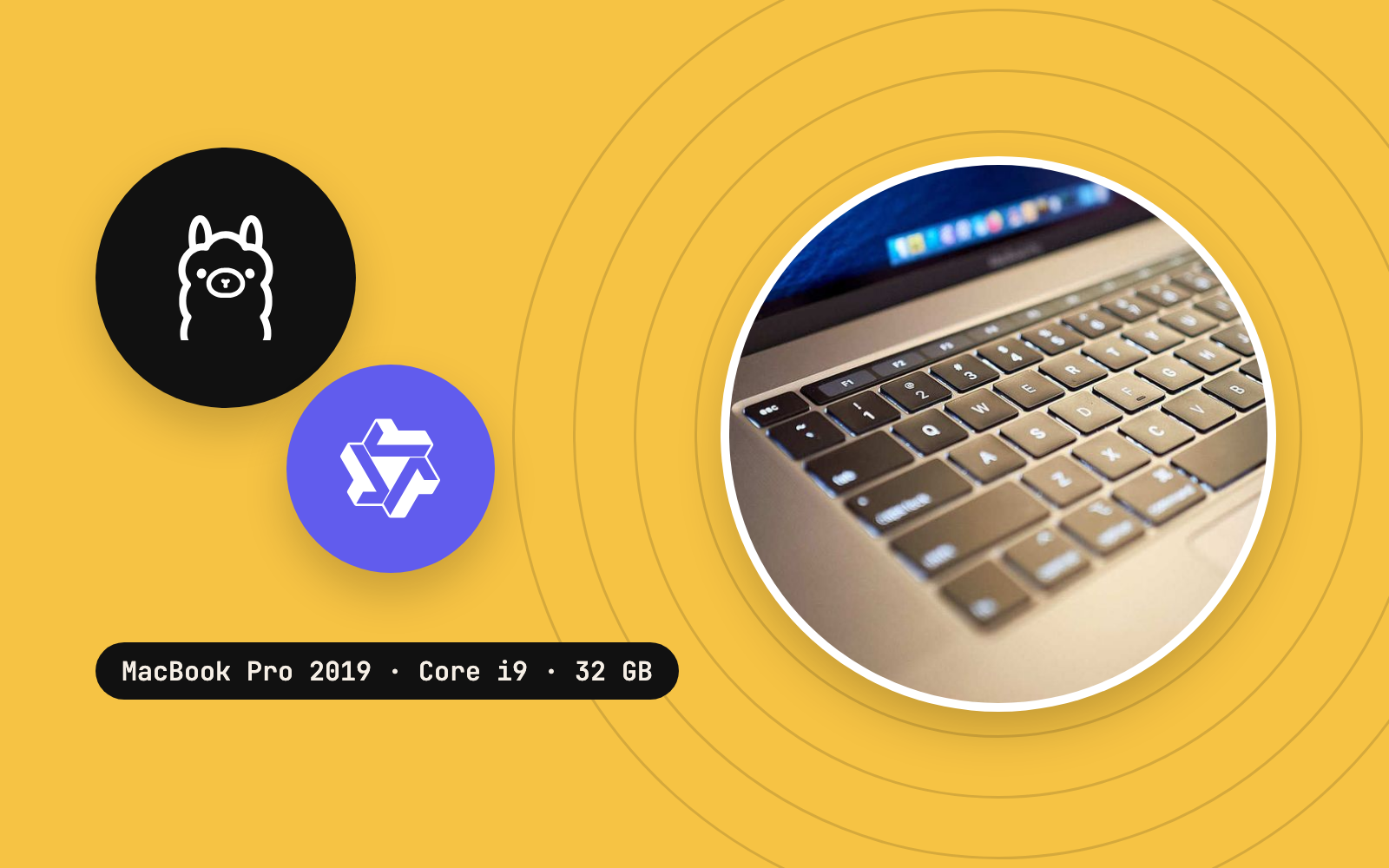
| Host | 2019 Intel Core i9 MacBook Pro; 32 GB RAM | Local execution environment |
| GPU | AMD Radeon Pro 5500M, 8 GB | Model acceleration via Vulkan/MoltenVK |
| Inference engine | llama-server from the locally built llama.cpp | Hosts the quantized language model |
| Model | Qwen3.5 9B GGUF from the existing Ollama blob cache | Produces text and tool-call requests |
| HTTP endpoint | http://127.0.0.1:8080/v1 | OpenAI-compatible model API |
| Agent client | OpenCode 2.1.2, interactive Terminal interface | Agent interface and tools |
| Project | ~/Documents/app/llm/agent-test/ | Disposable working directory |
| Context | 32,768 tokens, one server slot | Avoids the earlier 8K exhaustion |
- OpenCode2.1.2
- llama.cppllama-server
- Qwen3.5 9B
- VulkanSDK 1.4.363.0
The Vulkan and permanent-workspace setup were covered in Episode 4 and Episode 6.
2. Prerequisites: confirm the known-good GPU build
This article assumes the Episode 6 migration is done. Follow it with the build and Qwen weights you already have: the tested system reused existing Ollama model weights and the previously compiled binaries.
Open Terminal and inspect the essential files:
ls -lh "$HOME/Documents/app/llm/llama.cpp/build-vulkan-new/bin/llama-server"
ls -lh "$HOME/.ollama/models/blobs/sha256-02d45dc1cf451ba2475ac33b301c2dd8f985abe4c182ce04a1f2f5bf0260278d"
Expected: a runnable llama-server file and an existing 9B GGUF blob of about 5.23 GiB. The whole Ollama 9B installation, vision projector included, takes around 6.6 GB; this API experiment used the main text model alone, and image input waits for Episode 10.
Check the installed OpenCode executable:
opencode --versionOn the test Mac: opencode v2.1.2. Version numbers and configuration formats can change; the instructions below target OpenCode V2. If the shell reports opencode: command not found, check ~/.opencode/bin/opencode and your PATH before installing anything.
The tested installer was obtained from the official OpenCode website. For a new installation, follow the current OpenCode installation instructions rather than blindly rerunning an old installer command from a log.
3. Start the Radeon-backed model server
In Terminal A, set up the same Vulkan environment used in the earlier GPU tests, then start the server:
cd "$HOME/Documents/app/llm/llama.cpp"
source "$HOME/VulkanSDK/1.4.363.0/setup-env.sh"
export VK_DRIVER_FILES="$VULKAN_SDK/share/vulkan/icd.d/MoltenVK_icd.json"

./build-vulkan-new/bin/llama-server \
  -m "$HOME/.ollama/models/blobs/sha256-02d45dc1cf451ba2475ac33b301c2dd8f985abe4c182ce04a1f2f5bf0260278d" \
  --alias qwen3.5-9b \
  --device Vulkan0 \
  -ngl 99 \
  -c 32768 \
  -np 1 \
  --flash-attn off \
  --jinja \
  --reasoning off \
  --host 127.0.0.1 \
  --port 8080
Why these settings matter:
--device Vulkan0selects the Radeon device identified in the preceding GPU tests. Confirm device enumeration on your machine rather than assuming device 0 means Radeon everywhere.-ngl 99requests GPU offloading for eligible layers; some allocations can still sit in system memory. The previous Qwen 9B diagnostic reported 33/33 eligible layers offloaded.-c 32768provisions a larger context pool.-np 1gives a single active slot access to that pool rather than dividing the budget across several concurrent sequences.--jinjaenables the model's chat-template parsing needed for supported tool-calling workflows.--reasoning offwas chosen for a simpler non-thinking agent test. This controls runtime formatting; the model's intelligence stays the same.--host 127.0.0.1binds the service to the local loopback interface, instead of listening on every network interface.
Log lines that confirm success: model loaded, n_slots = 1, n_ctx_slot = 32768 and listening on http://127.0.0.1:8080.
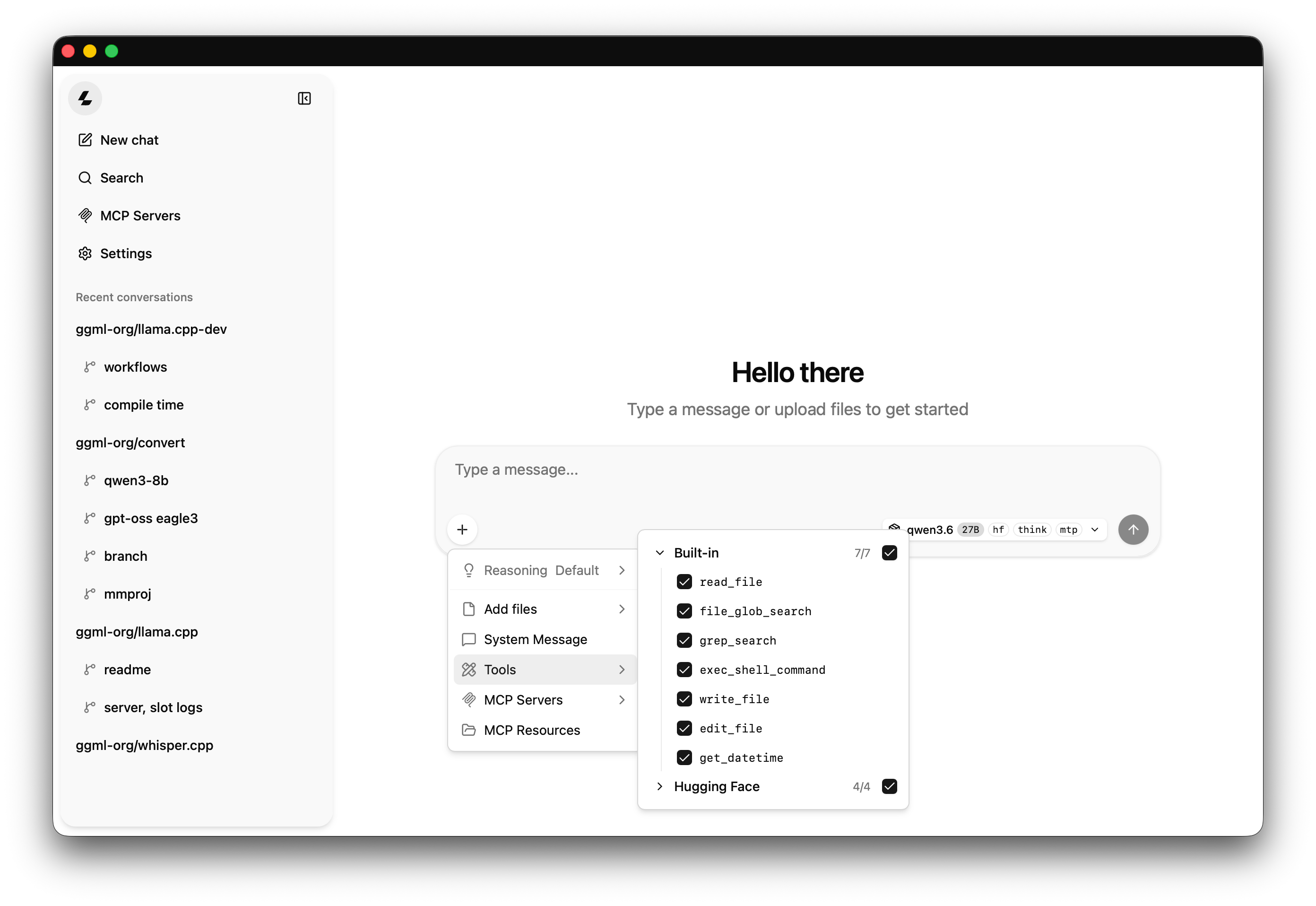
Recent llama.cpp releases also serve a chat page from llama-server, at the same address in a browser. This episode drives the server from OpenCode; the page is a quick way to talk to the model directly.
Verify the endpoint before opening an agent
Leave Terminal A running. In Terminal B:
curl --max-time 10 http://127.0.0.1:8080/healthExpected output:
{"status":"ok"}To check which model the server advertises:
curl --max-time 10 http://127.0.0.1:8080/v1/modelsA healthy server returns JSON including the advertised model; the exact fields depend on the llama.cpp revision.
If /health fails, fix the server, GPU environment or port conflict first, and leave OpenCode for later.
4. Configure OpenCode V2 for the local HTTP model
Create or open a disposable directory rather than allowing an experimental model to modify an existing project:
mkdir -p "$HOME/Documents/app/llm/agent-test"
cd "$HOME/Documents/app/llm/agent-test"
Place the following OpenCode V2 configuration at opencode.json inside that directory. It holds the working provider, model and approval settings from the test, in the documented V2 schema:
{
  "$schema": "https://opencode.ai/config.json",
  "model": "localgpu/qwen3.5-9b",
  "providers": {
    "localgpu": {
      "name": "Local Radeon GPU",
      "package": "@opencode/ai/providers/openai-compatible",
      "settings": {
        "baseURL": "http://127.0.0.1:8080/v1"
      },
      "models": {
        "qwen3.5-9b": {
          "name": "Qwen3.5 9B Radeon",
          "modelID": "qwen3.5-9b",
          "capabilities": {
            "tools": true,
            "input": ["text"],
            "output": ["text"]
          },
          "limit": {
            "context": 32768,
            "output": 2048
          }
        }
      }
    }
  },
  "permissions": [
    { "action": "edit", "resource": "*", "effect": "ask" },
    { "action": "shell", "resource": "*", "effect": "ask" },
    { "action": "external_directory", "resource": "*", "effect": "ask" }
  ]
}
Important version distinction: OpenCode V2 uses providers, package, and the ordered permissions rules with action shell. Older V1 documentation often shows a singular provider, npm, and permission with bash. Mixing V1 and V2 examples creates confusing validation or behaviour failures. Verify the current V2 models documentation and V2 permissions documentation if using a different release.
The localgpu/qwen3.5-9b model reference consists of an OpenCode provider identifier and the local model key. The separate modelID must match the --alias advertised by the running server; in this example, both point to qwen3.5-9b.
The security decision matters: edit and shell set to ask request your approval before acting. external_directory set to ask guards attempts to reach beyond the active project. Approval is still a human responsibility: review the proposed commands and file paths themselves, beyond the agent's description of its intent.
Validate the model registration
opencode models | grep '^localgpu/'On the test Mac: the model identifier localgpu/qwen3.5-9b appeared in the list. If it is missing, check the configuration's location, JSON validity, model key and server health. OpenCode may merge global and project configuration, so conflicting global settings are another possible cause.
5. The failure: an 8K context was too small
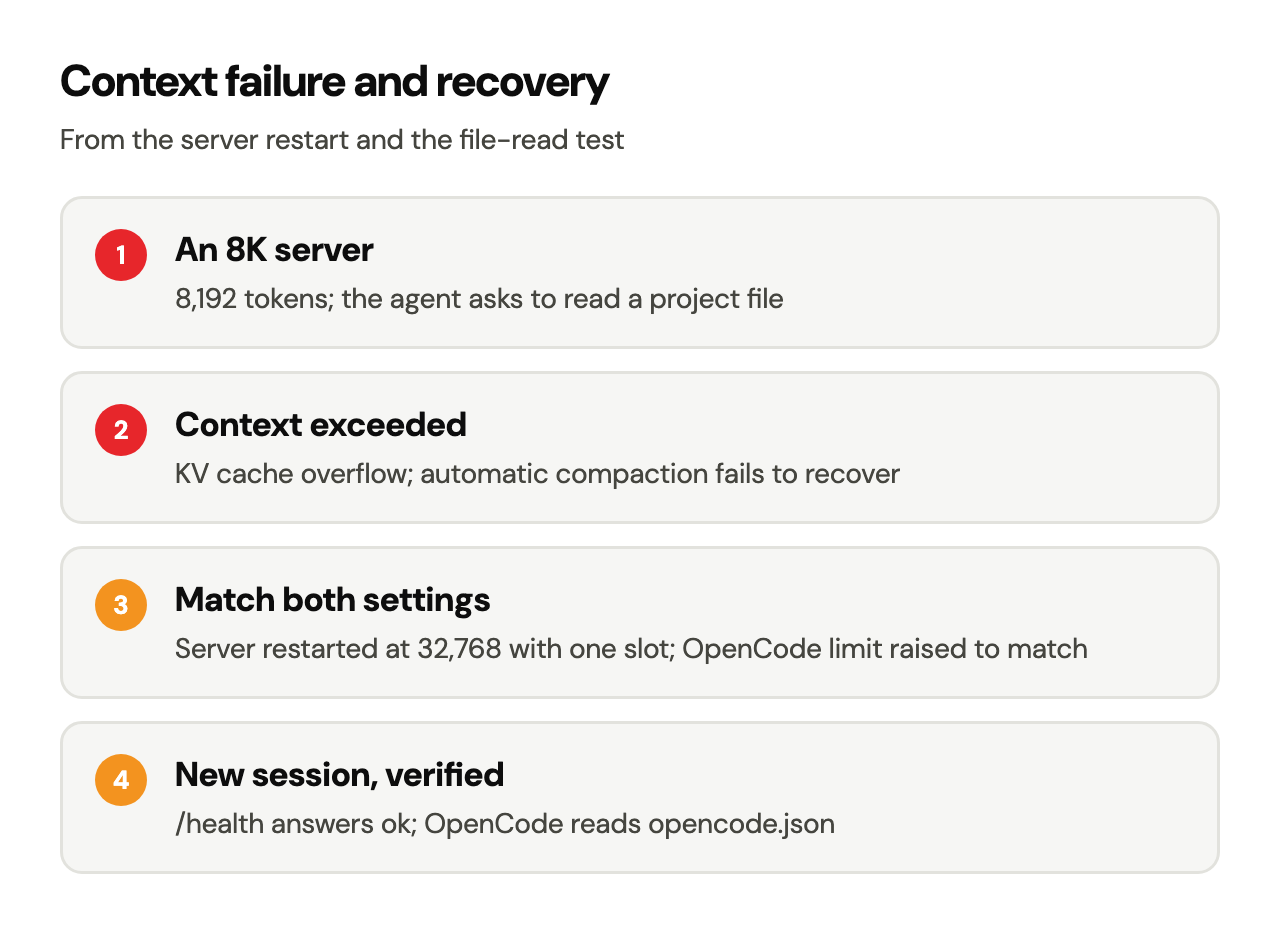
The first attempt used a context size of 8,192 tokens. A file-reading instruction caused an effective context/KV-cache overflow. OpenCode then attempted conversation compaction, which also failed to recover that session.
Observed failure sequence:
- The model endpoint and OpenCode provider connected.
- The agent began a basic project-inspection request.
- Tool definitions, agent instructions, conversation history and file content consumed the available context budget.
- The request outgrew the server's context, and the OpenCode compaction attempt failed.
The Qwen weights and the Radeon were fine. It was an integration budget mismatch: a local agent sends far more than the latest user message, and tool schemas and system instructions can take thousands of tokens before any visible answer appears. In later tests, OpenCode's opening request alone measured about 7,000 tokens.
The tested recovery
The successful fix required both sides to agree on the new context budget:
- Stop the old
llama-serverprocess withCtrl+Cin Terminal A. - Restart
llama-serverusing-c 32768 -np 1(the full command is in Section 3). - Change the OpenCode model's
limit.contextfrom8192to32768inopencode.json. - Start a fresh OpenCode session, instead of relying on the already-overflowed conversation.
The restarted server logged n_ctx_slot=32768 and the health endpoint returned {"status":"ok"}. In the new session, OpenCode successfully used a tool to read opencode.json and described its model and permissions. The successful session had consumed approximately 7,800 tokens during that test.
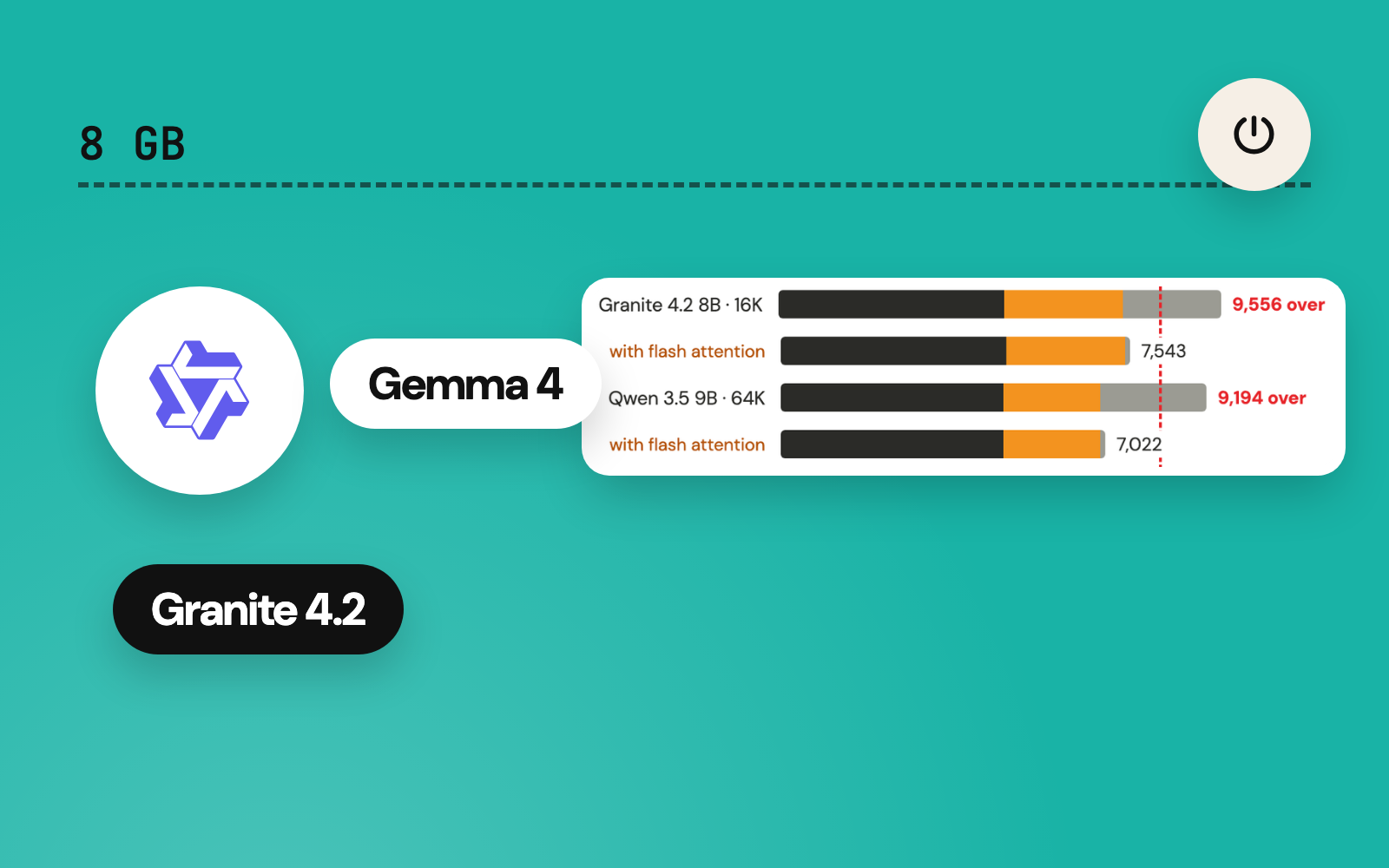
Size the context per setup. 32K costs KV-cache memory and some responsiveness, and another model, runtime, project or prompt may want a different limit. What matters is that the server’s capacity, OpenCode’s advertised budget and the real workload agree, and that a test confirms it.
6. Starting the actual Terminal coding agent
From the sandbox directory, with the server already running:
cd "$HOME/Documents/app/llm/agent-test"
opencode
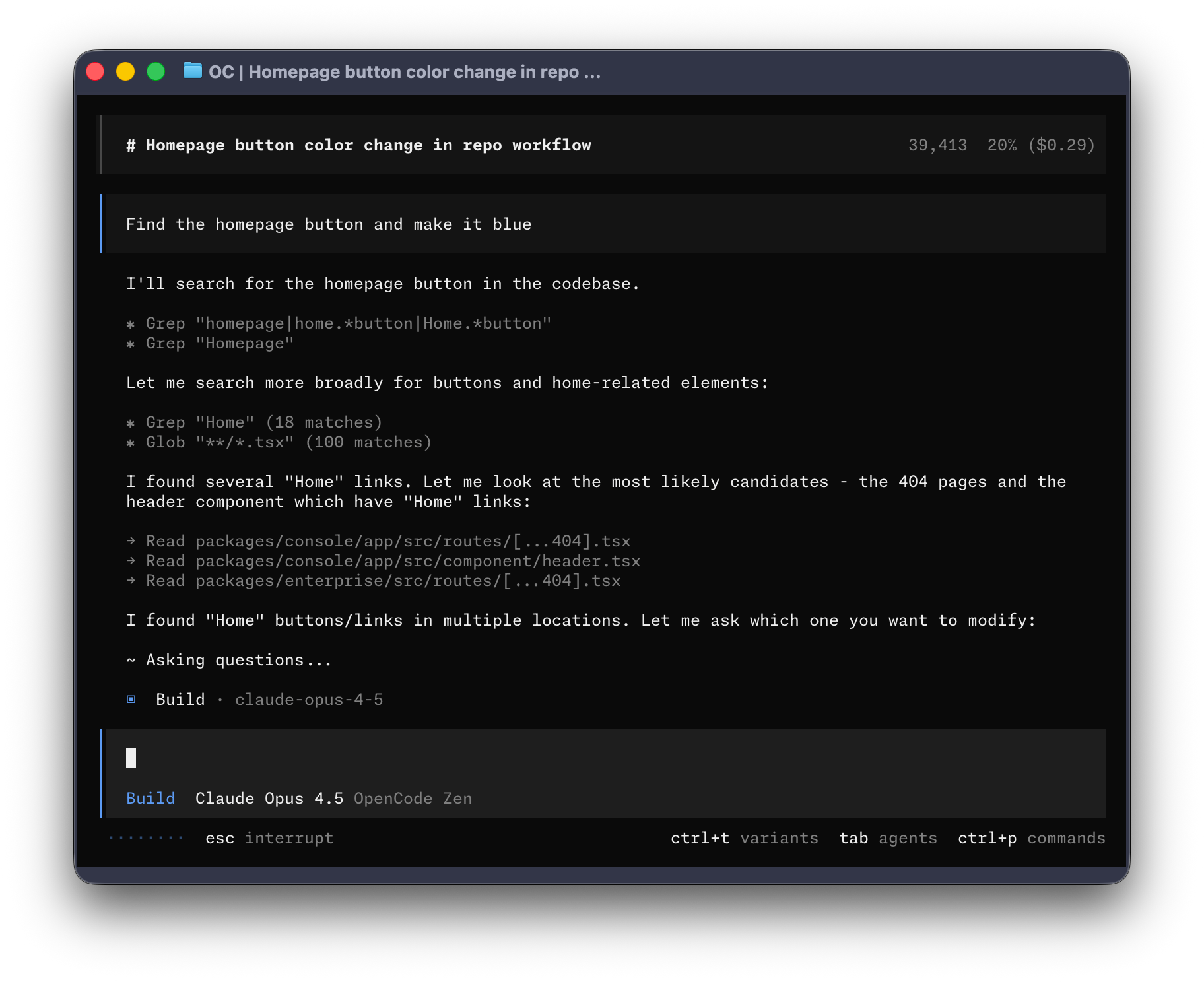
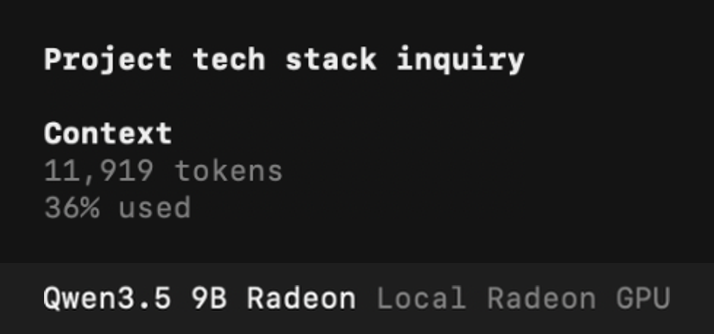
The test used OpenCode's normal full-screen Terminal interface. Its status line showed the local model as Qwen3.5 9B Radeon / Local Radeon GPU, and the agent ran in Build mode throughout.
For a small, read-only first task, enter:
Read opencode.json in the current project folder. Report the selected model, API base URL, context size, and whether editing and shell commands require approval. Do not change any files and do not execute any commands.Result: OpenCode invoked its file tool, inspected the JSON and answered correctly: a real tool call, beyond the model paraphrasing information from the prompt.
7. A second issue: the Terminal interface froze
The agent later opened an interactive question tool dialog while proposing to create and run a JavaScript test. Raw terminal mouse-control sequences appeared in the interface, and input temporarily stopped responding. The interface remained on-screen, but normal keyboard and mouse control became unreliable.
This was an OpenCode TUI and session-control problem; the model itself kept running. A second Terminal identified the stuck interactive OpenCode process and terminated it. A TERM signal came first; this stuck process eventually needed KILL. The separate OpenCode service process stayed untouched.
To inspect processes safely:
pgrep -fl opencodeIf a specific interactive TUI is unresponsive, attempt a normal termination of that process only:
kill -TERM <INTERACTIVE_PID>If it keeps running, kill -KILL <INTERACTIVE_PID> is the last resort, after checking the PID again. The bracketed values are placeholders: replace them with the real process ID. Target that one process, since an independent OpenCode service may also be running.
Two experimental launch variations were attempted:
OPENCODE_CLI_CONFIG_CONTENT='{"mouse":false}' opencode
OPENCODE_CLI_CONFIG_CONTENT='{"mouse":true}' opencode
Keyboard interaction returned after the stuck TUI was terminated and the Terminal was reset. Mouse selection behaved differently across the following tests. Treat these commands as troubleshooting experiments, short of a documented fix for TUI freezes across terminals or OpenCode versions.
For the file-creation tests that followed, the agent was told to use the file-editing tool directly instead of opening the question tool. That avoided a repeat of the problematic dialog in this test; as a general cure for terminal input bugs, it remains unproven.
8. Permissions: a working agent still needs boundaries
OpenCode's V2 permissions documentation specifies ordered { action, resource, effect } rules, where the last matching rule wins. In the test session, an earlier proposed command was declined and a later file write was approved once: interactive decisions, the opposite of unattended autonomy.
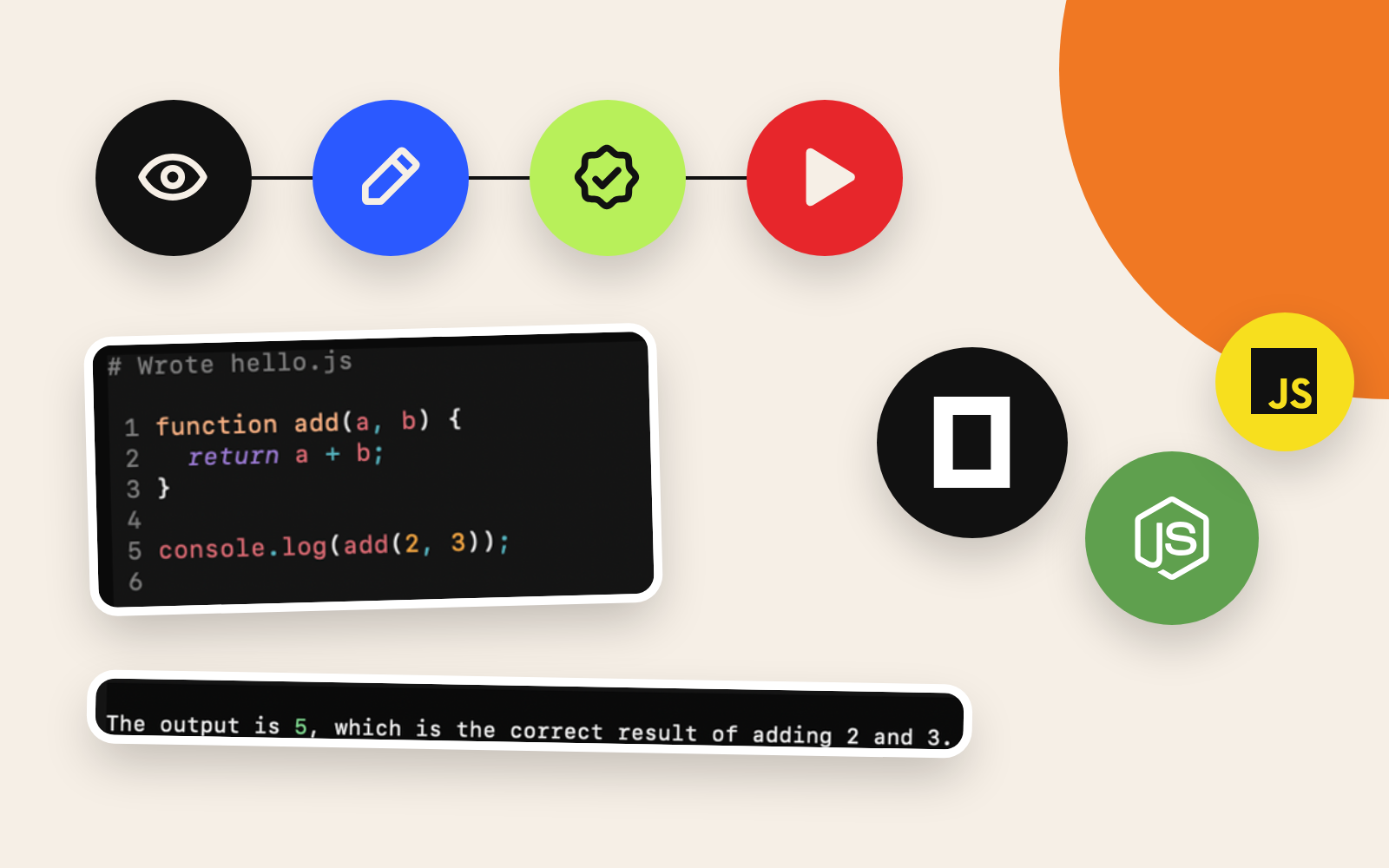
The agent subsequently created a simple hello.js, and a separate shell task executed it. Those are the subject of Episode 8, where the complete read/write/execute outcomes and approvals are evaluated.
For any real project, apply at least these constraints before trusting a local agent:
- Use a dedicated sandbox or version-controlled working tree, and keep independent backups.
- Inspect the full command, its arguments, and the paths before approving shell use.
- Keep external-directory access approval-based; local models can hallucinate targets or paths.
- Avoid placing credentials, personal documents or sensitive files in the project sandbox.
- Keep the inference server on the local loopback interface unless access controls are explicitly configured.
One command for the whole stack
Once the stack was proven, one command replaced the two Terminals. qwen9-agent (or qwen4-agent for the smaller model) passes the Radeon gate, starts llama-server on 127.0.0.1:8080, waits for /health to answer, then opens OpenCode. The server's -c comes from the shared context setting (ctx16, ctx32 or ctx64), with -np 1 kept, so the 8K lesson above stays solved with zero script edits.
Starting an agent also creates the job of stopping it. After a session, qwenoff stops OpenCode and the server, and qwenstatus confirms that ports 8080 and 11434 are clear. That makes the local agent an on-demand tool in place of a background service. Episode 6 lists the full command layer.
Offline inference leaves auxiliary features to their own settings. The model endpoint here was local, while optional search tools, plugins, update checks and other integrations may use network services. If strict offline isolation matters, inspect and disable those features or block the network at a lower level.
9. Troubleshooting reference
| Symptom | Likely cause or first check | Next diagnostic action |
|---|---|---|
| curl /health refuses the connection | Server absent or port mismatch | Check the Terminal A log and 127.0.0.1:8080 |
| The local model is missing from opencode models | Config location or schema, or a server mismatch | Check opencode.json, the provider key and opencode models |
| Qwen responds and the tools stay idle | Chat template, advertised tool capability or agent mode | Keep --jinja; inspect tool definitions and agent state |
| Context or KV-cache error | Server slot too small for the actual agent payload | Match server -c, parallel slots and limit.context; start fresh |
| Compaction repeatedly fails | Session already exceeds the usable input budget | New session; reduce history and attachments and check configured limits |
| OpenCode TUI stops accepting input | Terminal input or UI state problem | Identify the TUI process, terminate that process, reopen Terminal |
| Unexpected file or shell action | Approval policy or an earlier approval | Audit V2 permissions, check the specific tool call and reset unintended approvals |
| Model feels slow after a fast GPU benchmark | Long prompts, tool cycles, context pressure and model quality | Measure end-to-end completion time alongside generation speed |
The last row matters in practice: a short llama-bench measurement says little about how quickly an agent handles thousands of prompt tokens and several tool calls. See Episode 5 for the controlled GPU throughput results.
Conclusion: the agent interface worked; reliability remained unproven
The local OpenCode configuration passed a meaningful engineering milestone. On an Intel MacBook Pro, a Qwen3.5 9B model ran behind a Radeon-accelerated, OpenAI-compatible llama-server. OpenCode recognised the model, could invoke file tools, and the 32K/one-slot server resolved the observed context problem. The full-screen Terminal UI was usable again after recovering from an input-control freeze.
The success criteria should stay precise. A successful connection and successful code generation are separate results, and so are a successful tool call and a reliable autonomous workflow. Those distinctions matter more on small local models, where misunderstood instructions and repeated actions can cost a lot of time.
Next: Episode 8: Testing a Local AI Coding Agent: file reads, approved hello.js creation and a Node.js command that returns 5.
References and primary documentation
- OpenCode V2: models and local OpenAI-compatible providers: the V2 model and provider schema, model IDs and
capabilities.tools. - OpenCode V2: permissions: ordered
permissionsarrays and theedit,shellandexternal_directoryactions. - OpenCode V2: configuration: project-level configuration, file precedence and model limits.
- llama.cpp: server documentation: context, parallel slots, chat-template parsing, endpoints and security options.
- Published
- Author
- Booban Net.
- Category
- AI & Automation