From model server to coding agent
A local model is the first part of a local coding assistant. A usable workflow also needs a model server, a client that speaks its API, and an agent that works with files and commands under your control. This guide sets up that first layer on an Intel Mac, then shows what happened when three VS Code integrations were put to the test.
The outcome was mixed: Ollama installed and served Qwen locally; Kilo Code connected, while a 0.8B model repeatedly misunderstood simple instructions; Twinny generated a working webpage with Qwen 4B, then failed a more demanding edit; Claude Code displayed the correct local model connection, and an end-to-end task stayed out of reach. These differences matter more than a green connection indicator.
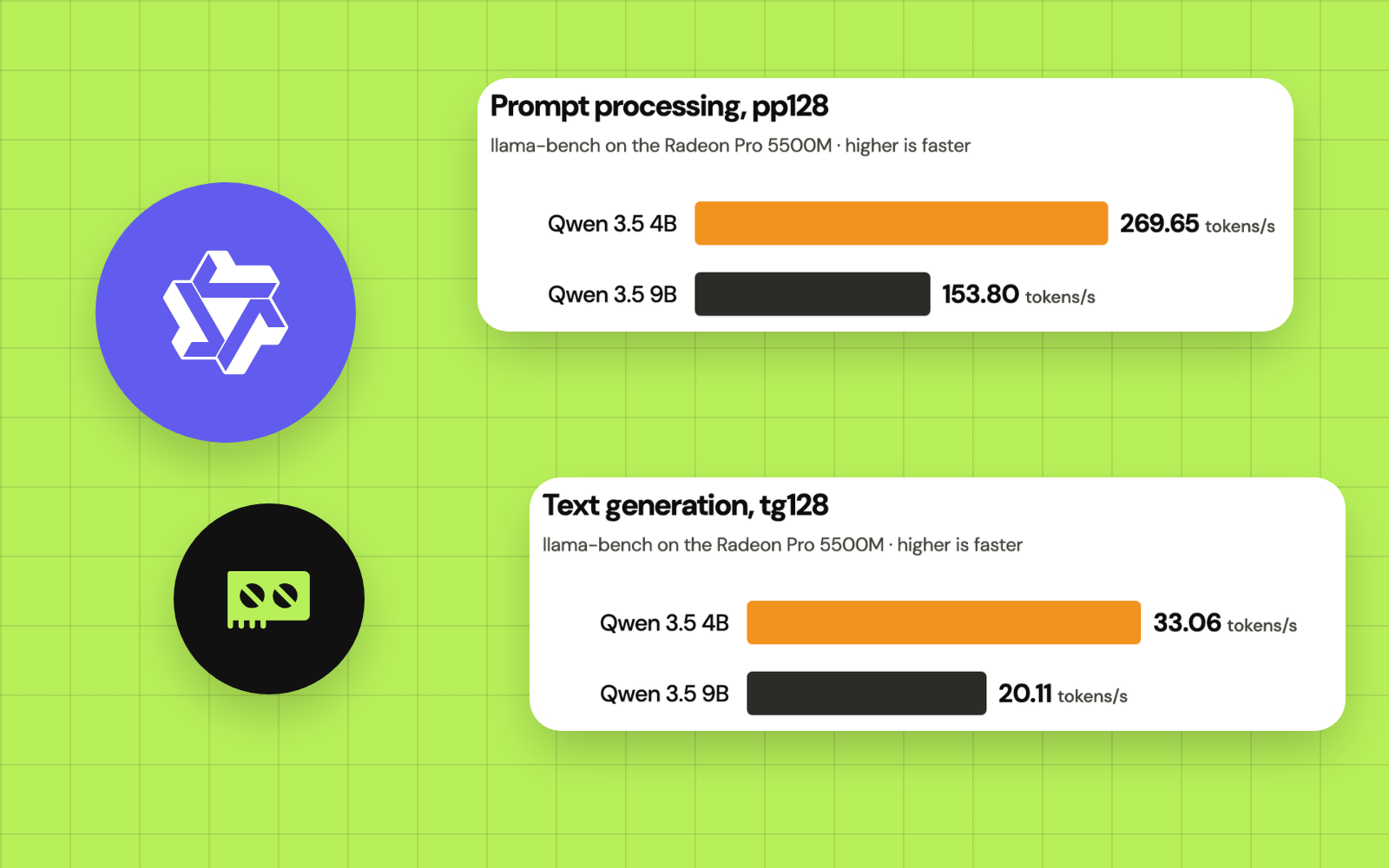
All of it runs on the CPU, through Ollama 0.40.6, and the pace shows: Twinny’s first page took 2 minutes 32 seconds at about 4.1 tokens per second. The Radeon takes over in Episode 4.
What this episode covers
At the end, you can verify a local Ollama server, download and run a modest model, connect VS Code to it through a free local provider, create a disposable HTML test, and diagnose the most common failures. Installing Qwen 9B reliably, building a GPU runtime and deploying OpenCode follow in Episodes 3 to 8.
Prerequisites
| Item | Requirement for this walkthrough |
|---|---|
| Hardware used in testing | 2019 16-inch MacBook Pro; Intel Core i9; 32 GB RAM; Radeon Pro 5500M 8 GB |
| Operating system tested | macOS Tahoe 26.0 |
| Editor | VS Code, already installed |
| Model service | Ollama 0.40.6 in this test; newer versions may look different |
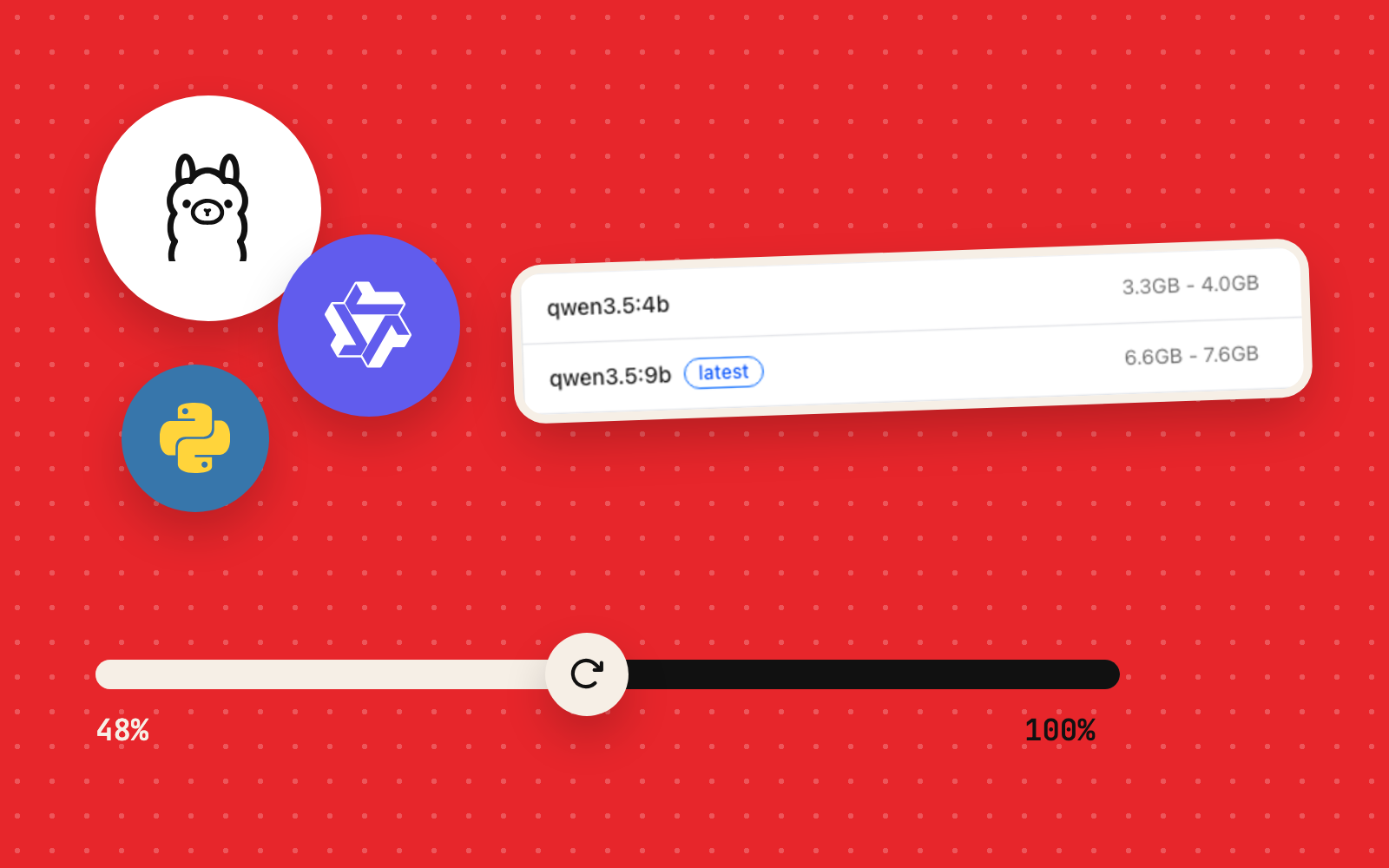
| Starting model | qwen3.5:0.8b-q8_0 (about 1 GB) |
| Larger test model | qwen3.5:4b (about 3.3 GB) |
| Connection | Internet for installing software and downloading weights; local inference runs offline afterwards |
| Cost | $0: the Ollama path uses free local inference |
- Ollama0.40.6
- Qwen3.5 0.8B and 4B
- VS Codeeditor
- Kilo Codeagent extension
- Twinnyagent extension
- ClaudeClaude Code extension
Before continuing: Follow the hardware and disk-space checks from Episode 1. Leave production repositories closed and test unfamiliar agents in an isolated project directory.
1. Install Ollama and verify the local server
Download the macOS application from the official Ollama download page. Open the downloaded file, complete installation, and start Ollama. The test install went through the app's onboarding screen and enabled its Terminal command.
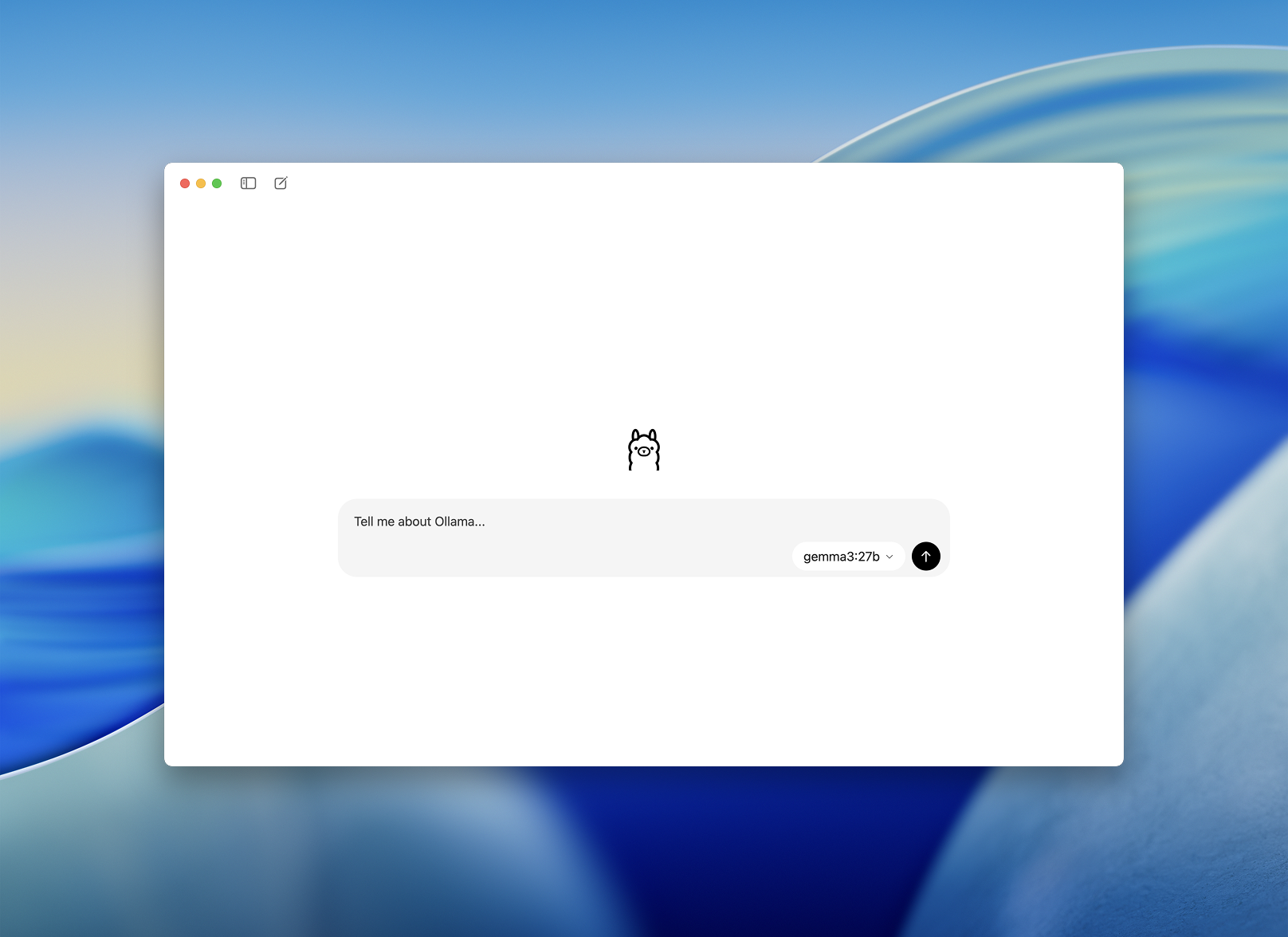
Open Terminal itself, outside any agent chat panel, and check the installed version:
ollama --versionOn the test Mac: ollama version is 0.40.6. Yours may be newer.
Now verify that the local service is answering requests:
curl --max-time 5 http://127.0.0.1:11434/api/versionExpected response shape:
{"version":"0.40.6"}The value reflects the installed version. This proves a server is reachable on your own machine; whether a model is installed, and whether an agent can use it, are the next two checks.
You can also ask Ollama to list its installed models:
ollama listA fresh installation shows the column headings alone until you download a model.
Troubleshooting: If the shell reports ollama: command not found, open the application and install its command-line integration. If curl reports Connection refused, check that Ollama is running. While the app owns port 11434, keep it as the single ollama serve process on that port.
2. Download the smallest model first
The initial aim was to establish that local inference worked before committing to several gigabytes of downloads. We started with the 0.8B quantized Qwen model:
ollama pull qwen3.5:0.8b-q8_0When the download finishes, verify the exact installed tag:
ollama listLook for qwen3.5:0.8b-q8_0 in the results. Model tags matter: a different quantization may have different storage and memory requirements. The official Qwen3.5 model catalogue lists the variants currently available.
Run a basic chat test independently of any editor extension:
ollama run qwen3.5:0.8b-q8_0Send: Write only the HTML element for a first-level heading that says Hello World. A reasonable answer is:
<h1>Hello World</h1>Use /bye to exit the interactive model session. The important observation is whether the model responds normally and follows the instruction. Image handling and tool calling need tests of their own.
Why start with 0.8B? A very small model keeps download and memory costs low and validates the installation. Complex tool instructions are beyond its reach, as the next test showed.
3. Connect Kilo Code to the local Ollama service
Install Kilo Code from the VS Code extension marketplace. Use VS Code's Extensions view (Cmd + Shift + X) and confirm the extension publisher before installing.
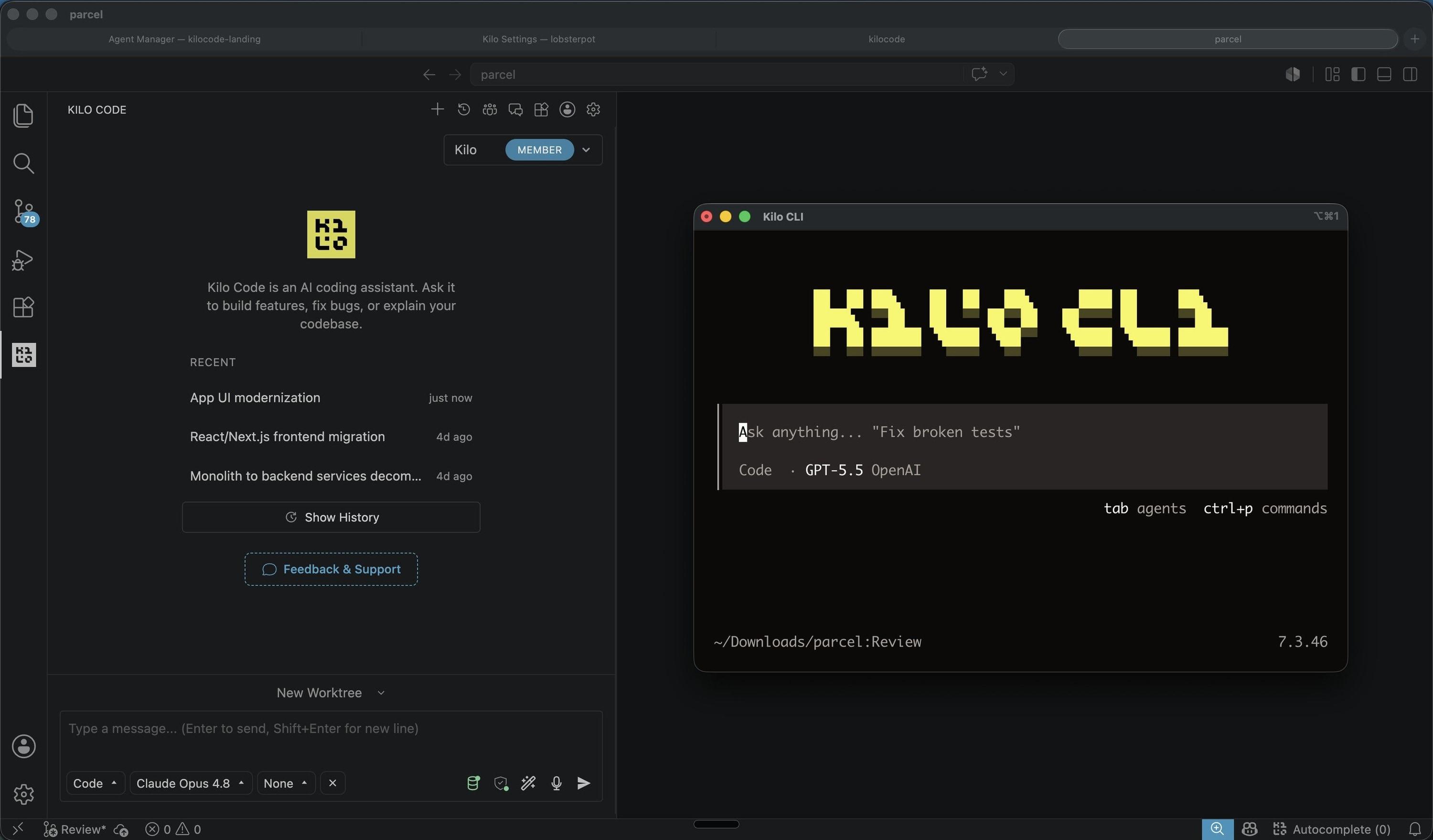
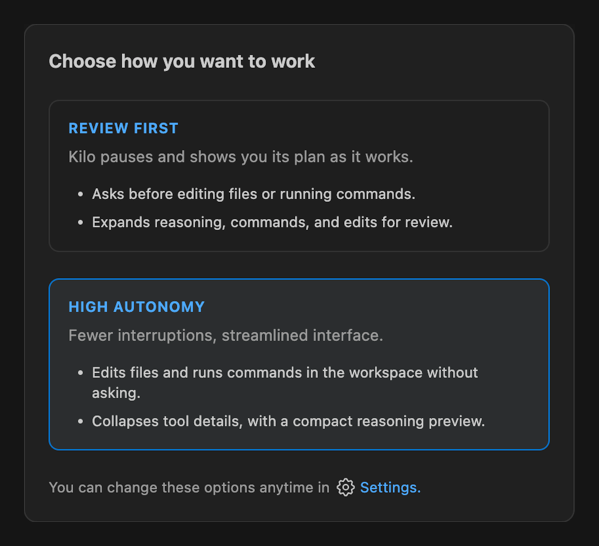
When this version opened, Kilo offered two operating styles: Review First and High Autonomy. The test used the approval-oriented option for safety. Names and menus may change between Kilo releases; the principle stays the same: review before file changes and terminal commands.
Choose a genuinely local provider
In this installation, Kilo's provider picker displayed Ollama Cloud, with the local Ollama entry harder to spot. Picking the similarly named cloud service would break the $0 offline objective.
Kilo's current documentation describes a native Ollama provider; use it when available. Where the editor version lists a custom provider alone, Kilo also documents a general OpenAI-compatible connection, the path used in this test.
For the custom OpenAI-compatible path, the essential values are:
| Field | Local setting |
|---|---|
| Provider/API type | Custom provider / OpenAI-compatible |
| Base URL | http://127.0.0.1:11434/v1 |
| Model identifier | qwen3.5:0.8b-q8_0 |
| API key | Leave empty: the local endpoint needs zero credentials |
| Image capability | Enable once the model, interface and runtime pass an image-input test |
| Edit/command permissions | Ask before acting |
For a native Ollama provider, the server base URL is normally http://127.0.0.1:11434, the bare address minus /v1. Confirm the option in your installed version and consult the Kilo Ollama guide or the Kilo OpenAI-compatible guide.
After saving, make the local model the active default. Review secondary, autocomplete and other model settings separately. A local chat model leaves each optional extension feature to its own setting, and some of them may still call cloud services.
What actually happened with Qwen 0.8B
The API connection worked, and basic prompts worked outside the agent. In two Kilo tests, though, the tiny model answered with unrelated material in place of the requested simple HTML. This was an instruction-following failure by the model; Ollama itself worked throughout.
Practical lesson: Confirm the model with a direct ollama run request first. If direct chat succeeds and the agent fails, look at the prompt format, the tool specification and the model's capability. When a small model mishandles an agent's instructions, the server is rarely the culprit.
4. Move to Qwen 4B, then try Twinny
The next model was Qwen3.5 4B, downloaded with:
ollama pull qwen3.5:4bCheck that Ollama has registered it:
ollama listIn this experiment, the 4B download was interrupted before it eventually completed. The much harder 9B download later failed repeatedly with unexpected EOF. Episode 3 covers the recovery technique: keep partial model data, and count a download as complete once ollama list shows the model, whatever the progress bar said.
Next, install the Twinny VS Code extension. Twinny detected the local Ollama server on its standard port in our test. Select Ollama as the provider, then choose qwen3.5:4b for chat. The Twinny Ollama instructions cover provider behaviour and troubleshooting.
Start in chat mode. Ask Twinny to return a simple standalone HTML page. Then use a disposable folder for an agent test. Here, Twinny's agent mode received a request for a page with a dark background, a white Hello World heading and a blue button, with permission to create one file and leave every other file untouched.
The prompt used for the file-creation test was equivalent to:
Create an index.html file in the current test folder with a dark background, a centered Hello World heading and a blue button with white text. Use internal CSS, keep the page responsive, and do not change other files.The agent did create index.html in the workspace. We opened the resulting file in a browser and saw the dark page and blue button. That was the first verified local file-writing agent success in the experiment.
The index.html that Qwen3.5 4B wrote through Twinny’s file tool, in full:
<!DOCTYPE html>
<html lang="en">
<head>
    <meta charset="UTF-8">
    <meta name="viewport" content="width=device-width, initial-scale=1.0">
    <title>Hello World</title>
    <style>
        * {
            margin: 0;
            padding: 0;
            box-sizing: border-box;
        }

        body {
            background-color: #1a1a1a;
            color: #ffffff;
            font-family: 'Segoe UI', Tahoma, Geneva, Verdana, sans-serif;
            min-height: 100vh;
            display: flex;
            justify-content: center;
            align-items: center;
        }

        heading {
            font-size: 3rem;
            margin-bottom: 2rem;
            text-align: center;
        }

        button {
            background-color: #007bff;
            color: white;
            border: none;
            padding: 15px 40px;
            font-size: 1.2rem;
            border-radius: 8px;
            cursor: pointer;
            transition: background-color 0.3s ease;
        }

        button:hover {
            background-color: #0056b3;
        }
    </style>
</head>
<body>
    <h1 id="heading">Hello World</h1>
    <button id="button">Click Me</button>
</body>
</html>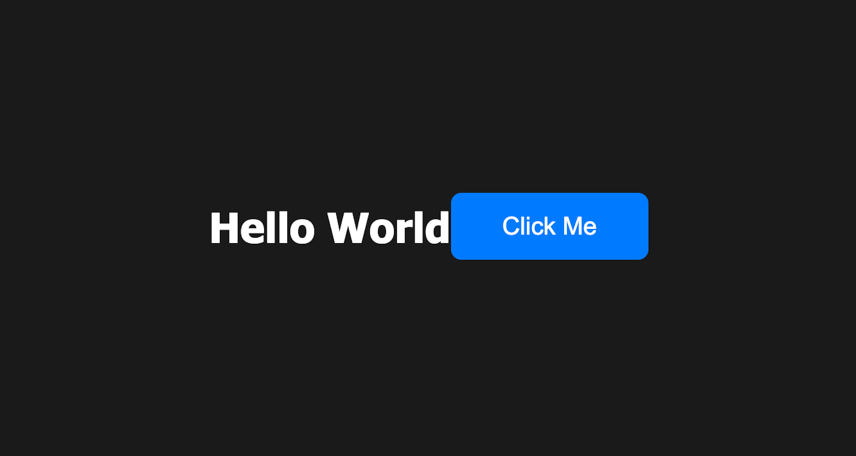
Record the actual agent performance
| Test | Result |
|---|---|
| Model | Qwen3.5 4B |
| Client | Twinny agent in VS Code |
| Task | Create a basic HTML/CSS page and write index.html |
| Completion time | 2 min 32 sec |
| Reported generation rate | About 4.1 tokens/second |
| Result | File created; page rendered in browser |
| Important limitation | A CSS rule targeted heading instead of the h1 element or #heading ID |
The page was real and usable as a proof of concept, and slow for such a small change. More importantly, a working command or file tool and correct code are separate achievements; the second takes harder tests.
5. Test editing an existing file, beyond creating one
Creating a new page is relatively straightforward because the agent can write the entire content. Editing an existing file is harder: it must read current code, identify the correct location, preserve unrelated parts, and apply an exact change.
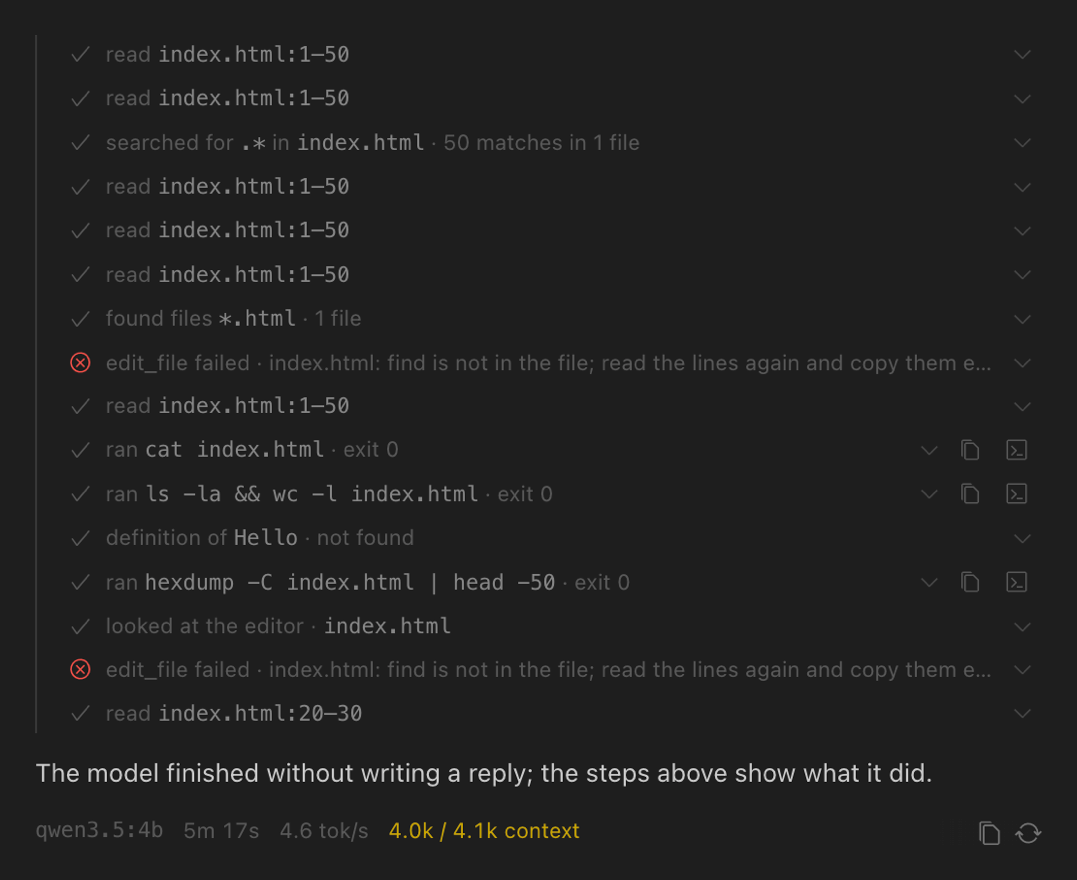
The same 4B setup was then asked to adjust spacing, make the button interactive and keep the page responsive. It repeatedly read index.html, searched the file, attempted text replacements and ran inspection commands. Several edit_file operations failed with find is not in the file, because their search text missed the file's actual content. The session ended with the page unchanged and the note "The model finished without writing a reply".
This test revealed several separate observations:
- Tool access worked: Twinny read the project and ran commands such as
cat,lsandhexdump. - Precise editing failed: its replacement text missed the target file's actual content.
- The context was nearly full: The user interface showed roughly 4.0K of 4.1K tokens in use.
- Completion failed: more than five minutes of activity left the requested change undone.
More context could reduce truncation; accurate edit selection is a separate model skill. On a CPU-only Intel setup, oversized contexts also raise memory use and prompt-processing costs. Later tests settled on 16K and 32K settings, far below the model's 256K maximum. Episode 10 measures what each setting costs on the Radeon.
6. Claude Code: connection configured, end-to-end task unproven
We also configured the installed Claude Code VS Code extension to address the local Ollama API and identify the active model as qwen3.5:4b. The /status screen displayed the intended local endpoint (http://localhost:11434) and custom model selection.
That was evidence of configuration, short of a successful coding session. Requests stayed slow or failed to complete. Logs showed Ollama processing more than 15,000 input tokens for a single request, and connections that closed before a useful answer arrived. An agent designed around a larger model can impose heavy system-instruction and tool-context overhead on a much smaller one.
Tool permissions and connected services got a check too. A locally hosted language model leaves MCP integrations, telemetry and command actions to their own settings, and some of them may still go online. If you use an extension this way, verify its actual endpoint and choose a permission mode that requires review.
7. Common failures and practical fixes
| Symptom | Interpretation / first response |
|---|---|
| ollama: command not found | Check that the Ollama app installed its Terminal command; relaunch Terminal. |
| curl: (7) Failed to connect | Make sure Ollama is running on the expected loopback port. |
| A model is missing from ollama list | A download counts as complete once Ollama registers it; check ollama list after each pull. |
| Kilo shows Ollama Cloud alone | Choose the native local Ollama provider if available, or an OpenAI-compatible custom provider, and leave the hosted service unselected. |
| Local model produces irrelevant tool replies | Check direct chat first; try a stronger model or a simpler task before changing infrastructure. |
| Code appears in chat and stays out of the folder | Confirm agent mode, project folder and approved file-edit tools. |
| edit_file reports "find is not in the file" | Inspect the file contents, ask for a smaller targeted edit, and retry replacements deliberately. |
| Context reaches about 4K of 4K | Trim tool history or raise the context cautiously, watching memory and speed. |
| Editor hangs while direct ollama run works | Investigate the extension's prompt and context as well as the model server. |
| Model download returns unexpected EOF | Keep the downloaded data; see Episode 3 for the interrupted-download recovery process. |
8. Verify what you have, and what is still missing
The simplest reproducible proof is a short direct-model test, followed by one modest agent operation in a disposable directory:
ollama --version
curl --max-time 5 http://127.0.0.1:11434/api/version
ollama list
ollama ps
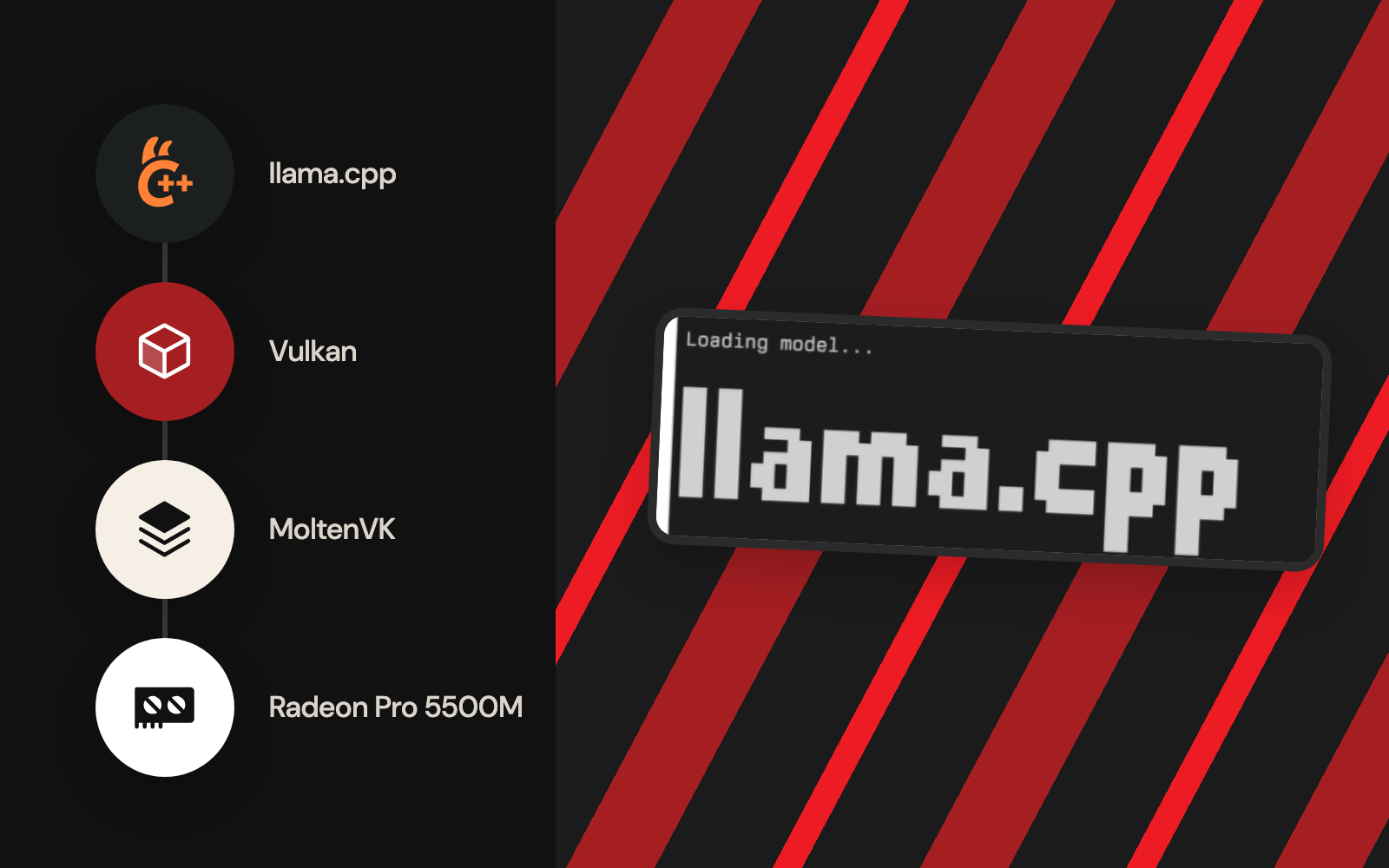
ollama ps lists loaded models and can show whether processing uses the CPU or the GPU. In the early Ollama tests, Qwen 4B showed 100% CPU: that runtime configuration left the Radeon idle. That observation led to the separate Vulkan and llama.cpp build later in the series.
For agent verification, distinguish four levels of evidence:
- Connection: The extension points to a local URL and knows the model ID.
- Generation: The model returns a sensible answer through that extension.
- Tools: It creates or edits a file or runs a command with the expected approval.
- Correctness: The resulting project passes a real check or test.
The early Kilo and Claude Code experiments stopped short of all four levels. Twinny reached basic file creation and browser rendering, then failed a more involved edit. Those results say more than a single verdict of success or failure.
The takeaway
Installing a local LLM on an Intel Mac was feasible, and several editor integrations could reach it. The bigger challenge was getting a small model to use a large agent interface accurately and efficiently. Qwen 0.8B proved basic connectivity; 4B wrote a real HTML page; dependable multi-step project maintenance stayed out of reach for both early integrations.
The next major obstacle was getting the larger model onto the machine at all. Episode 3 covers interrupted Qwen downloads, unexpected EOF, incomplete layers and the resumable recovery workflow. After that, the series moves to Radeon GPU acceleration and controlled benchmarks.
Primary sources and documentation
- Ollama downloads: official macOS installation.
- Ollama list-models API: the documented local HTTP endpoint.
- Ollama Qwen3.5 model catalogue: published model variants.
- Kilo Code local Ollama provider: local Ollama versus Ollama Cloud.
- Kilo Code OpenAI-compatible provider: the documented route for custom endpoints.
- Twinny with Ollama: local provider setup.
- Twinny introduction: capabilities and approval-based agent operations.
- Published
- Author
- Booban Net.
- Category
- AI & Automation