When someone nearby searches
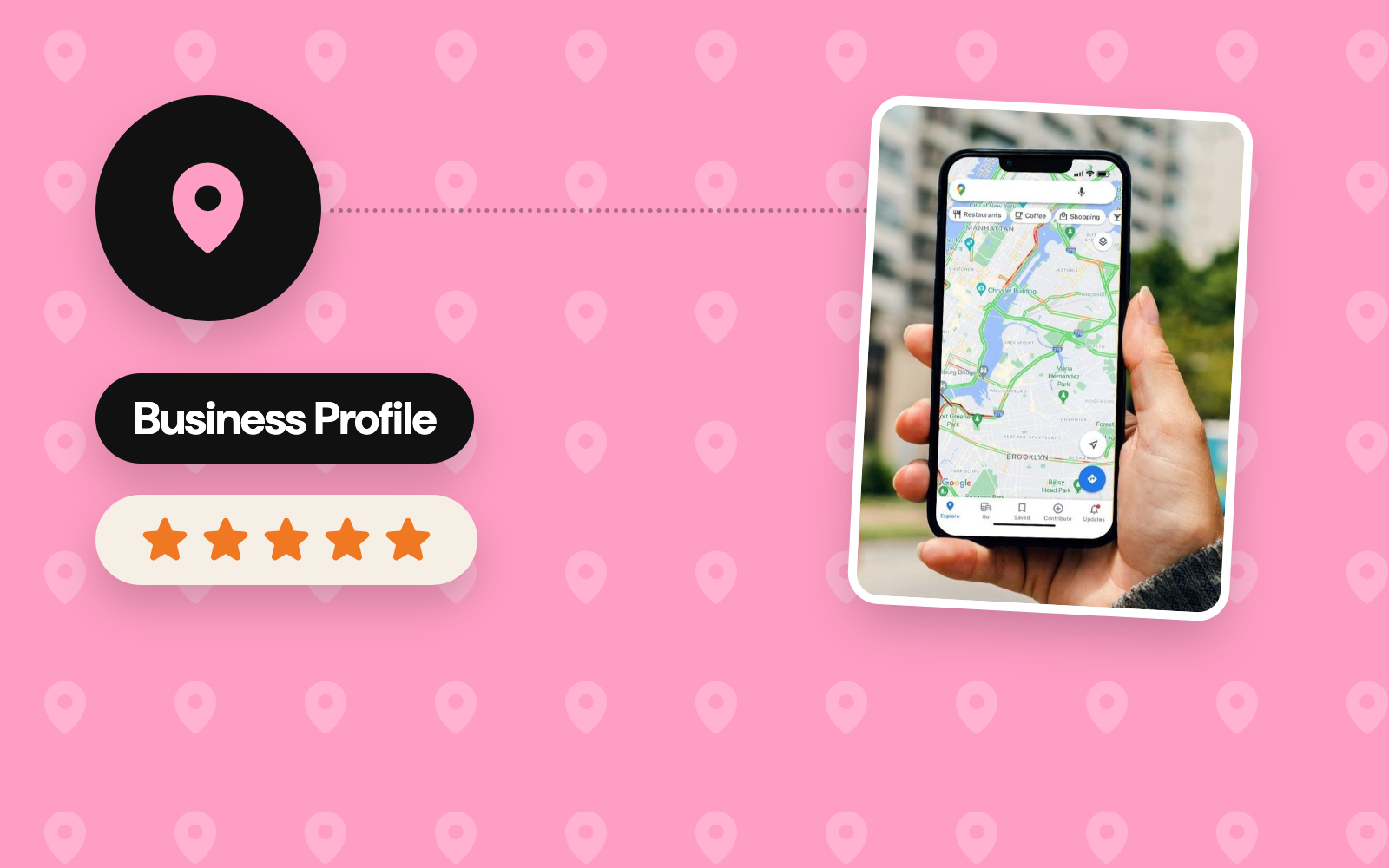
Search for a pharmacy, a printer or a mechanic on a phone and Google answers with a map and a short list of businesses, above the websites. That list comes from Google Business Profiles, and the businesses in it get the calls, the direction requests and the visits. A profile is free to set up; what it earns depends on how complete and how active it is.
How Google picks the businesses it shows
Google names three factors for local results (Google Business Profile Help):
| Factor | What it means | What you control |
|---|---|---|
| Relevance | How well a profile matches the search | Categories, services, products and a description in the words customers search with |
| Distance | How far the business is from the person searching, or from the place named in the search | The exact address, or service areas for a business that travels to its customers |
| Prominence | How well known the business is, online and off | Reviews and ratings, links from other websites and mentions across the web |
Places on the map are earned this way alone; paid ads appear in their own slots, labelled as sponsored.
Set up the profile completely
- Claim and verify. Create the profile at business.google.com, or claim the one Google built from public data, then verify it by the method Google offers, often a short video of the premises. Verified profiles are more likely to show in results.
- Name, address and phone. The name as it reads on the signboard, the full address customers can visit, and a phone number that gets answered. A business that visits its customers can keep its address private and list service areas.
- Categories. One primary category that names the business precisely, such as "Printing service" or "Hardware store", then secondary categories for the rest of what it does.
- Hours. Regular hours, plus special hours for holidays, so every visitor arrives during opening time.
- Description, services and products. Up to 750 characters on what the business does and who it serves, then each service or product, with a price where possible.
- Attributes. Details such as parking, Wi-Fi, accessibility and payment options.
Photos of the real place
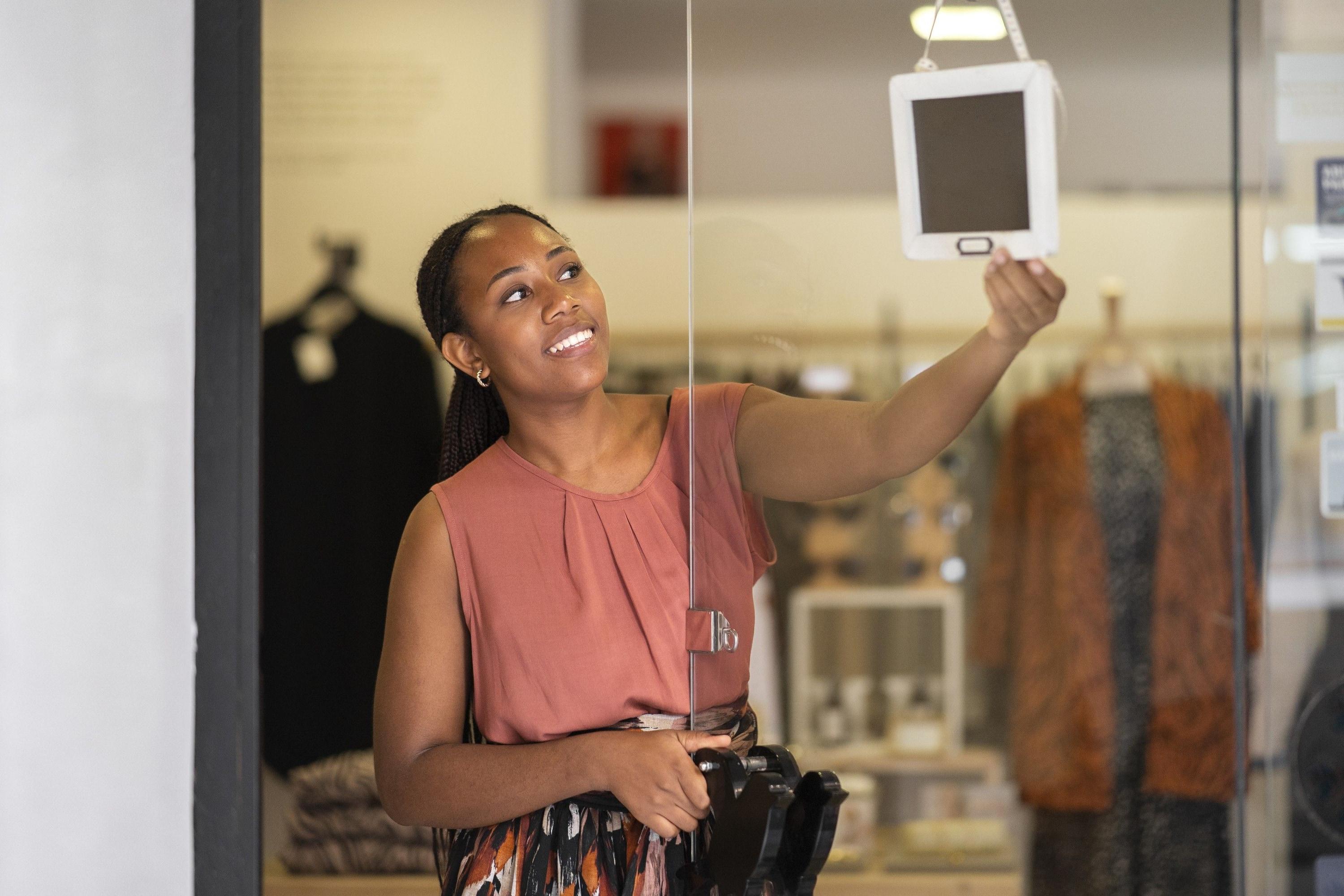
People judge a place by its photos before they visit. Upload a logo and a cover photo, then pictures of the outside so visitors recognise the entrance, the inside, the team and the products. Google asks for real, well-lit photos: JPG or PNG, between 10 KB and 5 MB, at 720 × 720 pixels or more (photo guidelines).


Reviews: ask every customer, answer every review
Reviews feed prominence, and they are the first thing many people read. A steady flow beats a burst: ask every customer after the job, with a short review link or a QR code at the till and on receipts, and reply to each review, critical ones included, calmly and with a fix.
Keep the profile active
- Posts: offers, events and updates, published from the profile.
- Photos: new stock, finished work and the seasons, added through the year.
- Hours: updated for holidays and changes before they happen.
- Products and services: prices and availability kept current.
The profile’s performance view shows how people found the business: the searches it appeared in, calls, direction requests and website clicks, month by month.
Make the website agree
Google cross-checks a profile against the rest of the web. The name, address and phone number should read the same on the website, social pages and directories, and a location page on the website, with the address, a map and the opening hours, gives search engines one clear source. Search Console then shows which local searches bring visitors to that page.
- Google MapsBusiness Profile
- Search Consolelocal searches
- Google Analyticsvisits from the profile
A checklist for this week
- Profile claimed and verified
- Primary category set, secondary categories added
- Name, address and phone identical on the profile, the website and social pages
- Regular and holiday hours entered
- Description, services and products filled in
- Logo, cover and real photos of the outside, the inside, the team and the products
- A review link or QR code at the till and on receipts
- Every review answered
We set up and run profiles through Local SEO & Google Maps.
WordPress & SEOWordPress and WooCommerce sites that are easy to edit, kept fast and secure, and found on Google and Maps.Sources
- Published
- Author
- Booban Net.
- Category
- WordPress & SEO
- Service
- Local SEO & Google Maps