Start with the job, then the model
Ten laptops for an office is a different purchase from one laptop for yourself. The spec has to last three years, the warranty has to cover a machine that fails in month fourteen, and the setup has to be the same on every desk. This guide lists what to check before the order goes in.
Business line or consumer line
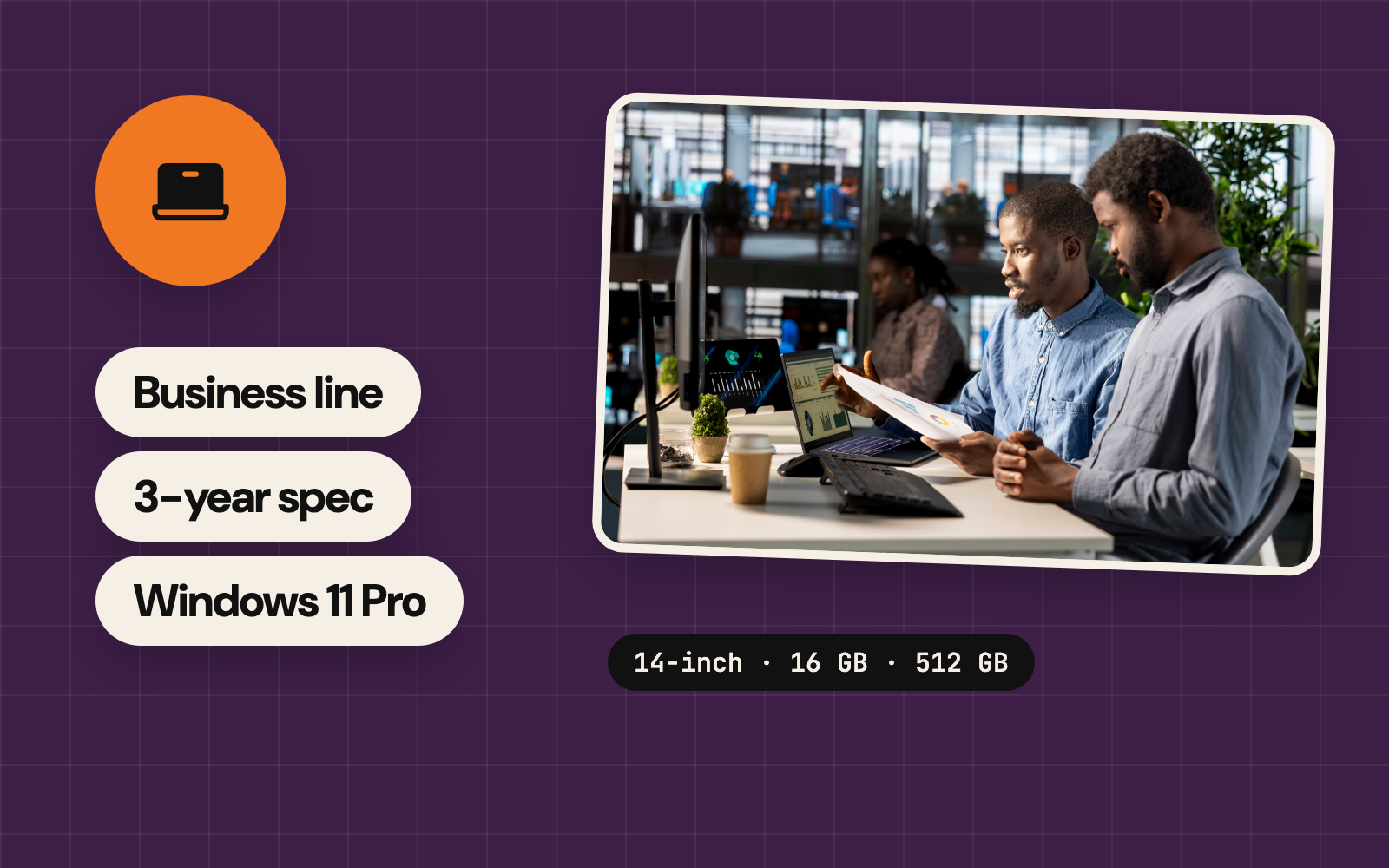
Every maker sells two ranges. The consumer range (HP Pavilion, Dell Inspiron, Lenovo IdeaPad) is cheaper on the day. The business range (HP ProBook and EliteBook, Dell Latitude, Lenovo ThinkPad) brings a longer warranty, a spill-resistant keyboard, a TPM security chip, docking support and parts that stay available for years. Over three years the business range costs less, because fewer machines fail and the ones that do get fixed under warranty.
The spec that lasts three years
- 16 GB of memory: on most thin laptops the memory is soldered to the board, so the amount you order is the amount you keep
- A 512 GB SSD: files, updates and a few years of use fill 256 GB fast; 512 GB keeps the machine usable
- A current processor: a 13th-generation Intel Core or newer, or a Ryzen 5 7000-series or newer, keeps up with video calls and browser tabs
- Battery and screen by role: a 50 Wh battery or larger for staff who move; a 15.6-inch screen with a number pad for finance and admin; 14-inch for everyone else
- USB-C charging: one charger model serves the whole fleet, and spares are cheap
- TPM 2.0: switched on in the BIOS on every unit, since Windows 11 depends on it
| Role | Spec | Example |
|---|---|---|
| Admin and sales | 14-inch, 16 GB, 512 GB | HP ProBook 440, Dell Latitude 5440 |
| Finance | 15.6-inch with number pad, 16 GB, 512 GB | HP ProBook 450, Lenovo ThinkPad E16 |
| Design and video | 16-inch or MacBook, 32 GB, 1 TB | MacBook Pro, Dell Precision 3590 |
| Front desk | Desktop or mini PC with a 24-inch monitor | HP ProDesk Mini, Dell OptiPlex Micro |
Windows 11 Pro on every machine that joins your network
Windows 10 has reached the end of its support, so every new machine runs Windows 11. The Home edition suits one person at home. Pro adds the parts an office uses: BitLocker drive encryption, joining a company domain or Microsoft Entra, Remote Desktop into the machine, and central policies. Ordering Pro costs less than upgrading each unit later. Teams on Apple hardware get the same through macOS and a device manager.
Warranty, and what happens when one breaks
Business laptops ship with one year of warranty, and three years is a line item on the quote. Read what the warranty covers: next-business-day onsite means a technician comes to the office; carry-in means the machine travels to a service centre, often for a week. Each unit needs its own proof of purchase with its serial number, because a warranty claim starts with both. Keep one spare machine for every twenty in use, set up and ready, so a failure costs an hour instead of a week.
Ordering and rollout
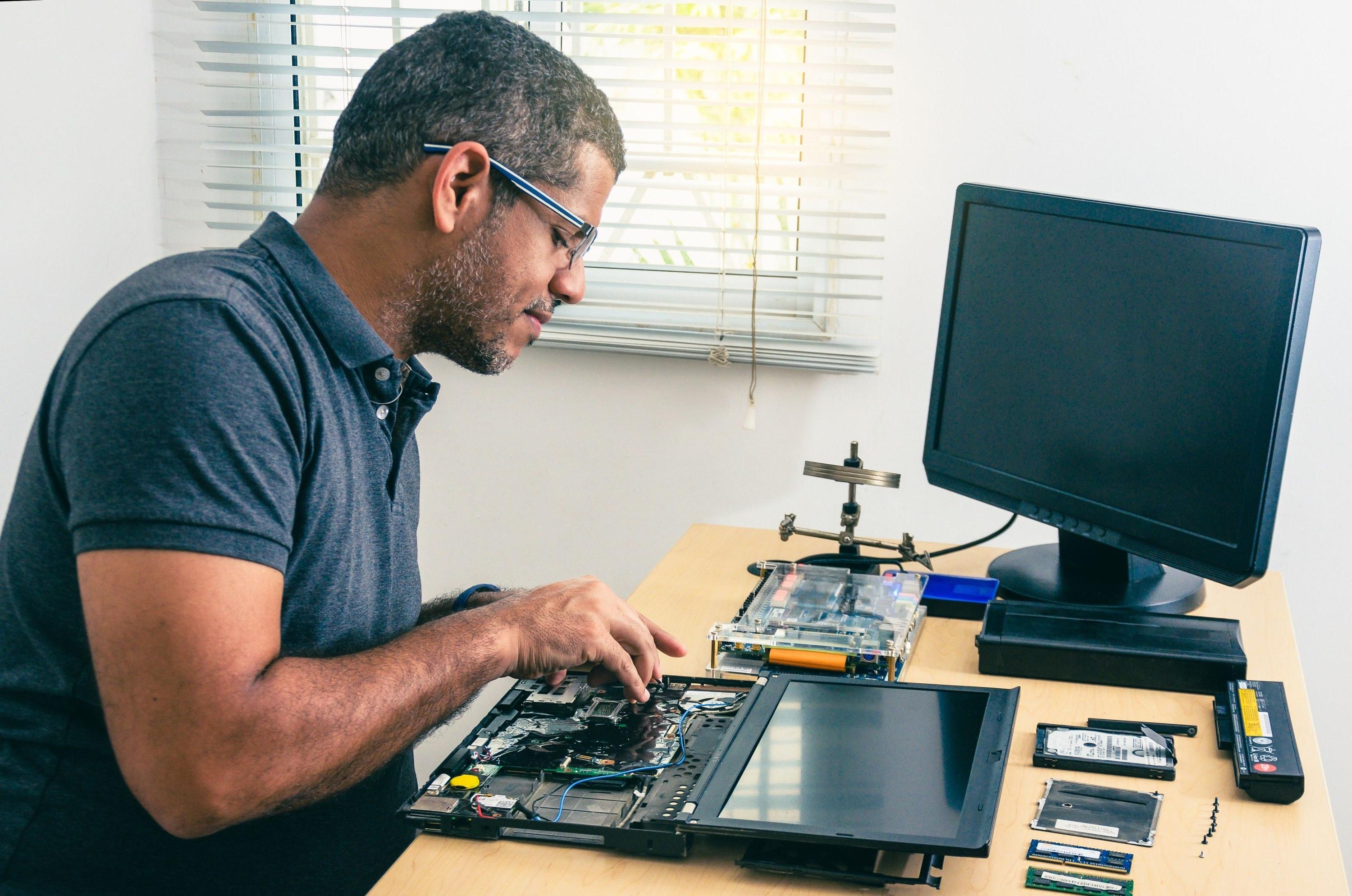
- One model per role: two or three models per fleet, so drivers, chargers, docks and spares are shared
- Sealed, with a tally: the supplier opens each box, and a sealed unit with a factory seal is the unit you pay for
- A standard setup on every unit: user accounts, antivirus, backup, printers and the office Wi-Fi, done before the handover
- Asset tags: a numbered tag on each machine and a sheet matching tags to serial numbers and people
- Staggered delivery: ten this month and ten next keeps the setup team ahead of the deliveries
- The old fleet: old machines come back for wiping before they leave the building

New or refurbished?
Refurbished business laptops from a maker’s own programme come with a warranty and cost about a third less. Open-market refurbished units come as they are, so the saving lasts until the first failure.
How many spares?
One for every twenty machines, set up and kept in a drawer. A fleet under twenty still needs one.
Laptop or desktop?
Desktops and mini PCs cost less, last longer and are easier to service, so a fixed desk gets one. Laptops go to the people who move between desks, sites and home.
Sources
- Published
- Author
- Booban Net.
- Category
- Equipments & Supplies
- Service
- Computers & devices